Capstone Studio I & II (IMA NYU, Fall 2020 – Spring 2026)
IMA Capstone is a course that allows students to focus independently on a project that integrates the concepts and technical skills learned in courses offered through the IMA/B programs. Students research, design and create their project with the guidance and supervision of Faculty Advisors. IMA Capstone takes place over two semesters and requires the completion of two main assignments: a Graduate Research Paper (due in the Fall), and a Practical Media Project (due in the Spring).
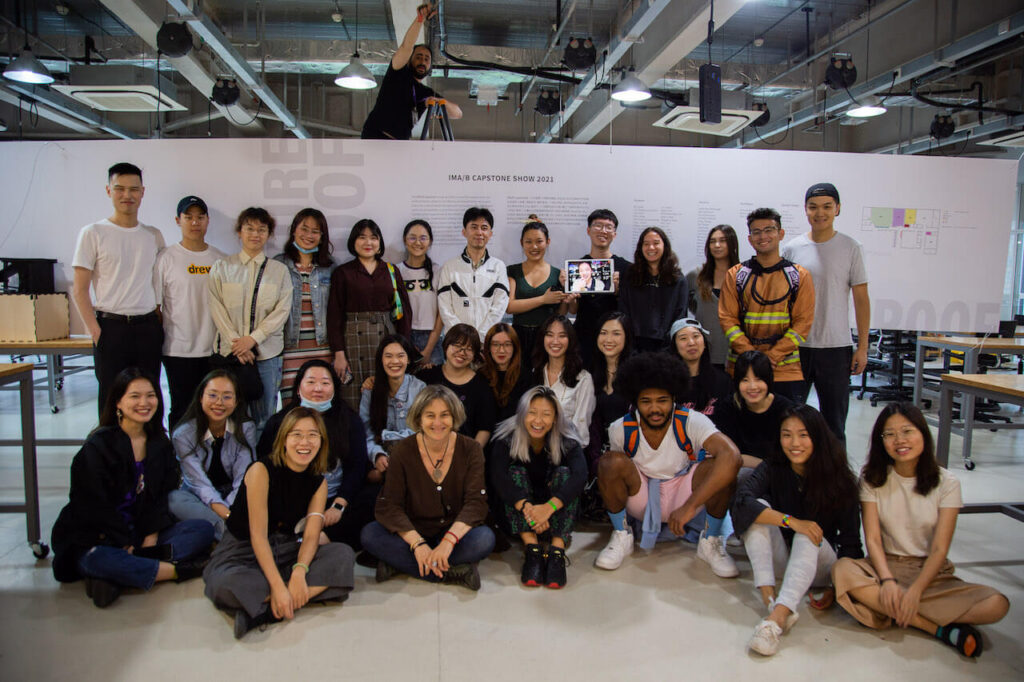
The final outputs are presented during the Capstone Show. Main rationale for the show is to provide students the opportunity to share their works to the public, and demonstrate the level of rigor and sophistication these include both in concept and technical facilitation.
Collection of Workshops & Resources
Developed by Stavros Didakis (PhD, AFHEA, MA, BSc)
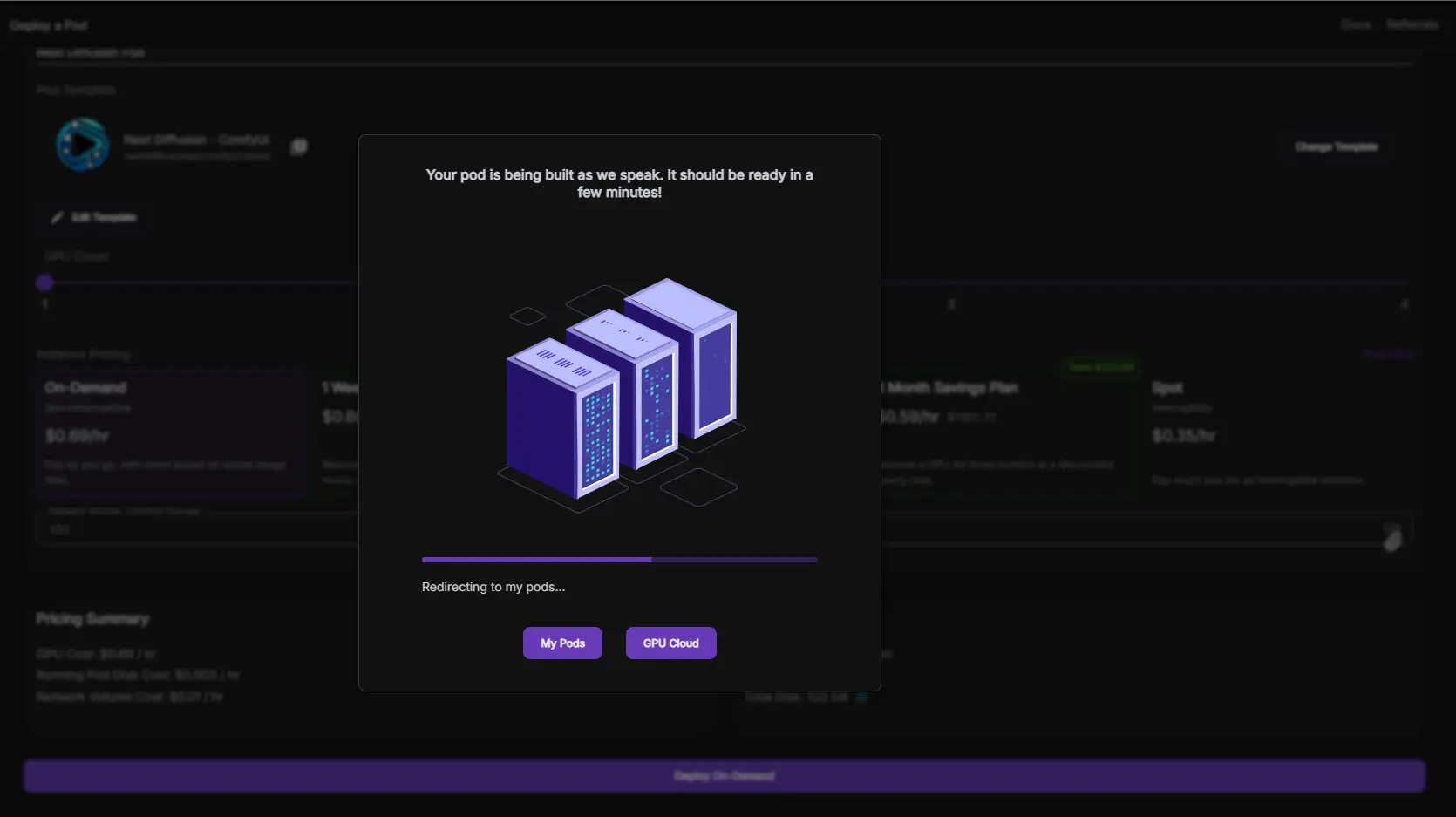
In RunPod, you can set up your custom machine learning, generative AI, or ComfyUI projects. Below are the commands used in this tutorial (for easier copy-pasting during setup).
1️⃣ Set Up Storage Space
Allocate 100GB of storage before creating the pod.
2️⃣ Create a New Pod
Attach Storage: When deploying a pod, add your storage space (this option appears at the top of the Deploy GPU Pod page).
Select a GPU: A GPU costing around $0.5/hour (with at least 20GB VRAM) should be sufficient for generative video tasks.
Choose a Template:
Select RunPod Pytorch 2.1.
Click Edit Template, then under Expose HTTP Ports, add:
8888,8188
3️⃣ Set Up the Environment
Once the pod is set up and ready, go to Connect → Jupyter Lab and follow these steps:
cd custom_nodes/
git clone https://github.com/ltdrdata/ComfyUI-Manager.git
cd ComfyUI-Manager
pip install -r requirements.txt
cd ../..
Download a Model Checkpoint:
cd models/checkpoints/
wget -O dreamshaper8LCM.safetensors "https://civitai.com/api/download/models/252914?type=Model&format=SafeTensor&size=pruned&fp=fp16"
cd ../..
Run ComfyUI:
python3 main.py --listen
4️⃣ Access ComfyUI
Go back to your pod, click Connect, then select HTTP Service.
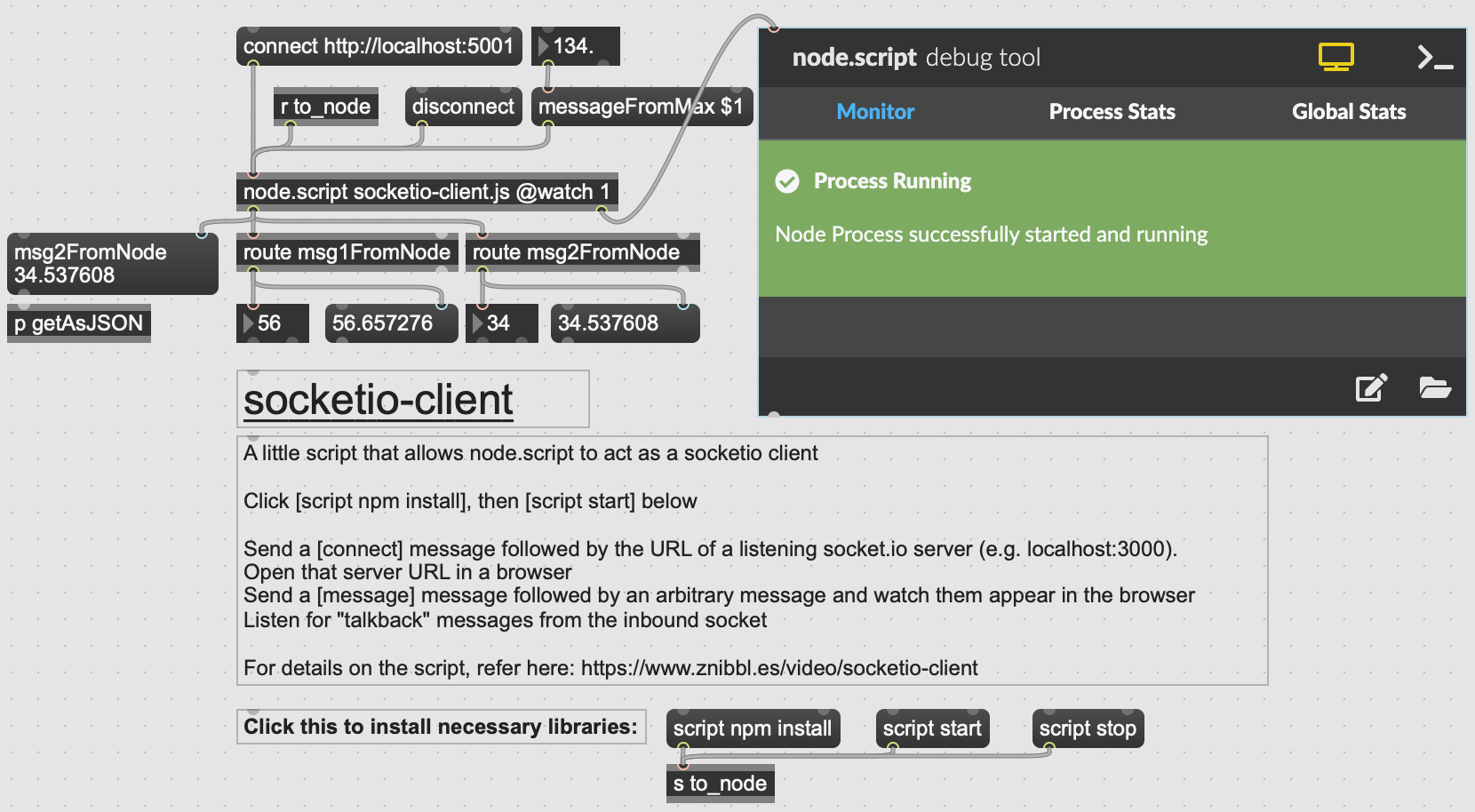
In this example, we develop a communication system between Node.js and Max.
To run this project, start the NodeJS server:
cd <NodeJS-folder>
npm install
npm start
The code will execute a server on the localhost and port 5001. There are two variables with randomly generated numbers every 3 seconds. These are sent to Max, where they are extracted using the same topic name (i.e. msg1FromNode).
In Max, we open the file socketio-client.maxpat. From here, we need to execute
script npm install
script npm start
and click to “connect http://localhost:5001”.
If successful, we will be able to see the random numbers coming out of the route objects. Finally, we can send a message from Max to Node by controlling the number connected to the messageFromMax $1.
2_NodeMaxMQTT
This example extends the previous one by adding MQTT functionality to the Node.js server.
Follow the same install instructions as in the previous example. To use your own MQTT server, you need to add your MQTT broker URL (in this case HiveMQ is used), together with your username and password. If set correctly, you will be able to receive in Max messages from an MQTT broker (on a chosen topic), and also to send data from Max to an MQTT broker as well.
//MQTT settings
  const clientMQTTID = Math.random().toString(16).slice(3);
  const options = {
    username: '{replace here}',
    password: '{replace here}',
    clientMQTT: clientMQTTID
  };

  //Connect to a HiveMQ Cluster. Insert your own host name and port
  const clientMQTT = mqtt.connect('tls://{replace here}.s1.eu.hivemq.cloud:8883', options);
  //Topics for MQTT
  const inTopic = "/inTopic/";
  const outTopic = "/outTopic/";
A playground of language that reinvents how to interact with text.
Literature Review Prototypes
In this exercise you will use ChatGPT (or any other LLM of your choice) as a scaffolding tool to build a working prototype of your literature review. A prototype here means a structured, provisional model of the review that exposes its shape (how sections connect), scope (what belongs in or out), and evidence/argumentation plan (which claims require which sources). The LLM helps you externalize the outline quickly, enumerate possible arguments, and generate targeted texts for reading and reflection.
Please be aware that the LLM does not supply the scholarship: your research, analysis, note-taking, and source selection are the essence of the work.
Use the model to pressure-test structure, compare frameworks, and spot gaps or weak links. Treat any generated text as a disposable draft that helps you think, and not use it as a ready-made for your final submission.
🎯 Outcomes by end of the session:
A 10-paragraph outline that positions your topic within IMA and proposes a clear analytical framework (themes, debates, criteria, methods, contexts).
Three paragraphs (out of the 10) fully written/developed with your own sources (citations + at least one page-numbered quote across those three).
Steps to Follow
1. Set scope (10 minutes)
List lines of inquiry that match your needs, such as: historical/theoretical; methods/technologies; practice/production; sociocultural/ethical; debates/tensions.
Scope-setting options >>>
Here are some examples that you can consider for setting your scope and lines of inquiry; select those that apply in your case:
Scope & main definitions
What body of work are you reviewing? (domains, years, media)
Define/explain key terms you’ll use consistently.
Historical lineage / genealogy
Brief arc from early precedents (Happenings, cybernetics, HCI) to today.
Identify pivotal shifts (sensor tech, internet art, XR, ML).
Conceptual frameworks
The theories you’ll use to read the works (e.g., embodiment, systems theory, posthumanism, etc).
Define each framework and explain why it matters here; provide key references.
Typology / terrain mapping
Group the literature by approach: interaction modes, modalities, sites, or intents.
Groups may link to: Interaction Modes (Reactive: fixed mapping; Responsive: parameterized mapping; Adaptive: system updates internal state; Co-creative: system generates new material with human as partner), Intent (Experiential-aesthetic: sensation, form, affect; Critical-speculative: questions about tech/society; Utilitarian/prototyping: tool or workflow claims; Participatory/social: community processes), or any other that aligns with your aims.
Design / Production Practices
Describe workflows and compositional strategies: sensing/mapping/feedback loops, dramaturgy/storyworlds, prototyping/iteration cycles, collaboration roles, and documentation practices.
Aesthetic & experiential analysis
What kinds of experiences/artifacts are produced? How are they composed?
Formal elements (sensing, feedback, visual/sonic grammars).
Where claims overreach (small samples, novelty bias)?
Synthesis & implications
Pull main strands together: “Given X, Y, Z, the literature suggests…”
State how your capstone positions itself (builds, tests, critiques, extends).
Run the prompt below to generate a template based on your lines of inquiry.
Main Prompt (for LLM)
You are an academic writing assistant. Create a literature-review template for {TOPIC} suitable for an Interactive Media Arts Capstone.
Strict requirements:
Begin with a brief contextualization paragraph that informs about the main areas related to the theme/proposal/title.
Total length target: 1,000–1,500 words (10 paragraphs × 100–150 words each).
Each paragraph must specify its purpose, the kind of evidence to use (1–2 citations), and a short critique/reflection prompt.
End with a short checklist aligned to: relate to texts in detail; demonstrate understanding; persuasive argumentation; original thought; engaging style; proper citations/formatting; academic integrity.
Paragraph plan (you may use these headings or change according to preference, and provide 2–4 guiding bullet points under each topic):
{ Contextualization — Main Areas of the Topic }
{ Theme A — Historical/Theoretical Through-line }
{ Theme B — Conceptual Frameworks }
{ Theme C — Design/Production Practices }
{ Theme D — Sociocultural/Political/Ethical Perspectives }
{ Debate 1 — Competing Positions }
{ Debate 2 — Ethical Dilemmas }
{ Framework Confrontation — Theories/Models in Conflict }
{ Comparative Micro-Review — 3–4 Works Under Shared Criteria }
{ Field Synthesis — Known, Contested, Missing }
For each paragraph, include:
A one-sentence purpose (what the paragraph argues).
What to cite (1–2 source types/examples).
A critique/reflection prompt (what to question or compare).
After the 10 paragraphs, add:
Citation & Formatting reminder (MLA/Chicago; ≥5 direct quotes with page numbers; full bibliography).
Mini-Checklist matching the assignment (relate to texts, understanding, persuasive argumentation, originality/synthesis, style/formatting, integrity).
Output only the template (no meta commentary, no visuals). Use clear, student-friendly language.
2. Identify sources to replace placeholders (10 minutes)
Select ~5 scholarly items you’ve already researched and documented (journal articles, book chapters, monographs) that you are going to cite in your first 3 paragraphs of your literature review.
For each one of these three first paragraphs, insert 1–2 citations that match the content accordingly.
3. Draft three fully-developed paragraphs (20 minutes)
Review your three paragraphs and rewrite using your own voice/style/reflections/critique.
Optional: Add one brief, page-numbered quote to at least one of your first three paragraphs.
Avoid these common pitfalls ⚠️
Cataloging projects without argument (“museum tour” problem).
Outcome-seeking bias / Promotional framing: conclusions read like advocacy (not analysis), lacking counter-evidence and transparent methodology.
Technology fetishism (tool lists without why/how they matter).
Uncritical borrowing of terms (name-dropping), e.g., “immersion,” “agentic AI” without definition/explanation.
Overgeneralizing from single case studies.
🚫 Academic integrity and ownership: Keep a log of sources, quotes, and reading materials. Attribute all language you keep verbatim. Paraphrase responsibly and always reference the originals. Do not submit any AI-generated text as is for Midterms. The final submission needs to reflect your own personal research and writing style/tone.
4. Appendix: Example
Cybernetics & Architecture
¶1. Contextualization — Main Areas of the Topic
Cybernetics enters architecture through feedback, control, and communication theories, shaping design as an adaptive process rather than a static artifact. Early “first-order” cybernetics framed buildings as controllable systems (environmental regulation, optimization), while “second-order” cybernetics reframed designers and users as participants within conversational loops. This literature splits across four strands: historical/theoretical roots, methodological translations (simulation, control, computation), practice-based experiments in responsive environments, and sociopolitical critiques of control/participation. Together, these strands show how cybernetics shifted attention from form to behavior, from objects to systems, and from authorship to interaction—yet with persistent tensions over who sets goals and who gets to intervene. (Wiener 1961; Pickering 2010)
¶2. Theme A — Historical/Theoretical Through-line
Foundational texts codified feedback as the hinge between sensing and actuation. Wiener’s formulation linked regulation to communication, making environmental control an informational problem; later, Banham positioned mechanical services as the real architecture of comfort, indicating a behavioral turn. Von Foerster’s second-order perspective emphasized observers’ participation, setting the stage for Pask’s conversational models in design education and interactive installations. The theoretical arc thus moves from regulation and stability toward reflexivity and emergence. However, the literature sometimes reads linear progress into what were parallel, contested agendas; early environmental control and later participatory cybernetics often coexisted rather than replaced one another. (Wiener 1961; Banham 1969; von Foerster 2003; Pask 1976)
¶3. Theme B — Methods/Materials/Media
Methodologically, cybernetics translated into architecture via simulation (control theory, systems dynamics), computational representation (rule-based/algorithmic models), and prototyping of sensor-actuator assemblies. Negroponte framed “architecture machines” as learning partners, foreshadowing interactive, user-steered environments; Frazer’s evolutionary methods operationalized selection and feedback in generative design. While these methods foreground adaptability, they also privilege what is easily measurable, risking reductive performance metrics. Method choice therefore conditions what counts as success: control-theoretic simulations reward stability and set-point tracking, whereas evolutionary/learning approaches value exploration and responsiveness. (Negroponte 1970; Frazer 1995)
¶4. Theme C — Design/Production Practices
Practice narratives often center on prototypes and living laboratories: Price’s Fun Palace and Generator leveraged open frameworks and decision-support systems; Archigram imagined infrastructural plug-ins and movable parts; Habraken’s “Supports” prefigured user reconfiguration. Contemporary responsive environments extend this lineage with embedded sensing and soft-robotic façades that adapt to occupants and climate. Yet many projects stall at demonstrators: technical brittleness, maintenance costs, and governance questions limit real uptake. The most durable adoptions appear in building services and BMS layers, where cybernetic control integrates quietly into operation rather than spectacle. (Mathews 2005; Habraken 1972)
¶5. Theme D — Sociocultural/Political/Ethical Perspectives
Cybernetics’ promise of adaptivity intersects with politics of participation and control. Beer’s Cybersyn surfaces the double edge of real-time governance: feedback can democratize decision-making or centralize power through dashboards and alerts. In architecture, similar tensions appear when optimization replaces deliberation; what is framed as “user-centered” may be designer- or client-centered in practice. Ethical issues cluster around transparency (who sets objectives), accountability (who is responsible for automated actions), and labor (who operates/maintains complex systems). Critical studies caution that seamless regulation can mask value choices and exclusions baked into sensors, models, and thresholds. (Beer 1972; Medina 2011)
¶6. Debate 1 — Control vs. Participation
One camp advances closed-loop control for comfort, energy, and safety, emphasizing reliability and measurable targets; another foregrounds participatory, conversational environments where occupants co-steer outcomes. The former excels in life-safety and energy domains; the latter supports learning, appropriation, and plural values. The live dispute is whether participation is an add-on UI over fixed goals or a restructuring of goals through ongoing dialogue. The strongest literature indicates that participation without reconfigurable objectives is cosmetic, while pure control suppresses situated knowledge; hybrid arrangements align operational loops with social loops. (Banham 1969; Pask 1969)
¶7. Debate 2 — Optimization vs. Emergence
Optimization literature pursues performance maxima (e.g., minimizing energy), whereas emergence-oriented work values open-ended behaviors that can’t be pre-specified. Optimization offers clarity and verifiability but can narrow design space; emergence fosters discovery but risks indeterminacy and governance headaches. Several authors advocate multi-objective formulations with soft constraints and human-in-the-loop steering, retaining accountability while leaving room for novelty. The debate hinges on time horizons: optimization dominates commissioning/operation; emergent frameworks are strongest in ideation, education, and adaptive public programs. (Frazer 1995; Negroponte 1975)
¶8. Framework Confrontation — First- vs. Second-Order Cybernetics
Readings of built environments diverge depending on cybernetic lens. First-order frameworks treat buildings as plants to be regulated via sensing and actuation; success equals stability around targets. Second-order frameworks treat designers and occupants as observers inside the system, shifting evaluation toward reflexivity, learning, and conversation. Applying both to the same case shows different failure modes: in first-order terms, drift from set-points; in second-order terms, foreclosure of new meanings and practices. Productive hybrids stage nested loops: robust low-level regulation with higher-level conversational adaptation. (von Foerster 2003; Pask 1976)
¶9. Comparative Micro-Review — Four Representative Works under Shared Criteria
Using criteria—adaptivity, transparency of goals, user agency, operational robustness—we can contrast: Price’s Generator (high agency/adaptivity, low long-term robustness), Negroponte’s Architecture Machine (high agency/transparency in prototypes, limited building-scale translation), Frazer’s Evolutionary Architecture (high adaptivity, variable transparency), and building management systems (high robustness, low explicit agency). The pattern suggests that as robustness rises, explicit user agency often declines unless governance and interface design are co-developed. Literature that pairs technical papers with ethnographies of use best captures these trade-offs. (Mathews 2005; Frazer 1995; Negroponte 1970)
¶10. Field Synthesis — Known, Contested, Missing
The literature converges on three claims: feedback reorients architecture toward behavior; methods shape what “good” means; and governance determines whether adaptivity empowers or disciplines. Still contested are the relative weight of optimization vs. emergence and the practical extent of participation beyond token interfaces. Missing are longitudinal studies of responsive systems in everyday operation, comparative evaluations that mix performance metrics with ethnography, and open governance protocols for goal-setting and modification. Advancing the field likely requires layered control-plus-conversation, transparent objectives, and evaluative rubrics that combine energy, comfort, and situated agency. (Pickering 2010; Medina 2011)
References (author–date, indicative)
Banham, Reyner. 1969. The Architecture of the Well-Tempered Environment.
Beer, Stafford. 1972. Brain of the Firm.
Frazer, John. 1995. An Evolutionary Architecture.
Habraken, N. J. 1972. Supports: An Alternative to Mass Housing.
Mathews, Stanley. 2005. “The Fun Palace: Cedric Price’s Experiment in Architecture and Technology.” Techniques & Architecture.
Medina, Eden. 2011. Cybernetic Revolutionaries: Technology and Politics in Allende’s Chile.
Negroponte, Nicholas. 1970. The Architecture Machine. (see also 1975 Soft Architecture Machines).
Pask, Gordon. 1969. “The Architectural Relevance of Cybernetics.” Architectural Design. (see also 1976 Conversation Theory).
Pickering, Andrew. 2010. The Cybernetic Brain: Sketches of Another Future.
von Foerster, Heinz. 2003. Understanding Understanding.
Wiener, Norbert. 1961. Cybernetics: Or Control and Communication in the Animal and the Machine (2nd ed.).
Accessing Technical Capacity
Expectations
A strong Capstone emerges from consistency and focus. Building expertise in a subject requires continuous iterations, rigorous research, and committed practice. The quality of your work will be reflected in the depth you achieve and in the clarity of the connections you make between theory and practice.
Discussion
Share a project description on the topic of “AI & Creativity”
Putting Theory Into Practice
A major advantage in Interactive Media Arts is that we have the freedom to define the toolsets that we want to work with for the development of our projects. There is NO RIGHT tool for expressing a concept (only right/wrong implementation methods). Actually, it is encouraged to find novel and creative ways for expressing your concept using even unorthodox combinations. For example:
You can make a super engaging game with mundane physical objects and a combo of sensors and actuators.
A study of body and identity might lead to a VR experience, where participants inhabit shifting avatars generated from their own biometric data.
An essay about memory and archives could take the form of a sound-based installation, where visitors trigger hidden recordings by walking through a space.
A critique of capitalism and consumption becomes an interactive vending machine that dispenses not products but fragments of critical texts or absurd alternatives.
Artists and creative practitioners often approach an issue (whether social, environmental, political, or cultural) from multiple angles, using their own voice/perspective. A single concern can be investigated across different media and formats. This multiplicity is not a weakness, a lack of clarity, or simple laziness, but rather evidence of the richness of creative practice. What matters the most is not finding the “perfect” medium, but understanding how your unique perspective reframes the concern or topic, and how your chosen medium shapes the way audiences experience, question, and respond to it.
Critical Readings to Speculative Prototypes After a critical reading, write a “what if” question: What if surveillance capitalism infiltrated domestic rituals?
From Writing to Interaction Models Take a key argument from a research paper and rewrite it as a flow diagram of human-computer interaction (who acts, who responds, where feedback occurs).
Case Studies & Artistic Interventions Read about an artist or project from media theory/art history; then, iIdentify a gap or critique and make an intervention. For example, if Nam June Paik explored media saturation, how can we frame TikTok saturation today?
Theory Translates to Materials/Media Experiment with translations of your key concepts into specific material or media forms: for example, concepts such as machinic, intimacy, life online converts to actuators, cables, and a red leather heart >>> [case study].
Ecological & Social Theories As Participatory Systems If the theory focus on networks, communities, or ecologies, one translation method might be to design a system where participants themselves enact the theory. For example (a) your interactive system asks multiple visitors to compete or collaborate, (b) your game makes ecological imbalance playable, or (c) an IoT installation reveals dependencies of everyday actions.
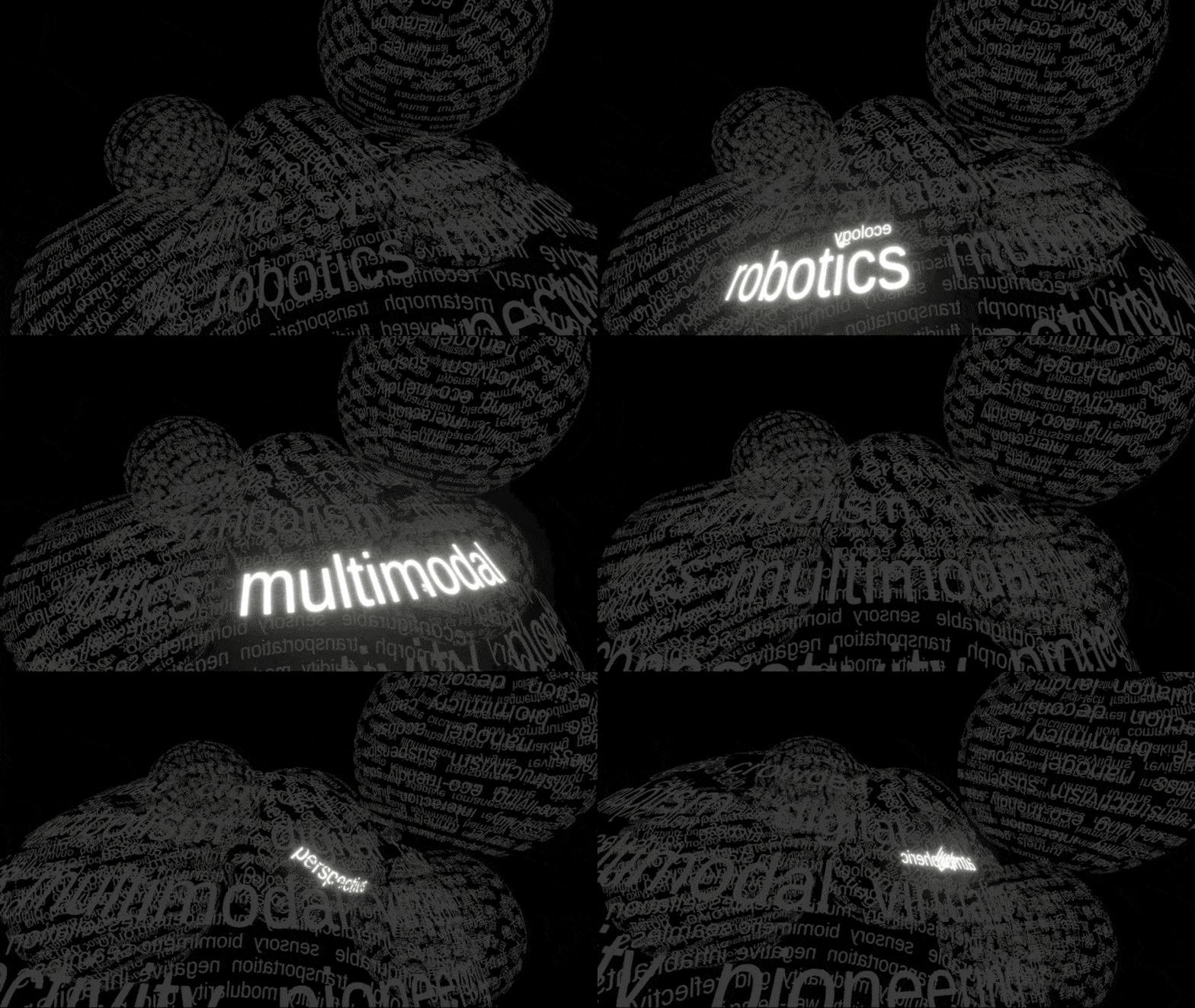
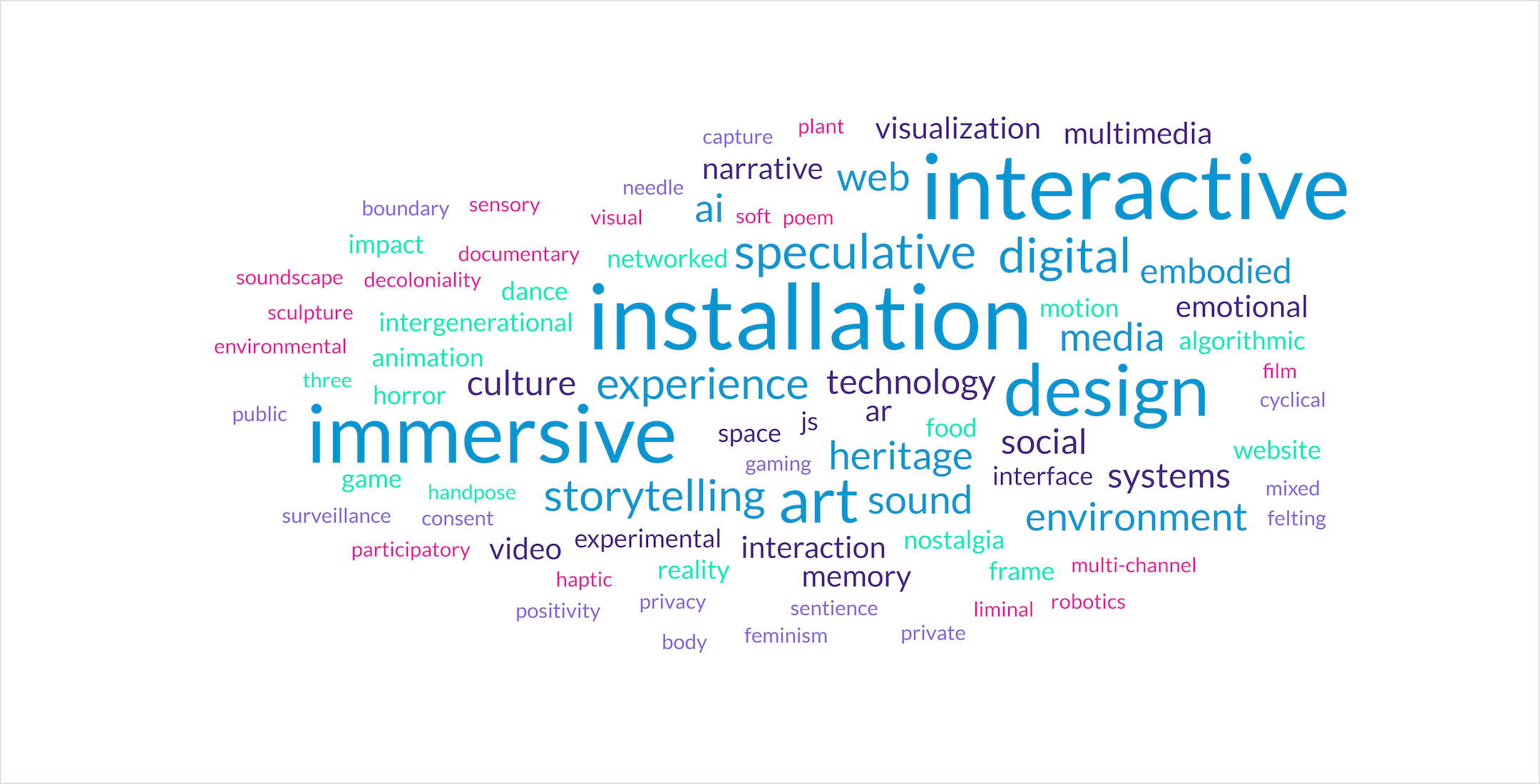
Wordcloud: Keywords extracted from Capstone S25 projects
Review: Capstone Projects (Two Past Case Studies)
Xiaoyan Kong – “Partings & Togetherness, Memory & Loss”
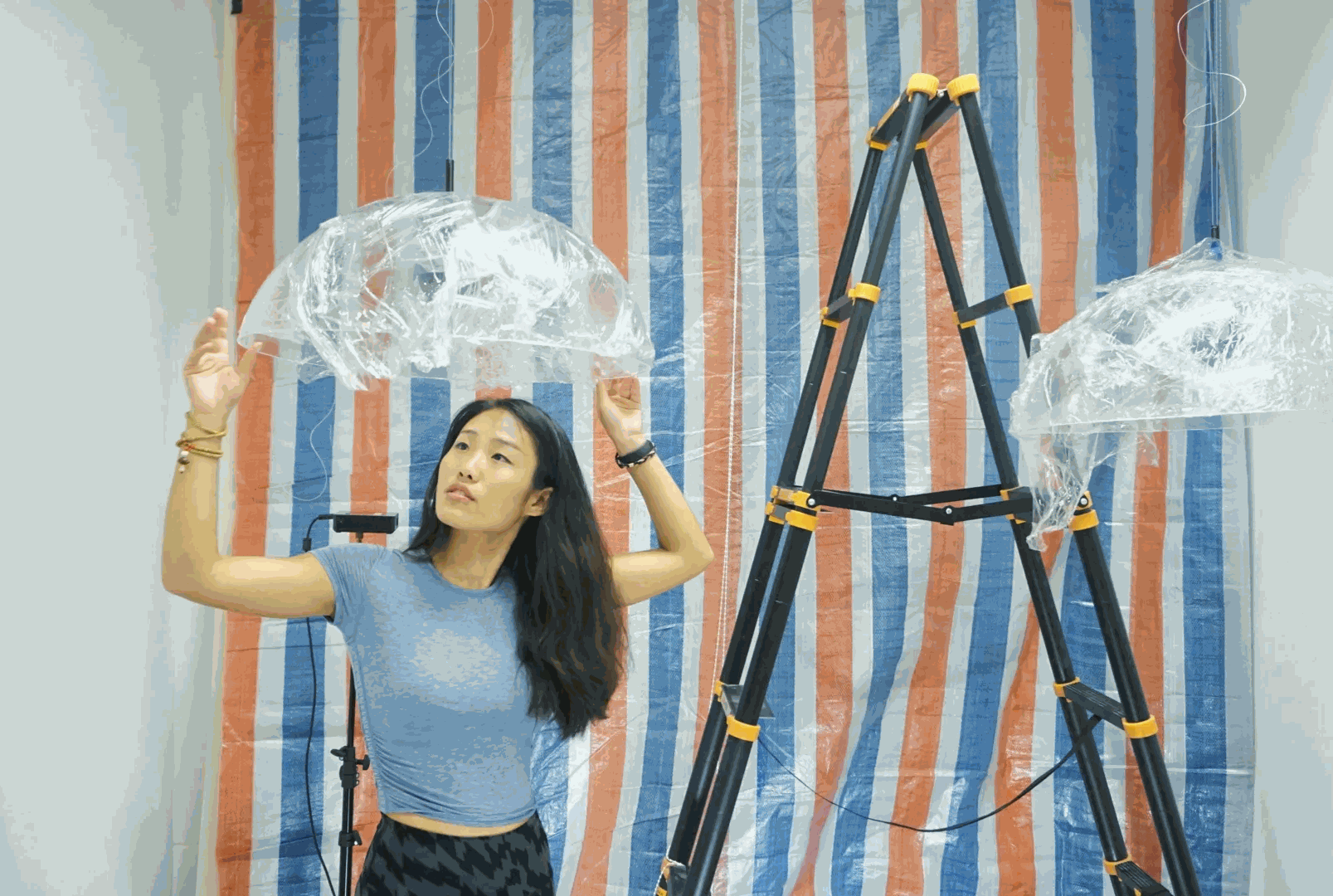
The project examines the intertwined experiences of “left-behind children” and “migrant workers’ children” in China through a deeply personal lens. Xiaoyan, who grew up in Shanghai as the child of migrant workers, contrasts her own memories with those of her older sister who was left behind in the family’s village in Anhui. Building on intimate conversations with the sister and additional interviews with other sibling pairs from the hometown, the project gathers recurring motifs and symbolic elements that express shared feelings of absence, reunion, and loss. Unlike much existing research, which treats the two groups separately in relation to education, policy, and parenting, this work emphasizes the lived, emotional dimensions of their overlap. Through the uses of media projections and associated props, the installation creates an atmosphere that allows audiences to engage with the layered affects of displacement, belonging, and the social transformations shaping contemporary childhood in rural and urban China.
Technical Analysis:
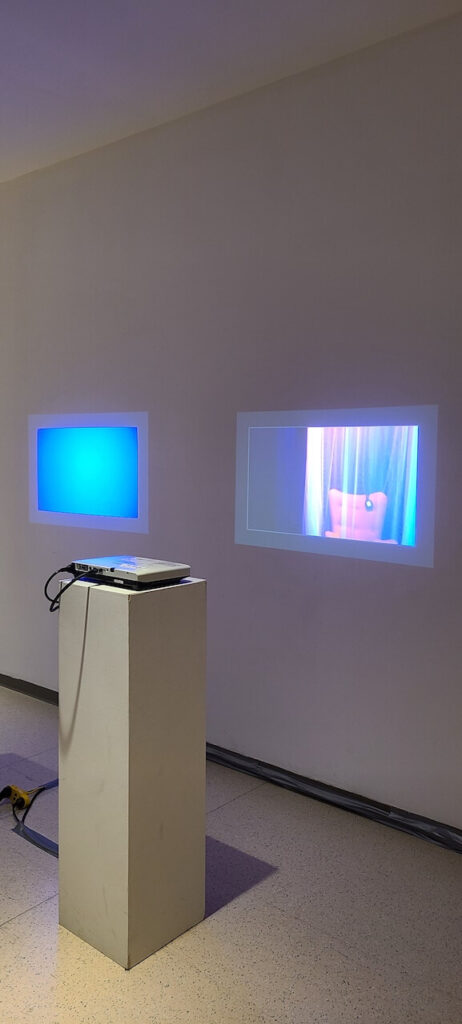
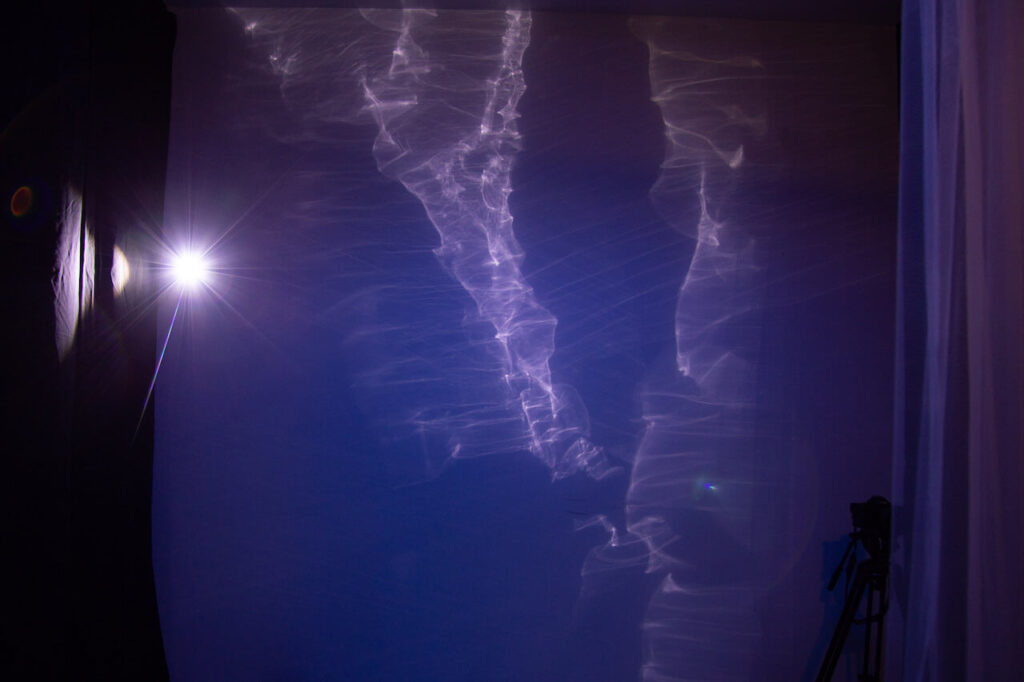
One static image projection: the projection appears on a curtain at the entrance of the installation space. The image shows the two sisters when they were babies, before they were separated. As the audience enters the space, they force their separation to happen. With this, Xiaoyan wanted to highlight how external forces dictated the lifes of hers and her sisters.
Two video projections: The videos are projected on opposing walls, each recorded and edited by Xiaoyan in the form of short documentaries. One depicts Xiaoyan’s daily life, while the other portrays her sister’s.
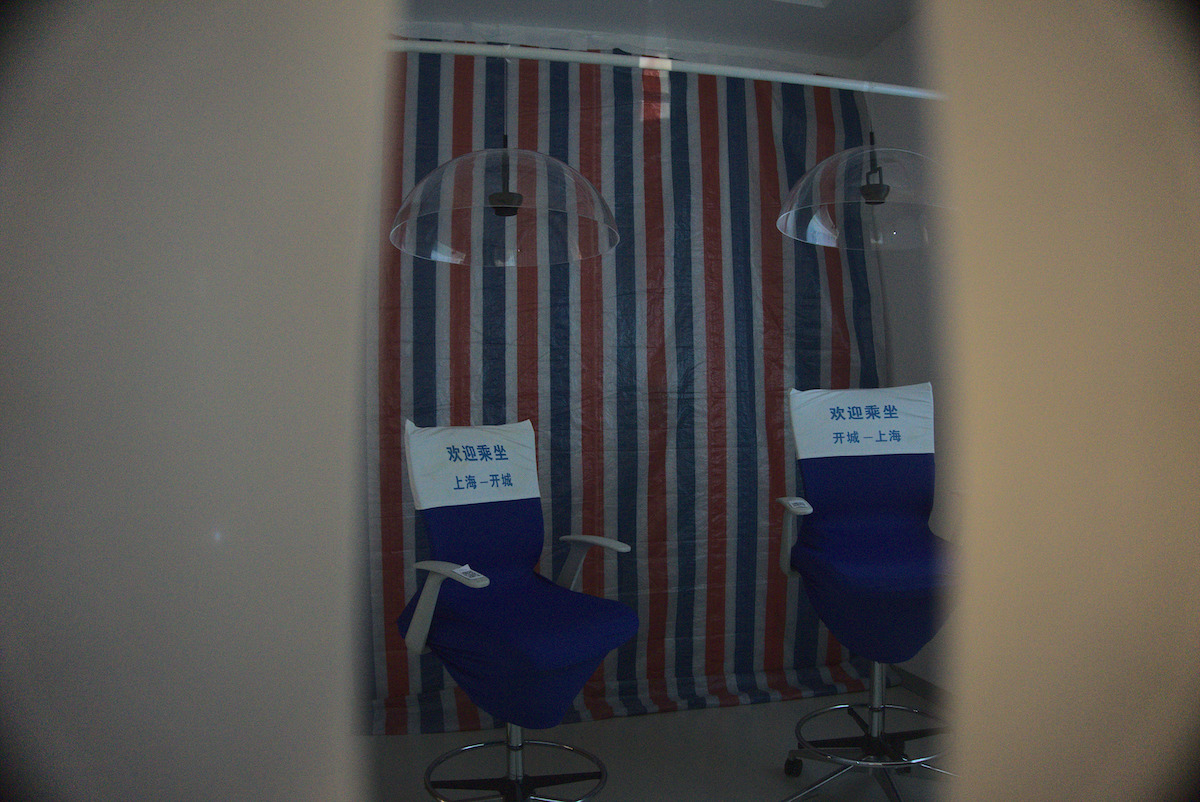
Two audio playback systems: each audio system uses a directional speaker. The visitor can sit on a chair under the speaker and listen to the voices of Xiaoyan and her sister (each one on the different chair). The recordings feature the sisters narrating their personal stories and reflecting on the emotional impact that the separation policy has had on their lives.
QR Code: Audience can scan QR code that are sticked on the chairs and read more about the project’s research, and the responses of the interviewees, discussing on their experiences regarding how they were affected by China’s child policies.
Props: Specific items have been added to the installation’s design to link the project to the main narrative, and contextualize the experience for the audience (documents/policies, memorabilia, objects/toys used while the sisters lived together).
Yanrui Shao – “NATURE.EXE”
Nature.exe explores nature’s intelligence as a framework for rethinking technological systems. Using the conventional Web Crawler, a hierarchical, human-designed tool for indexing the internet as a starting point, the project integrates the decentralized logic of slime mold, renowned for its distributed, adaptive problem-solving without centralized control. This biologically inspired model remaps the crawler’s mechanism and reconfigures internet typology. In doing so, Nature.exe challenges the view of technology as exclusively human-made and power-driven. Through a posthuman lens, it proposes a new definition of technology, one rooted in collaboration with non-human forms of intelligence.
The project combines web crawling, biological modeling, and computer vision to explore the internet as an adaptive ecosystem.
Three generations of crawlers were developed:
Crawler 1.0: Keyword-based link traversal.
Crawler 2.0: Adaptive crawler with memory and evolving focus.
Crawler 3.0: IPv4 Hilbert curve mapping with IP probing, extended with geolocation APIs.
Biological inspiration comes from slime mold growth experiments, documented with time-lapse imaging. These patterns were analyzed using OpenCV (color detection, motion tracking, contour analysis), then simulated in p5.js to model decentralized network expansion.
The final system integrates these pipelines into a multi-screen display environment (Mac mini + TripleHead2Go), showing crawler activity, biological growth, and digital simulations together
Assessing Technical Skills
For the following exercise, you may use draw.io or any other diagrammatic tool of your choice.
STEP 1: List the main tools, frameworks, applications that you anticipate being important for the development of your Capstone project. You may certainly choose one, but consider having no more than 5. Find below a few suggestions for your reference:
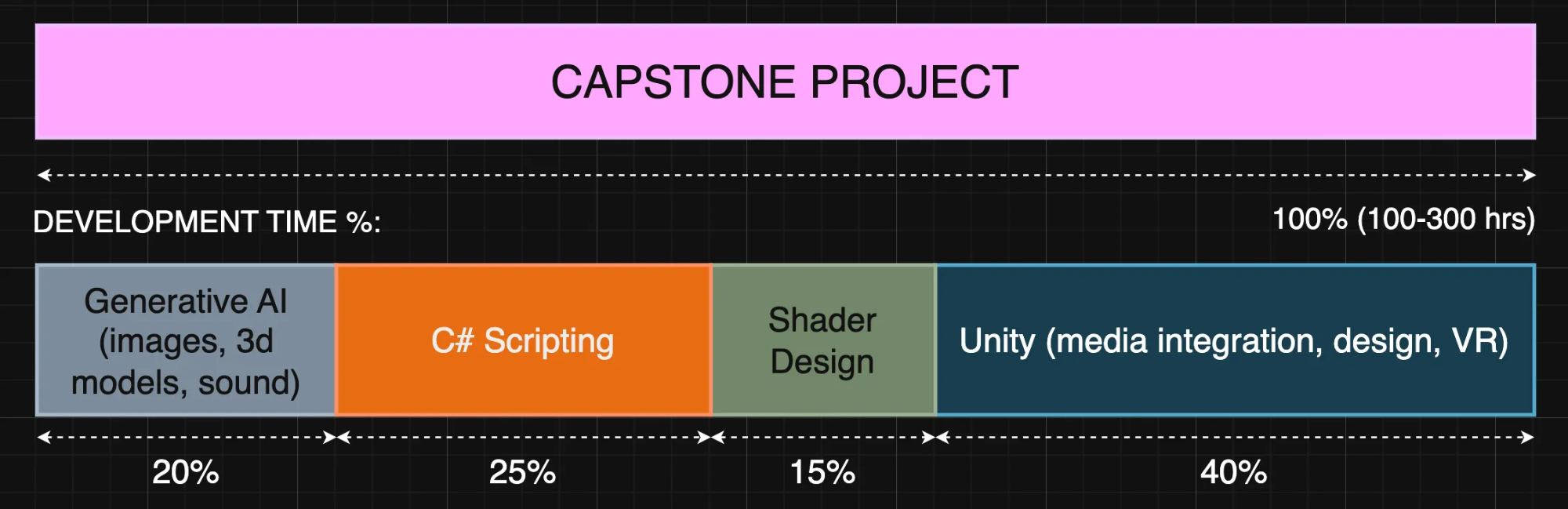
STEP 2: (draw.io template) Create a percentage bar, which displays the (estimated) development time each element needs for your project. For example:
(even if you intend to use ONE application, you can still break down the tasks that are needed for the project to be completed)
STEP 3: Assess the technical capacity you have for each task/tool:
Level 1: I’ve only seen it done.
Level 2: I can reproduce tutorials.
Level 3: I can adapt it to my project.
Level 4: I can extend/customize it on my own.
Level 5: I can invent with it, teach others.
STEP 4: Idenitify risk areas; if a task has a large Development Time and your Technical Capacity is Level 2 and below, you should consider this as high risk. If for example you consider creating a game that most likely need to have multiple levels, interaction, graphics, sound, UI, this requires a Level 3 (and above) technical capacity.
Suggestions:
If you identify a high risk task in your assessment, you can consider the following:
Select courses (THIS SEMESTER!) that can help you advance your skills in the area(s) you desire. If you can’t find a suitable course, you can still join other open studio courses that will allow you to exercise and advance the needed skills.
Strategize on the selection of the tools that you want to use. Consider using a toolset that you feel comfortable, ensuring that your risk areas remain low.
Discuss in detail with your advisors your concerns and consider a realistic plan to help you in this semester and the next.
Feed ChatGPT with your current project data and use it to extract plan suggestions that better align with your vision/ideas.
Case Study: Logico-Fantastic Machine
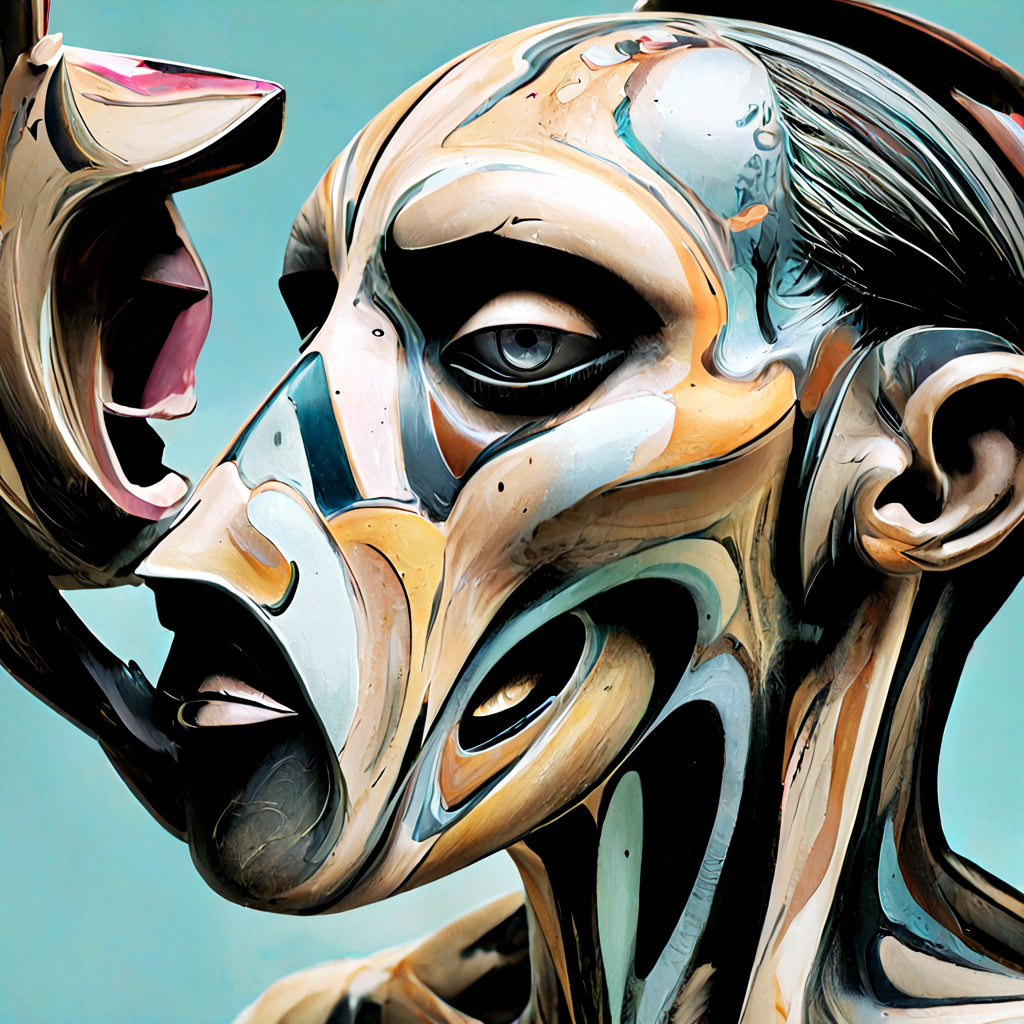
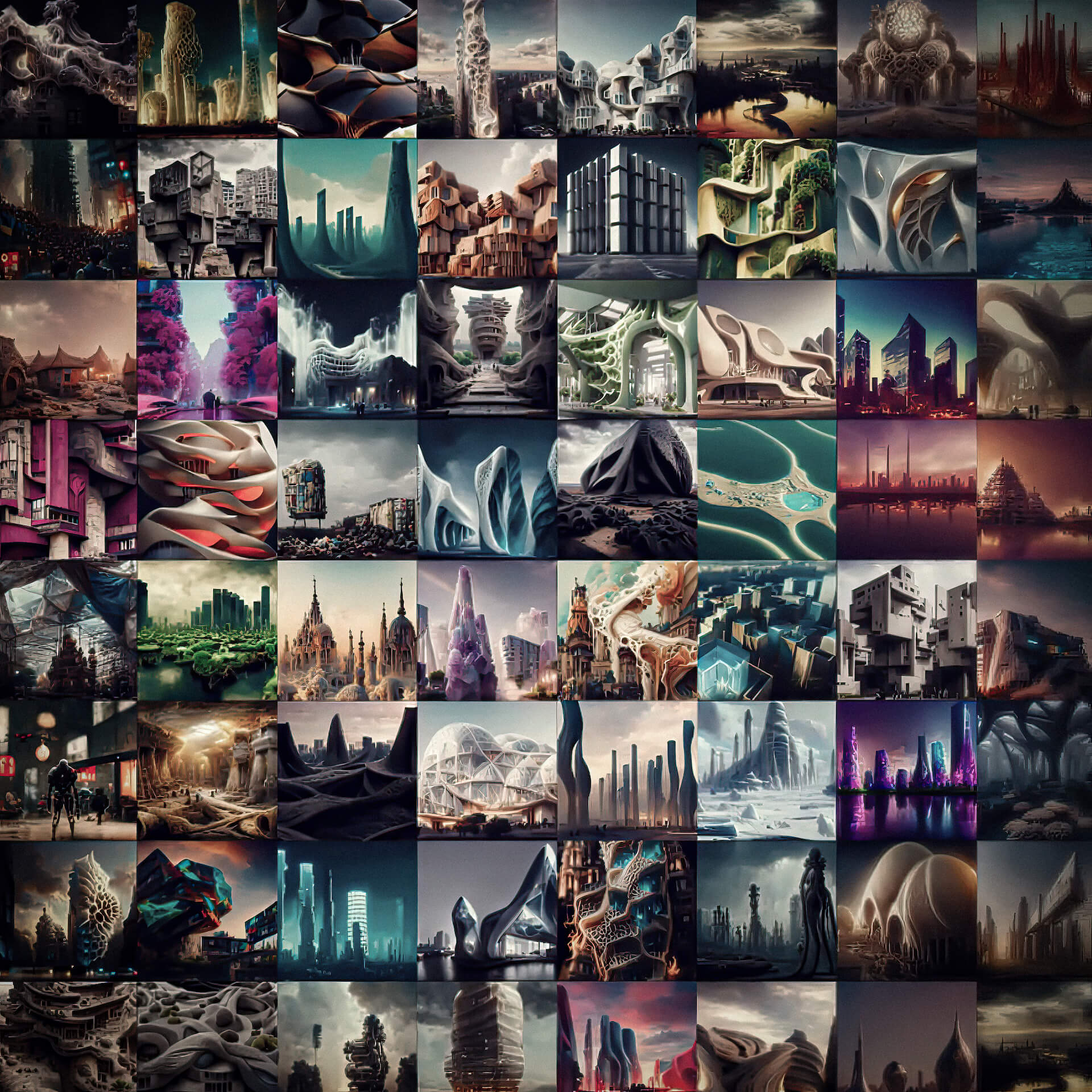
Iteration 1: Using generative AI to test hypothesis on the main concept – generating images (Midjourney) and text (ChatGPT), and exploring/reading on authorship and divergence
(Some) Associated References
Italo Calvino. 1987. On Fourier, III: Envoi: A Utopia of Fine Dust. In The Literature Machine: Essays, Patrick Creagh (Trans.). Secker and Warburg, London. Originally published as “Which Utopia?” in Almanacco Bompiani 1974, Milan, Dec. 1973.
Foucault, M. 1977. What is an Author? In Donald F. Bouchard (Ed.), Language, Counter-Memory, Practice: Selected Essays and Interviews, Donald F. Bouchard and Sherry Simon (Trans.). Cornell University Press, Ithaca, NY, 113–138.
Barthes, R. 1977. Image, Music, Text. Stephen Heath (Trans.). Hill and Wang, New York, NY.
Derrida, J. 1982. Margins of Philosophy. Alan Bass (Trans.). University of Chicago Press, Chicago, IL.
Boden, M.A. 2004. The Creative Mind: Myths and Mechanisms (2nd ed.). Routledge, London, UK.
Rhodes, M. 1961. An Analysis of Creativity. The Phi Delta Kappan 42, 7 (1961), 305–310.
Guilford, J.P. 1967. The Nature of Human Intelligence. McGraw-Hill, New York, NY.
Csikszentmihalyi, M. 1996. Creativity: Flow and the Psychology of Discovery and Invention. HarperCollins, New York, NY.
Gruner, K.E., Ihl, C., and vom Brocke, J.F. 2018. AI and the Social Construction of Creativity. Convergence 25, 3 (2018), 627–647.
Oppenlaender, J. 2022. The Creativity of Text-to-Image Generation. In Proceedings of the 2022 CHI Conference on Human Factors in Computing Systems (CHI ’22). ACM, New York, NY, Article 412, 1–16.
Frich, J., Biskjaer, M.M., and Dalsgaard, P. 2018. Why HCI and Creativity Research Must Collaborate to Develop New Creativity Support Tools. In Proceedings of the 2018 CHI Conference on Human Factors in Computing Systems (CHI ’18). ACM, New York, NY, Paper 408, 1–13.
Iteration 3: Creating an interactive system that allows the audience to select different generations. Added qualitative and quantitative analyses for images & text, created a UI and input system, and implemented sonification and a text-to-speech function.
Iteration 5: Three mobile apps (for sensing, with computer vision and LLM models), a sensing integration system (the Prompt Generator), multiscreen setup, live re-training and re-calibration of the generative model, realtime video interpolations, physical installation (aluminum profiles).
👉🏻👉🏻👉🏻 Translating this in terms of Capstone 1: If we were to consider that this is a Capstone project, then we can definitely consider that Iterations 1 and 2 (and possibly some parts of Iteration 3) fit into Capstone 1. These first iteractions basically contain experiments for trying out media, forms, narrative structures, interactions, spaces, technologies and so on. Iteration 3, 4, and 5 are more mature works that can be installed and shared on a public/professional setting.
Strategic Selection of Technologies, Media, Frameworks
Does my project need to showcase super advanced technical skills to be successful? No. Your project will be evaluated across multiple categories. Technical complexity is only one of them, and it doesn’t simply mean “the most advanced coding or engineering.” It can also refer to how effectively you use your chosen methods, and how well you synthesize theory and practice. A successful project is one where the technical approach, whether simple or very advanced, supports the concept and leads to a meaningful, impactful final work.
How can I balance multiple skills and platforms for my project goals? Your Capstone project can balance different skills and platforms. For example, you might demonstrate only a basic level of technical ability in Unity, but compensate by contributing substantial content through 3D modeling, a well-developed research database, or other creative assets. On the other hand, some projects may be almost entirely built within Unity, if the level of sophistication and originality achieved there is high. The key is to strategize realistically: decide which aspects of your project you can execute with depth and quality, and choose the platforms or tools that best support that vision.
Which parts of my chosen platform do I really need to learn, and how can I stay focused on those without getting overwhelmed? Making your project does NOT mean you need to master everything about the framework or medium you’re using. Platforms like Unity or TouchDesigner are vast, and it can be overwhelming to try to learn every feature. Instead, focus on the elements that are most relevant to your project goals. Build expertise in what matters for your concept, and let the rest come gradually. Through iteration and familiarity, your skills will naturally expand, and you’ll discover new functions, properties, and techniques as you work. The key is to LEARN BY DOING (a big IMA motto): accumulate experience step by step, avoid getting stuck on one problem for too long, and ask for help as early as possible.
What is the expected technical development I need to complete this semester vs. the next one? Each project’s technical needs may greatly vary, so this is something that will organically emerge as you progress into the semester and refine your concept and direction. This semester you can focus on small but meaningful steps, such as rapid prototyping, testing techniques, documenting experiments (think of this as building the foundation, as the work you do now will save you weeks of pressure later in Capstone 2). As a general rule of thumb you may want to consider that any technical development this semester may equal to a few weeks during the second part of the first semester. For the next semester you will need to be working on your project from day 1. For example in Capstone 2 you will have to present :
a working prototype by Week 4
a semi-finalized version by Week 7
a functional installation by Week 12
a fully finalized, installed, and documented project by Week 15.
Create a free account if you don’t have already any (takes a few seconds)
Have your Literature Review document ready!
Vibe-coding is about using large language models to generate most of the code from descriptions, examples, and feedback. You talk to the AI in English, it writes the code, and you steer it by testing and adjusting the results, not by hand-crafting every line. Wikipedia
Vibe Coding
Real Coding
Method
Guesswork, AI prmpts, or copying code
Logic, planning, understanding
Speed
Quick to start, slow/little long-term use
Slow to start, faster and reliable long-term use
Understanding
Often unlear
Clear and deliberate
Usefulness
Good for prototyping or experimenting
Best for complex and maintanable software
Risk
Higher risk: bugs security issues, little scalability
Lower risk: more stable, easier to debug and build on
At this stage of Capstone, you have:
Literature Review
Case Studies
Experiments/Prototypes (maybe?)
Since our content may be only theoretical, with this exercise we can use vibe-coding techniques to turn our research into sensory, testable form; this helps to:
expose hidden assumptions
test if concepts actually “work” visually/interactively
discover unexpected patterns and behaviors
generate new research directions through play
!!! Remember: These sketches aren’t your final project – they are thinking tools for your paper.
There is no intention of getting something perfect; anticipate intriquing emergences
#1 LitReview + P5
Select a key section from your lit review (hypothesis/question/propoject proposal).
Paste it into ChatGPT/Claude/DeepSeek with this prompt:
  Create a p5.js sketch that visualizes this concept through
   motion and interaction: [YOUR PARAGRAPH]
Borrow aesthetic strategies from relevant artists. This stretch forces you to connect your research to existing artistic vocabularies and discover new expressive mappings.
Choose an artist whose work connects to your research; for example:
Identify coding examples that you are interested in, and place them in the context and concept you are investigating – remix the code and merge it with unusual/unexpected content.
Look for: unexpected behaviors, interesting mechanics, compelling interactions (don’t worry if it seems unrelated to your topic)
Fork/copy the code, then prompt your AI:
  Here's existing p5.js code: [PASTE CODE]
   Remix this to explore my research concept: [YOUR CONCEPT]
   Keep the core mechanics but change the meaning/context
Consider re-prompting to extract movement that is more constrained / chaotic / oscillatory / recursive. What if you combine multiple code examples together, even those that they appear very different? How far can you go into creating code mutations?
Save your P5 example, copy its link, and paste it on this document.
visual reasoning (the code is for helping us find reflection angles, not a product)
conceptual clarity (everything loops back to your capstone ideas)
Probes on reflections:
Observe before judging. What behaviors show up?
What surprised you or contradicted your expectations?
Does the content match your aesthetic, emotional or conceptual tone? What is missing? Can you find what is missing by revisiting the prompting process?
Micro-Crit (in groups of 3):
Ask your reviewers:
“Which one of the 3 generated examples better matches my project proposal?”
“What direction should I move towards in my next steps?”
“Is there anything that appears worth pursuing for future practices?”
Take-aways:
Turn theory into experimental sketches.
Learn from artists by re-coding their aesthetic strategies.
Understand in greater detail about your topic through coding techniques/structures.
Build visual, dynamic diagrams of your own research to help you converge on your chosen topic.
Problems
Suggestions
Code is too generic
Add more specific terms in your prompt
Visualization is static
Ask for “animation that shows change over time” or use specific code examples as references
No clear connection to thesis
Feed art examples and related practices to identify connections
Too complex to understand
Filter out prompt content – use more specific terms
Looks cool but meaningless
Ask “Add labels/legend to explain” – reframe it again until you identify aspects that make sense to you
🎓 Advice on Installations
🎭 Representation and Form
Ensure that the form and representation of your work align with your intended message. This includes considering the scale, proportion, and composition of the work, as well as the materials and techniques used.
Consider the media and arrangement that you are going to use; for example: would a projector 📽️ be ideal, or perhaps you need a TV screen 🖥️? Should you expose cables and machinery 🔌 that depicts a more chaotic setting, or do you need a clean arrangement 🧼?
Is your concept accurately depicted through the media you have selected? What is the form that your project needs best to not only showcase your practice but also perhaps to intrigue 🧐 and/or better inform your audience?
Ensure that all related parts are visible 👀 to the audience so that they can easily appreciate your work.
Consider the lighting 💡 conditions of your space or other environmental conditions 🌦️ that may influence the way that your project is being represented.
🖼️ Curation
Select the absolute best ✅ of your work for display. Curate your work in such a way that demonstrates a refined and sophisticated result 🎯, and trim ✂️/avoid whatever feels unnecessary or looks unfinished.
Showing everything that you have created may not favor you, so carefully curate your content and space.
🛋️ Design
Design your space in a way that best supports your work 🧩. Are you showing your work on your laptop 💻 on a workshop table? Does it feel appropriate for what you want to showcase?
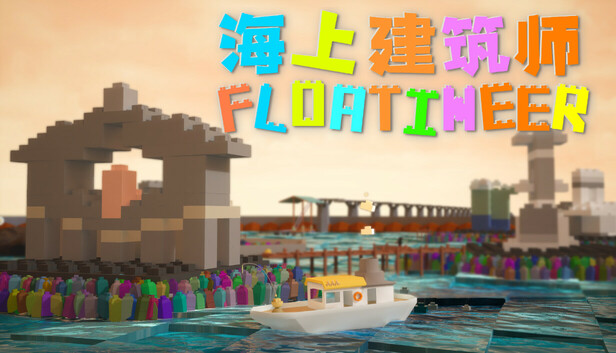
Even if for example you want to show your game 🎮, consider a space installation 🧱 around your allocated area that aligns with the concept and theme (Gtopia example).
🎨 Consistency
Every element of your project needs to be consistent with the concept and style 🎭 you are aiming for. This applies to both the content that you are displaying, as well as your installation space.
Colors 🎨, textures 🧵, materials 🪵, and props 🧸, all need to work together in the best way possible to ensure a thoughtful exhibition practice.
🧠 Audience Experience & Engagement
This includes factors such as the placement 📐 and arrangement of the work, the lighting 💡 and sound design 🔊, and the flow of the exhibition as a whole.
Each project has its own needs and it should attempt to invoke a particular experience to the audience. The way that this is conveyed needs reflection 🪞, thought 💭, and action 🛠️ from you. Focus on what this experience has to be, and aim for an installation that reaches your goals 🎯.
For example: if you believe that your work fits into the category of interactive art 🕹️ and you consider using it for a future show, make sure that in this instance your practice accurately reflects that.
In another case, if you hope the game 🎮 that you have designed attracts an investor 💼 in the gaming community, you need to consider designing the experience for that particular target.
Moreover, you need to think about how the audience is engaged 🤝 with your work and how to make this experience successful ✅. If for example, your work uses a computer vision system 👁️🗨️ to generate visuals as someone moves their body in front of the screen, it is considered successful if the interaction is original ✨ and/or the visual content shows advanced complexity 📊.
📚 Research
Your project has emerged from the research 📖 that you developed last semester. Consider how your arguments 🧩, hypothesis 💡, and/or results 📈 of this are highlighted and explained in your practice.
Revisit your research from last semester and reflect on your current practice. Has your project been able to build a strong and more coherent argumentation via this practice?
🧭 Intuitive Setup
Can your project explain your research and practice during this past year even to an audience that is not familiar with your project ❓
How easy is it for someone without knowledge about your work to interact with it 🤔?
If, for example, visitors come to view your work and you are not there in person to explain it to them, will they be able to intuitively access and use it 🎮?
🔊 Sound
Sound is important in every project, even if your practice does not focus on this medium 🎧. In many cases, you may need to have a voice narration 🗣️ or a background layer 🎼. Be thoughtful about this, and focus on creating as much good content as possible, as the result can tremendously enhance your audience’s experience 🌟.
If you are going to use sound, consider carefully how to craft it. Think for example:
Does the sound of your project have the maximum quality possible 🎵, or is it a distorted 💢 highly-compressed file?
Are you sure you have selected the right sounds and music 🎶 for your project? Can this selection enhance the experience of your work, or perhaps overshadow it? Is it too loud 🔊, or too quiet 🔈?
Does your work need mixing and mastering 🎚️? If yes, then use good headphones 🎧 or studio monitors 🖥️ to mix your content. Avoid distortion by all means (this is when you will see red volume indicators in your DAW). Compression and limiters are important for the mastering session.
Moreover, you need to consider how you will share your sound/music within the exhibition space 🏛️. In this instance, you cannot just blast your music through sound speakers as it may affect negatively the project that is shown next to you.
How about having headphones 🎧 for your audience or even directional speakers 📡?
🧰 Know Your Weapons
Are you going to use a projector 📽️, a TV monitor 📺, or sound speakers 🔊 for your installation? Are you familiar with the hardware devices that you will have in your final show?
Different equipment has different characteristics, and you need to be familiar with what you choose to include in your work.
For example: do you know the difference between a short-throw and a long-throw projector? Are you familiar with their LUX 💡 values? Does the TV support your 4K 📹 video, or can it only display Full HD content?
Find out about all this as early as possible, so that you can book 🗓️ your equipment for the final show.
⏱️ Duration
For the final show consider carefully how much time a visitor needs to review your work. Most likely, you want to avoid having a video or a game that needs an hour to understand it 🕒.
Consider limiting your project’s time ⏳ and focus on providing the absolute best quality for that content.
On average, consider no more than 10 minutes of content ⏲️; in some cases, even 5 minutes can be more than enough.
📔 Log Book
You have been collecting information for your logbook since the beginning of the semester 🗒️. You may consider adding a printed format 🖨️ to best explain your practice to your audience.
🪧 Signage & Contact Details
Provide clear signage and labels 🏷️ for your installation that help viewers understand the context and meaning behind your work. This includes providing information about yourself 👤, the materials and techniques used 🧪, and any relevant references 📎.
Have you added your contact information 📬 in your exhibit in case someone wants to get in touch with you for a collaboration 🤝 or a business opportunity 💼?
Consider adding your name and details clearly so that someone can reach you if needed.
🦺 Safety
Make sure that your installation is safe 🛑 for viewers and does not pose any risk of injury ⚠️. This includes ensuring that any heavy or unstable objects are secured properly 🧱 and that there are no sharp edges or tripping hazards 🚧.
All cables or other hardware need to be hidden 🎛️ (unless they are part of the installation content).
📸 Documentation
Thoroughly document your work 📷. Spend triple the amount of effort and time than the one you consider at the moment 🕰️.
It is very likely that you will use this content in the future (i.e. job or school applications 🎓, grants 📝, competitions 🏆, and so on).
🧵 Attention to Detail
For a professional presentation attention to detail is a must 🎯. Your audience will tremendously appreciate it 🙌.
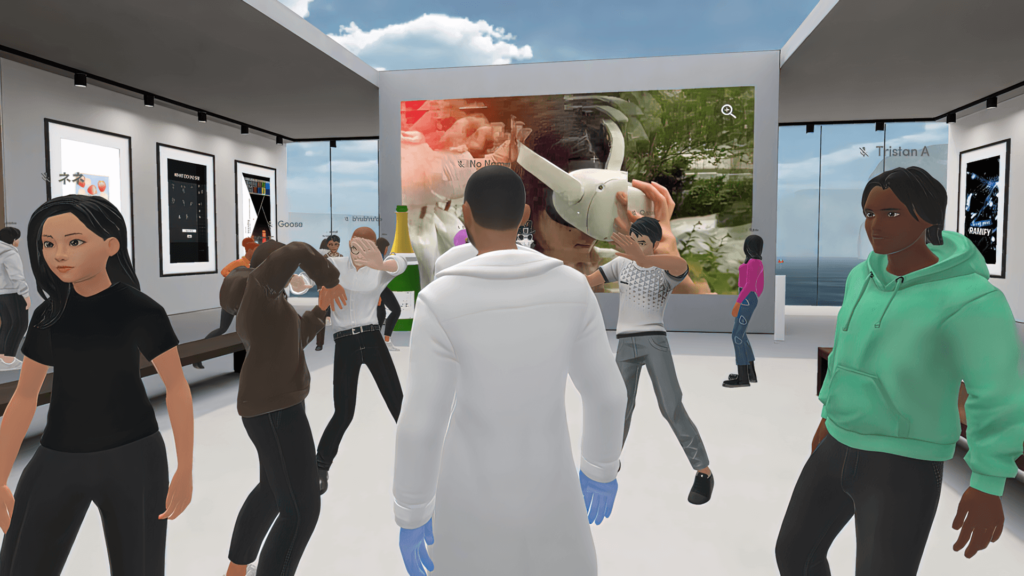
Capstone Show on the Metaverse
Details on Capstone Show during Shanghai’s Lockdown
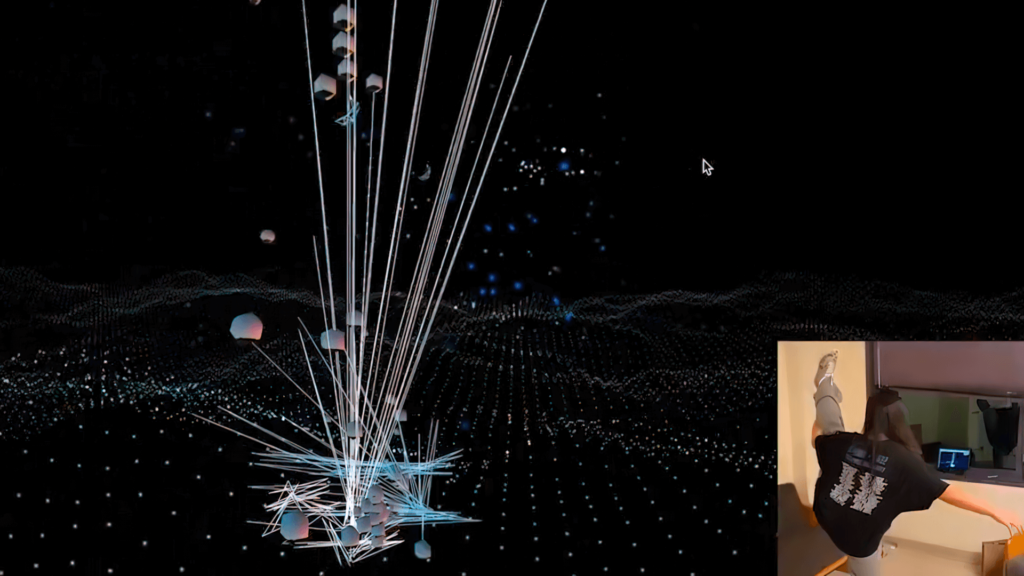
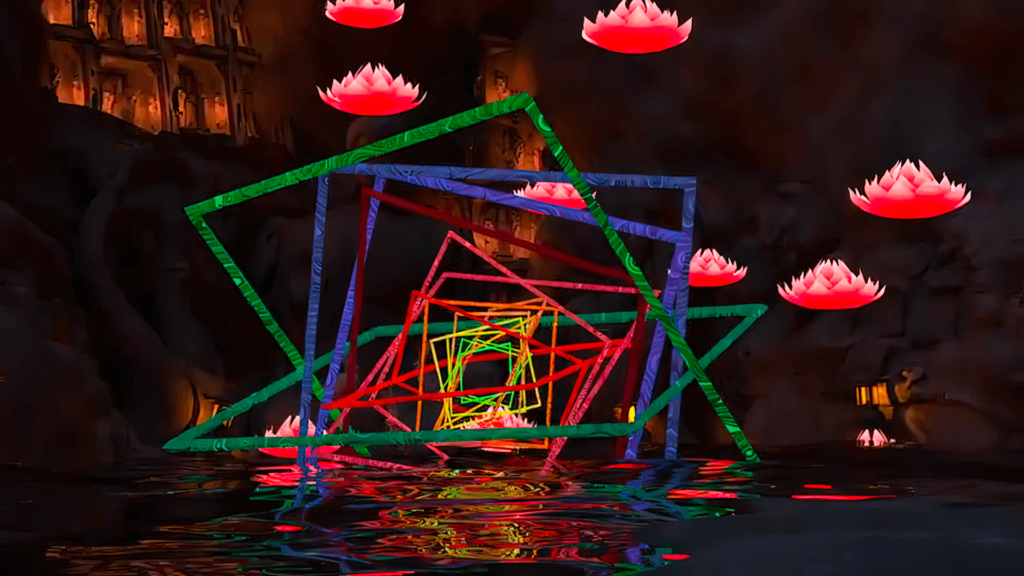
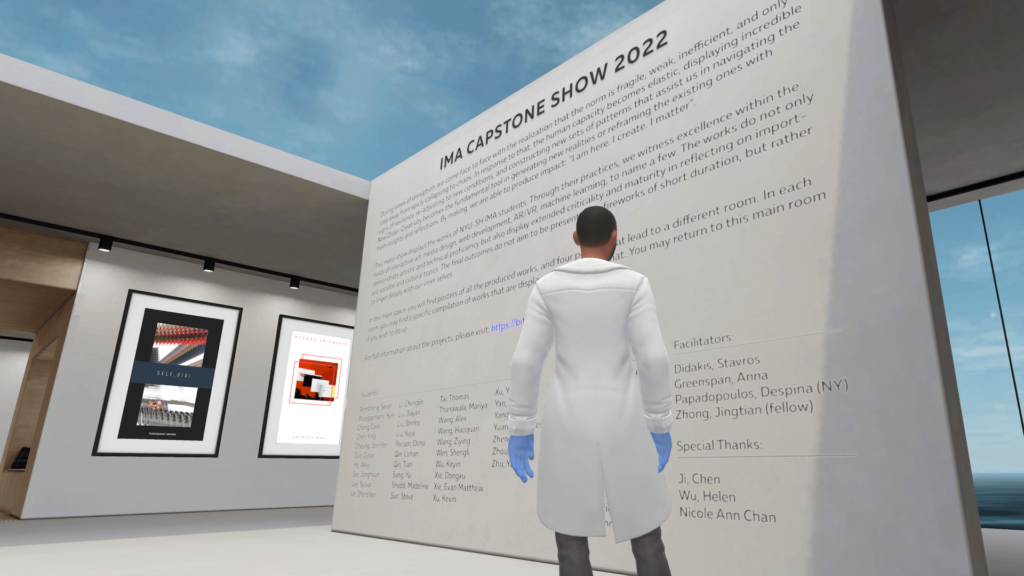
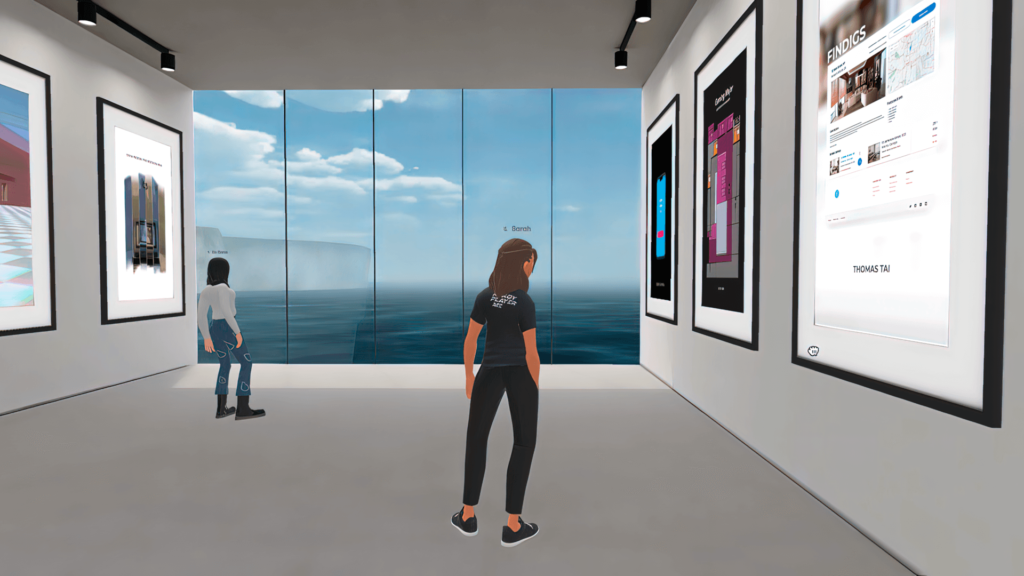
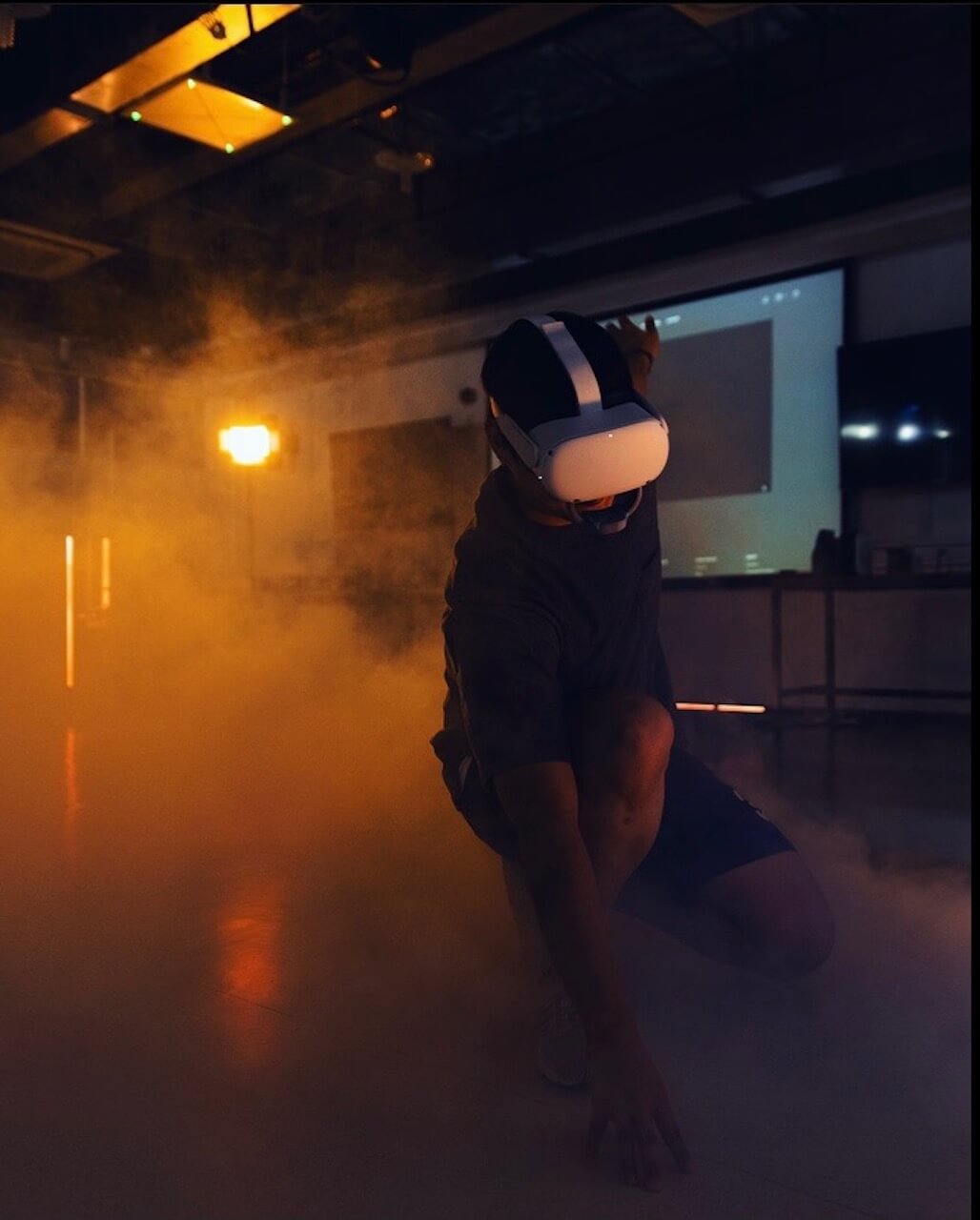
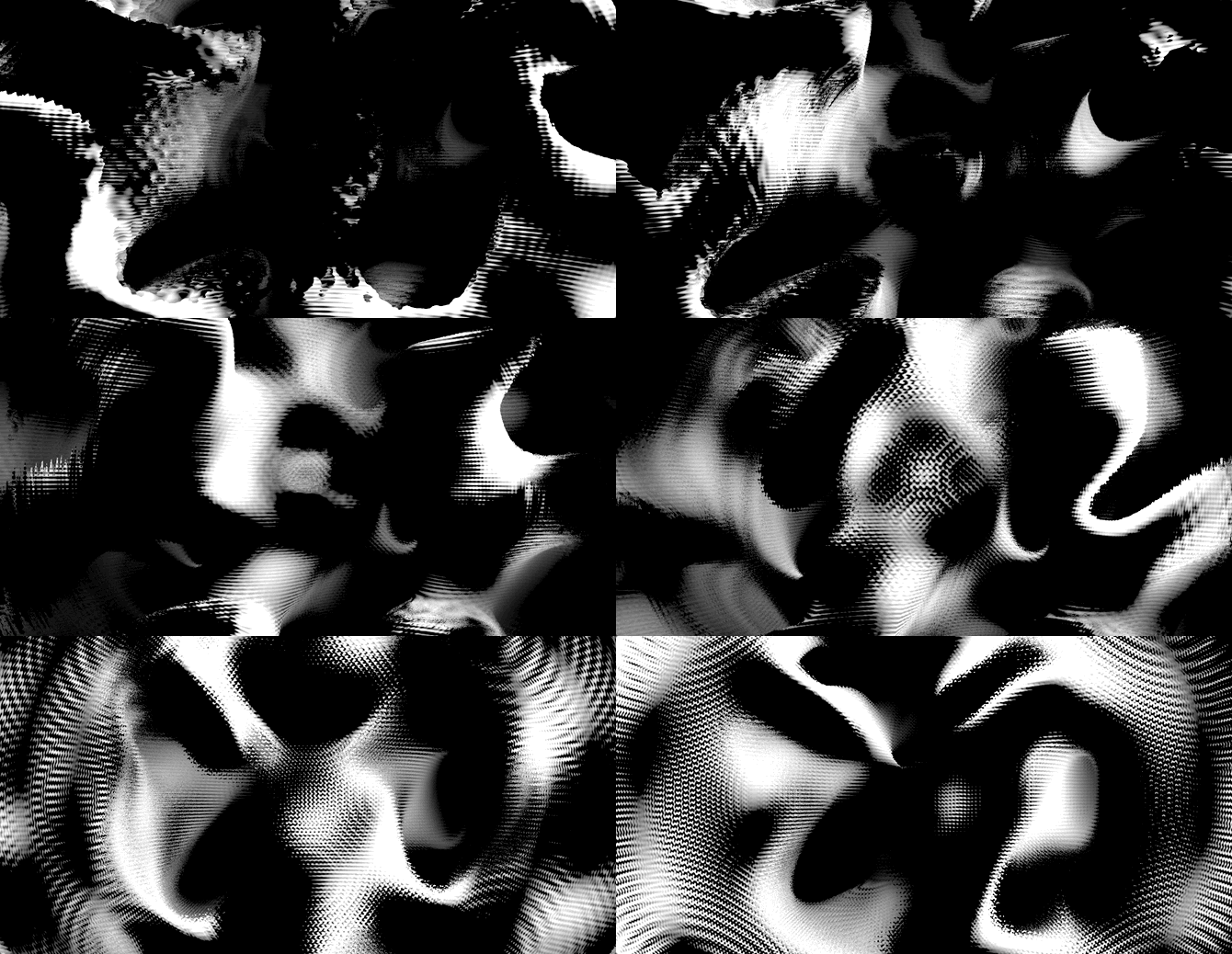
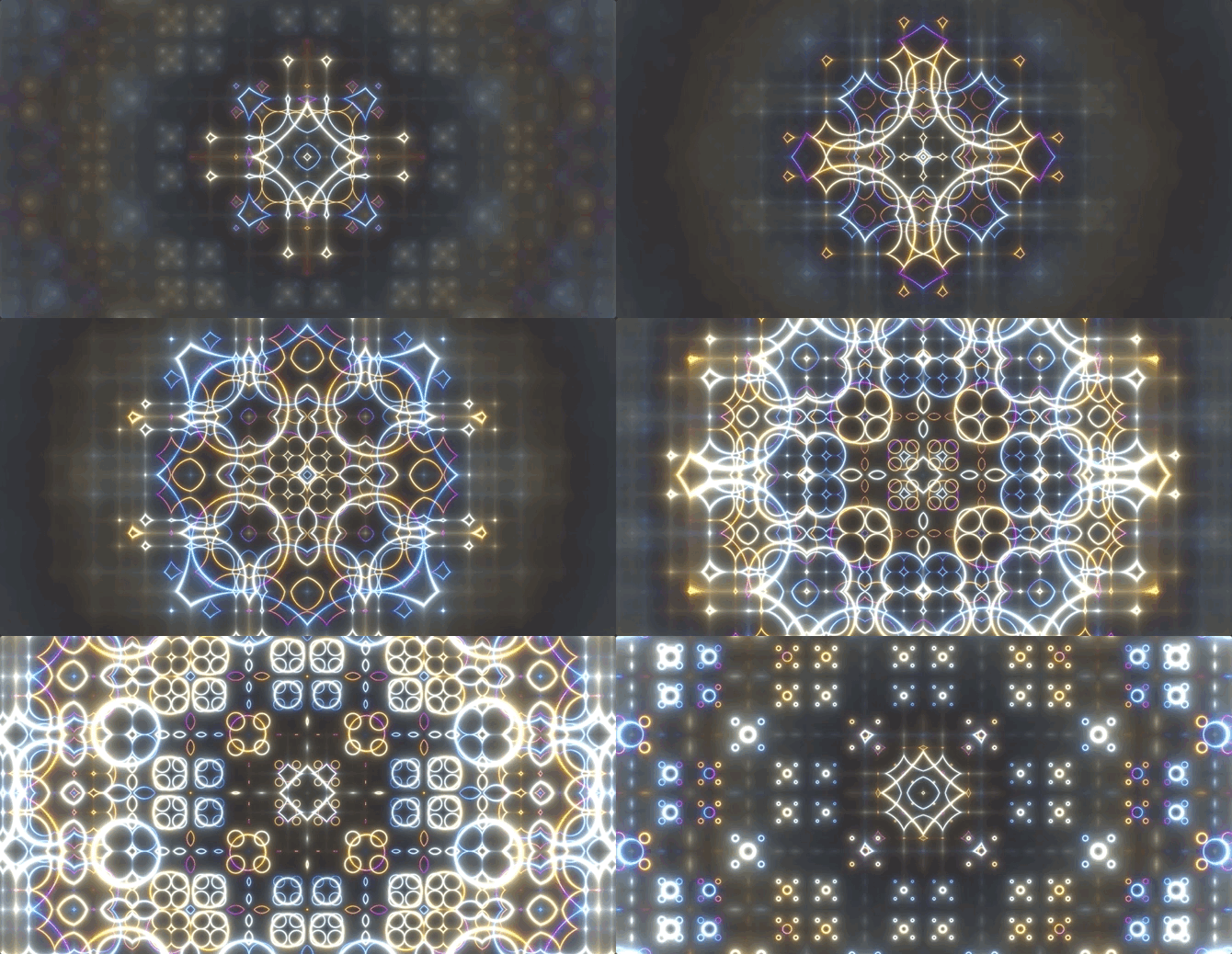
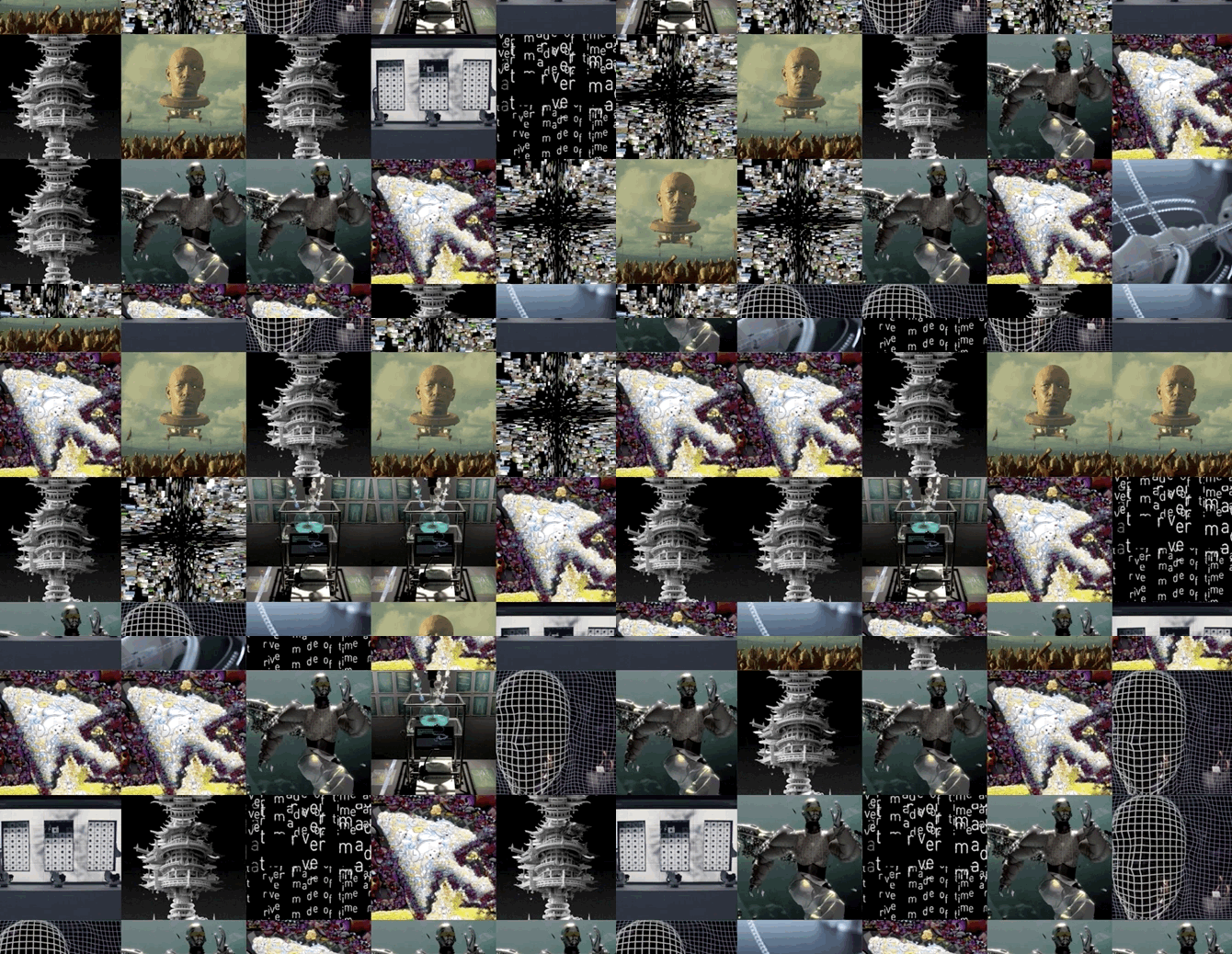
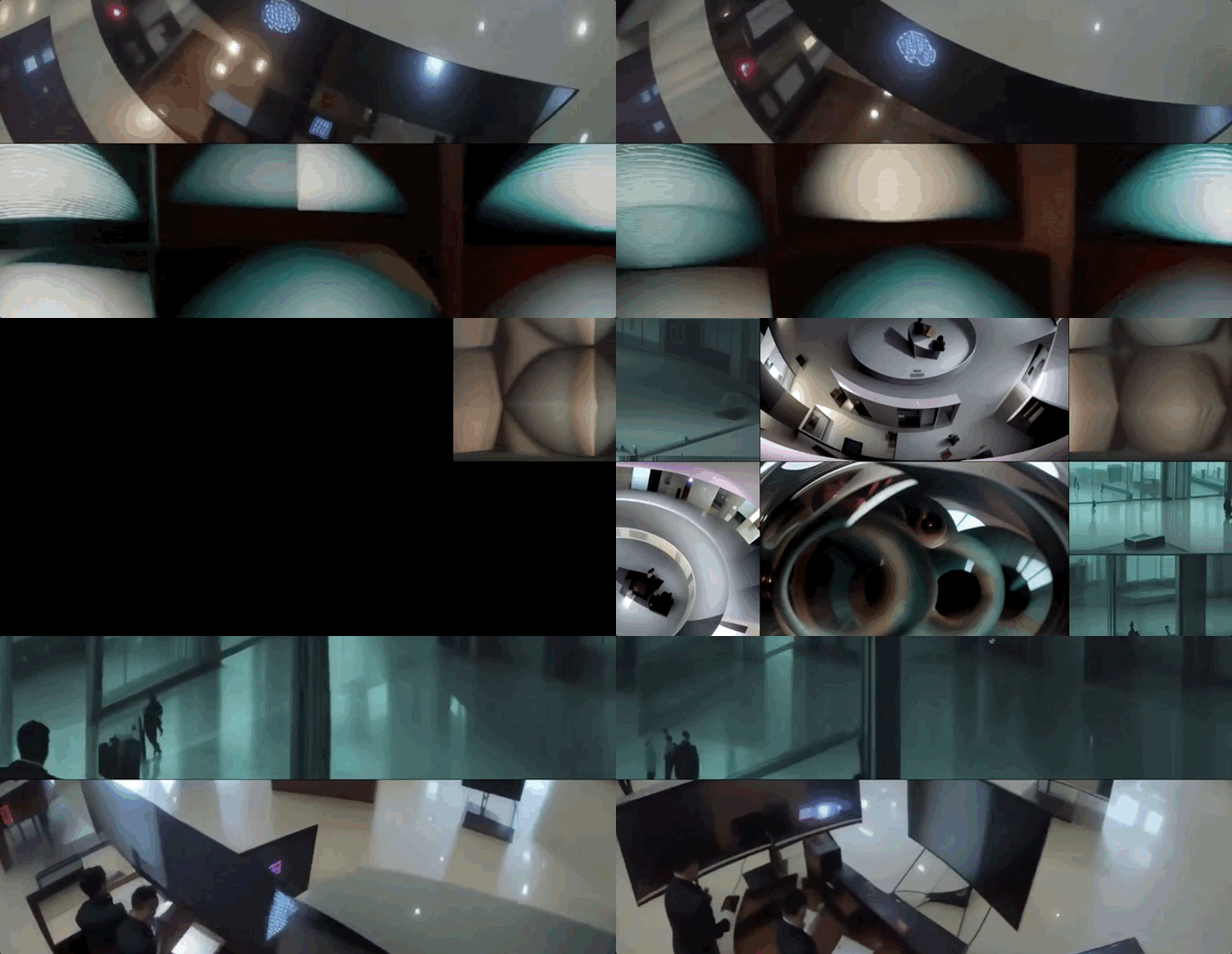
Exhibition Abstract: “During times of disruption, we come face to face with the realization that the norm is fragile, weak, inefficient, and only a step away from epicly collapsing to chaos. In response to that, human capacity becomes elastic, displaying incredible signs of resilience, re-adjusting to new conditions, and constructing new sets of patterns that assist us in navigating New Orders. Creativity becomes the fundamental tool in generating new realities or reframing the existing ones with fresh insights and reflections. By making, we are able to produce impact: “I am here. I create. I matter”. This meta-show displays the works of NYU-SH IMA students. Through their practices, we witness excellence within the fields of interactive art, media design, web development, AR/VR, machine learning, to name a few. The works do not only demonstrate artistic and technical proficiency but also display extended criticality and maturity in reflecting on important societal and cultural topics. The final outcomes do not aim to be presented as “fireworks” with a short duration, but rather to linger deeply within us and guide us into new exciting and meaningful worlds. In the main gallery space you will find posters of the produced works, and also five portals that each one of them lead to a different room/space. In each room, you will find a specific compilation of works that are displayed in a video format. You may return to this main room if you wish to do so.”

















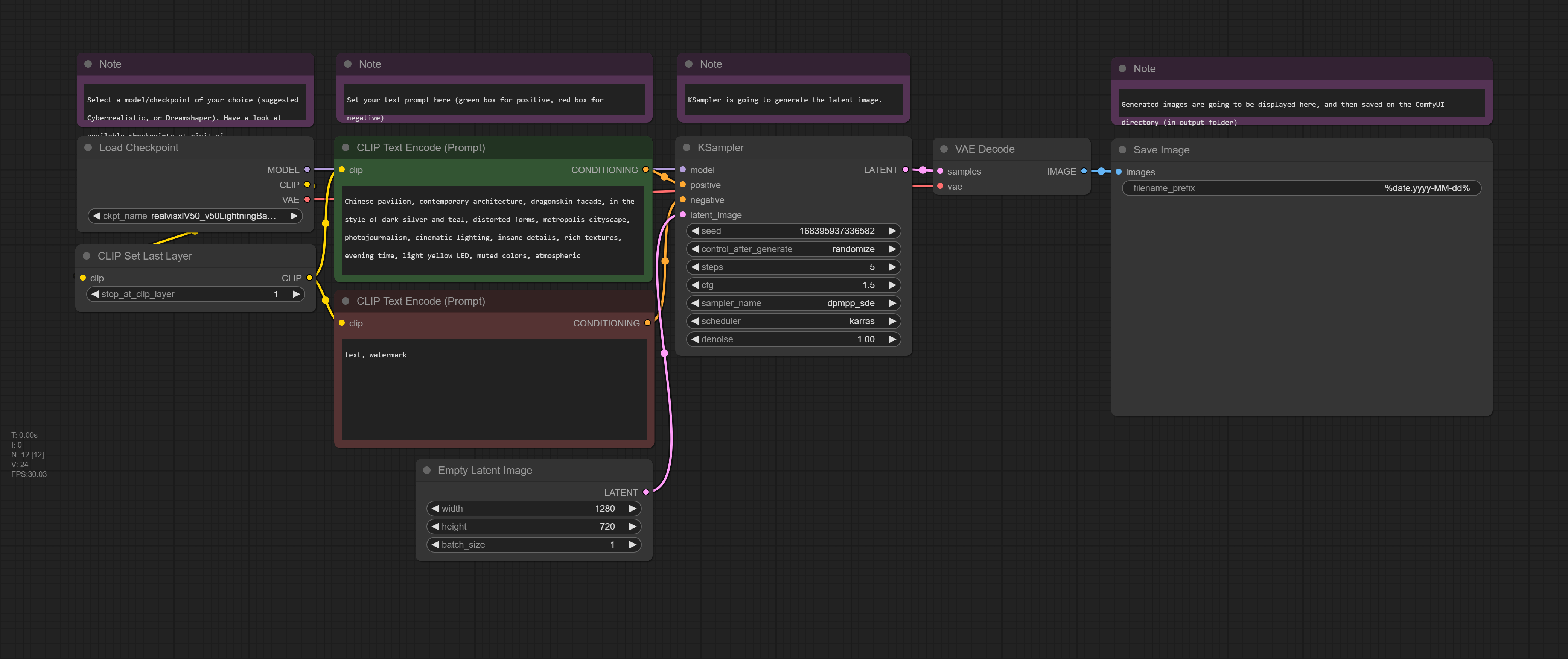
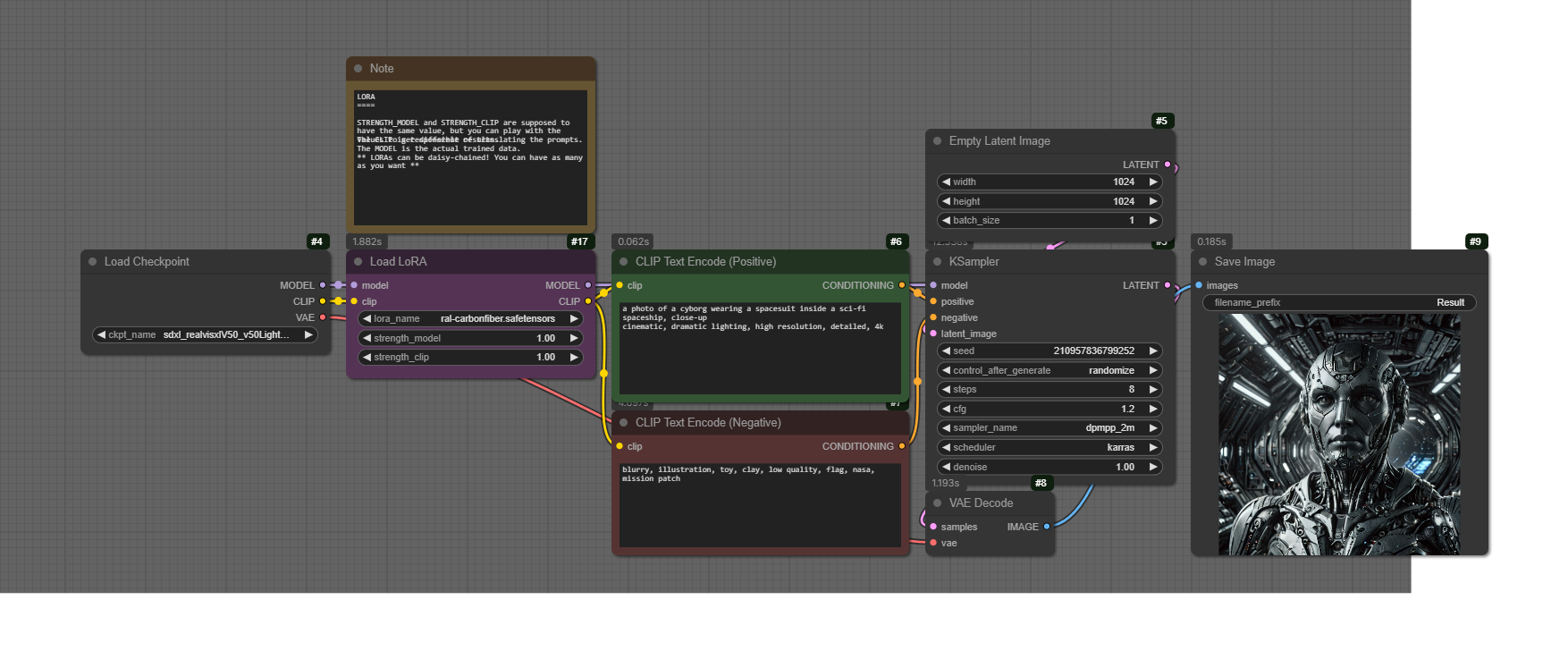
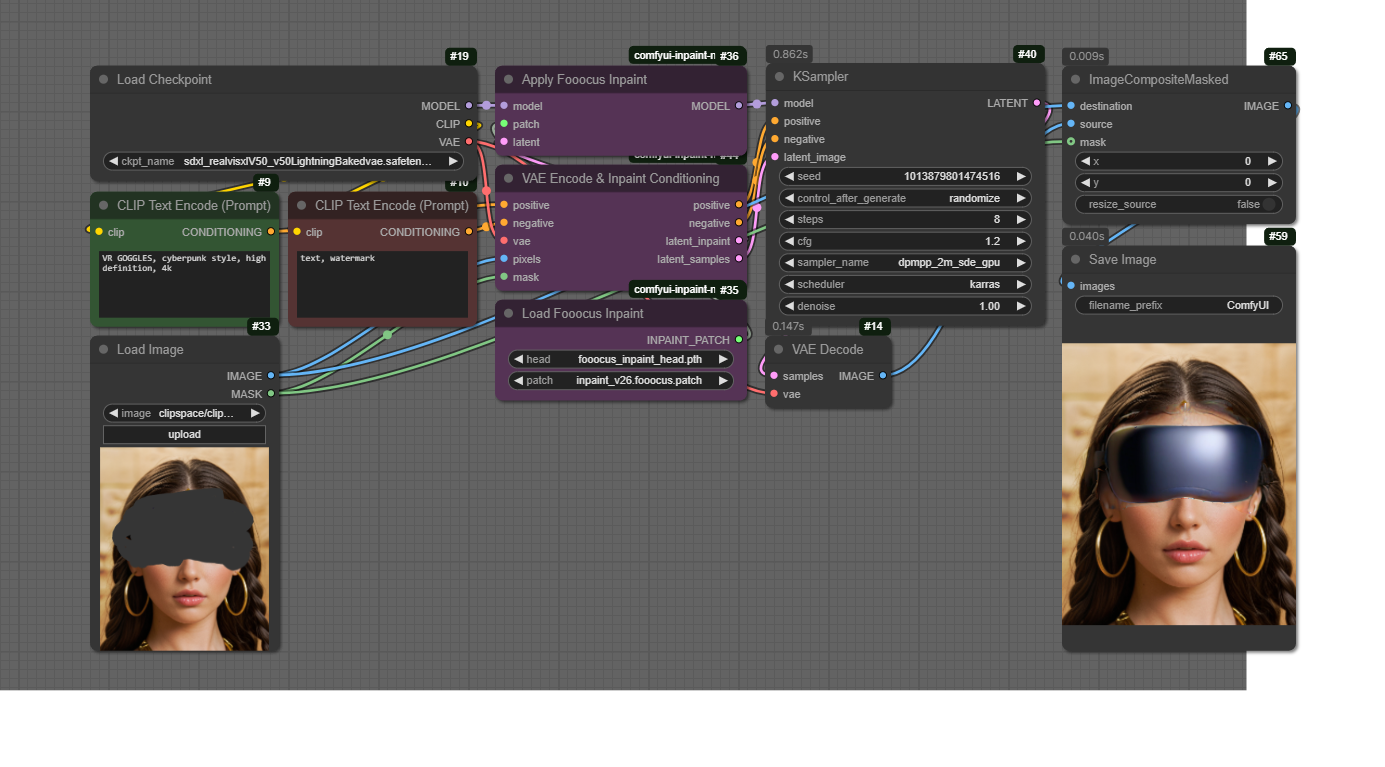
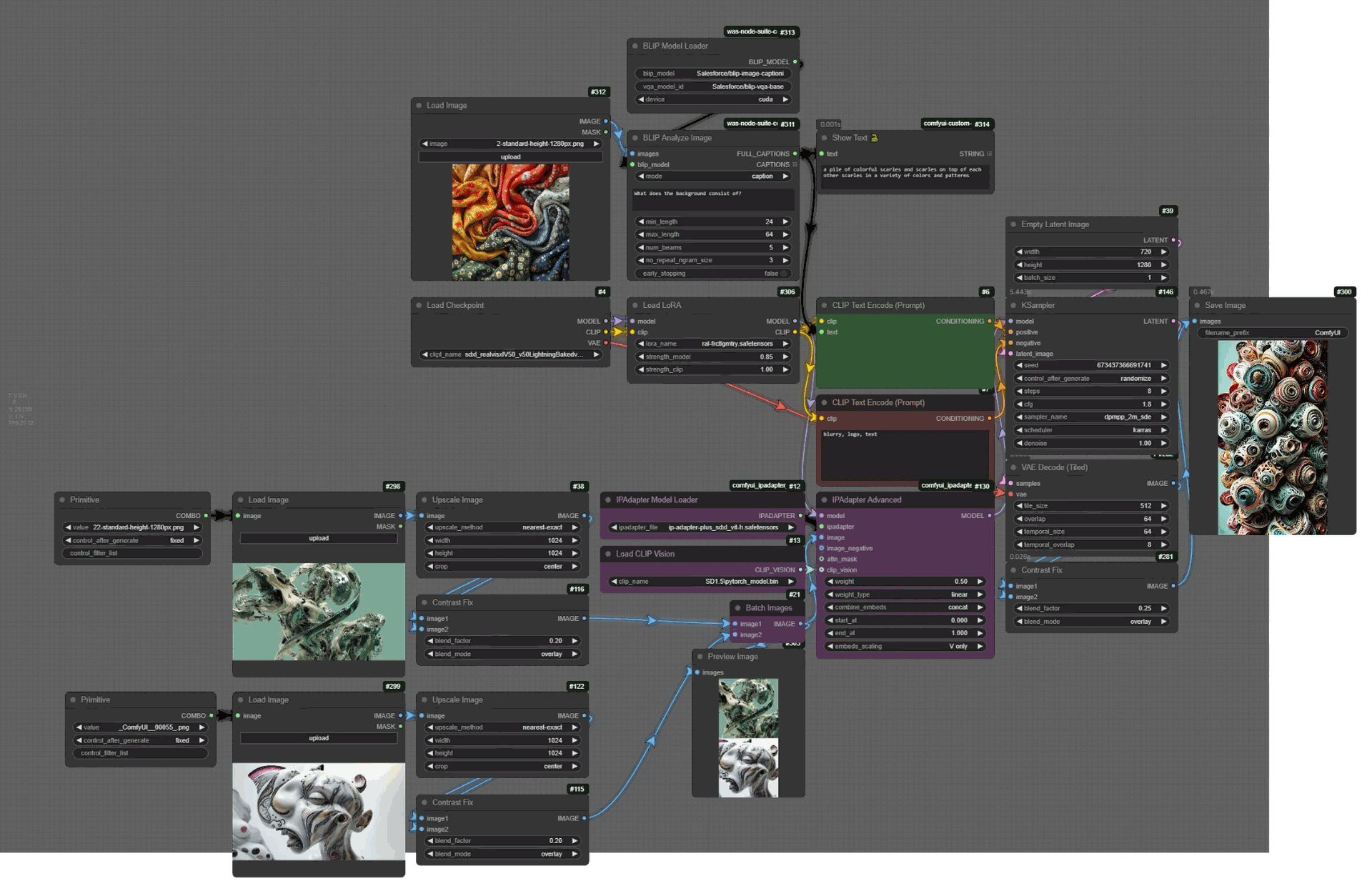
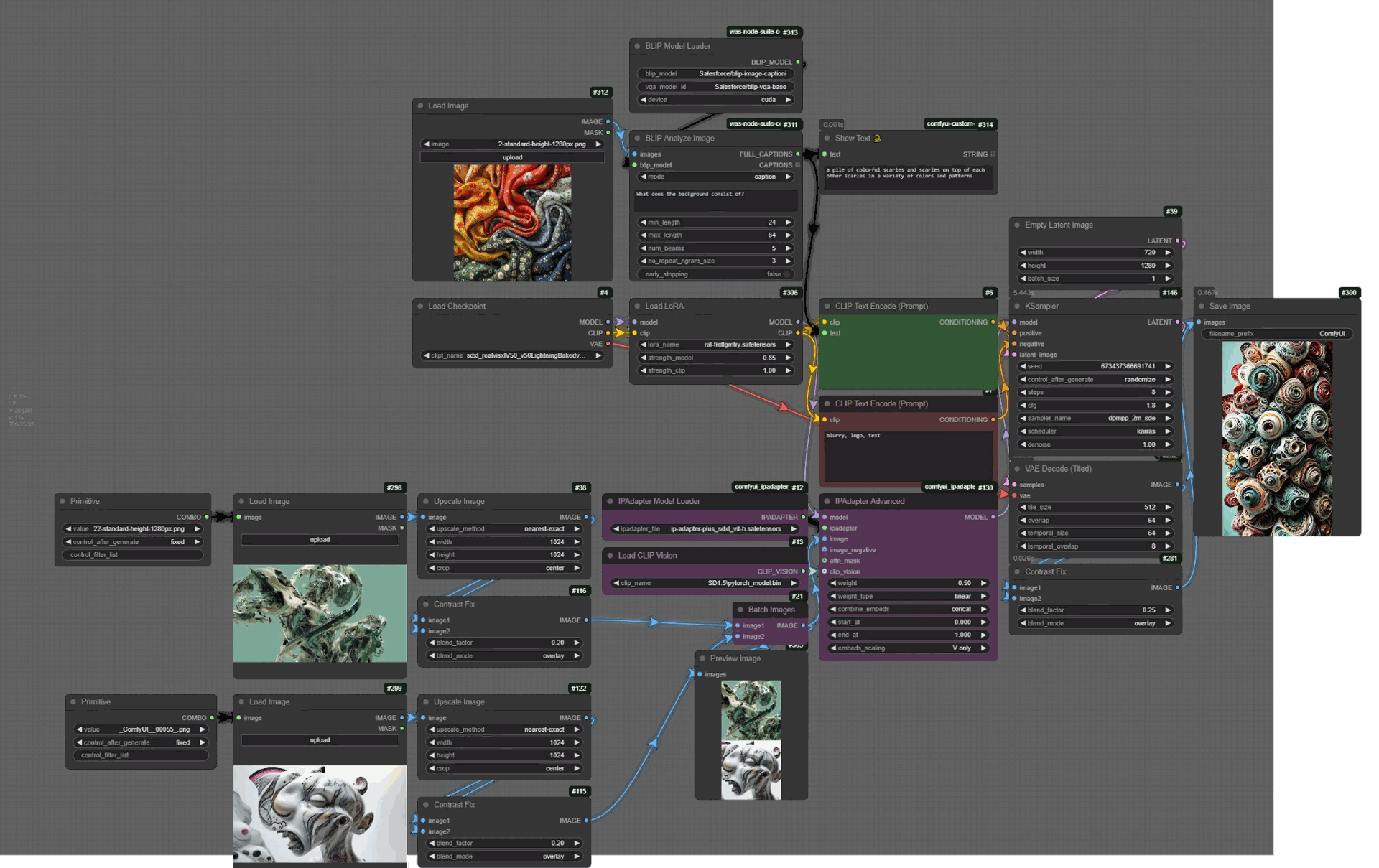
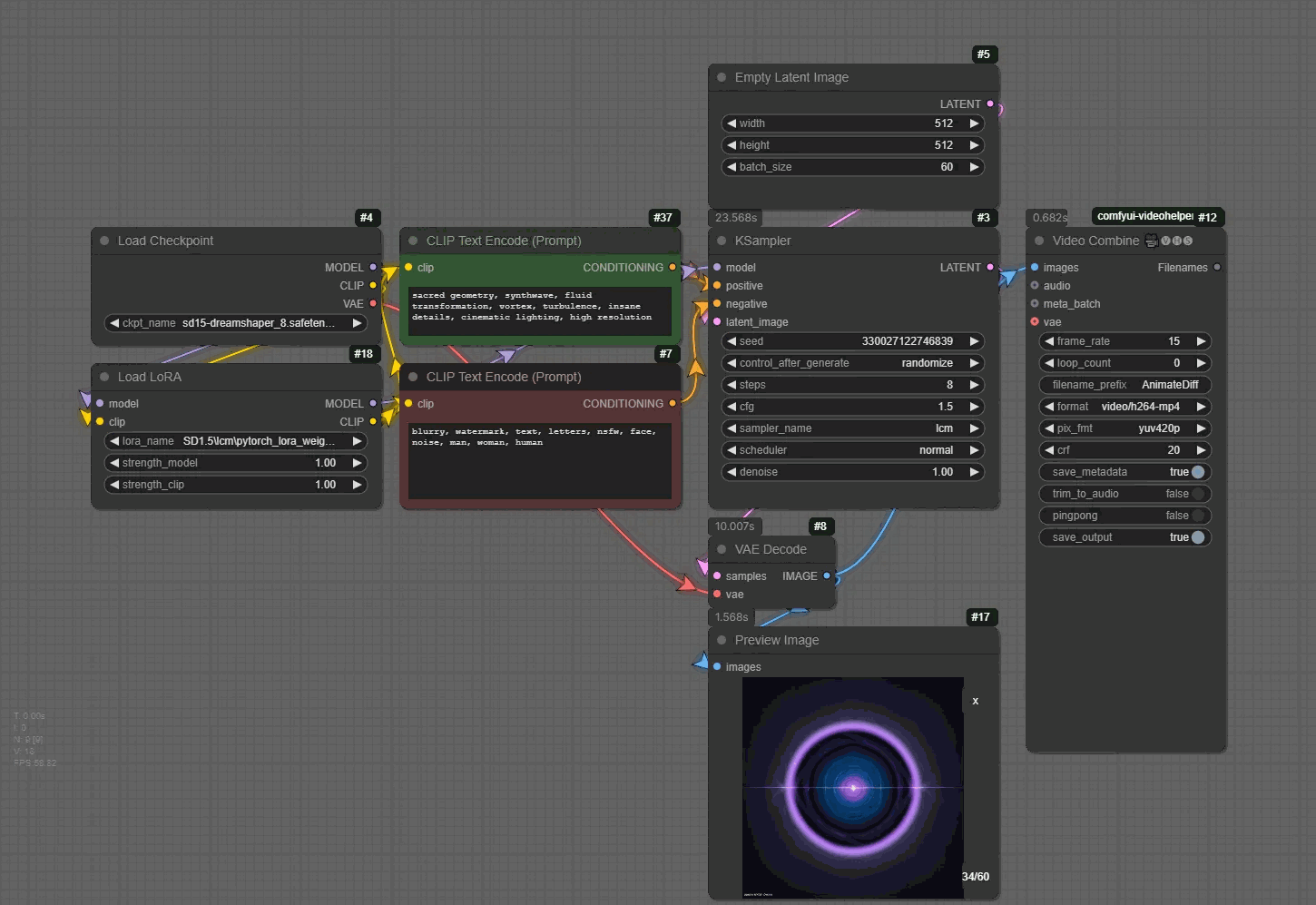
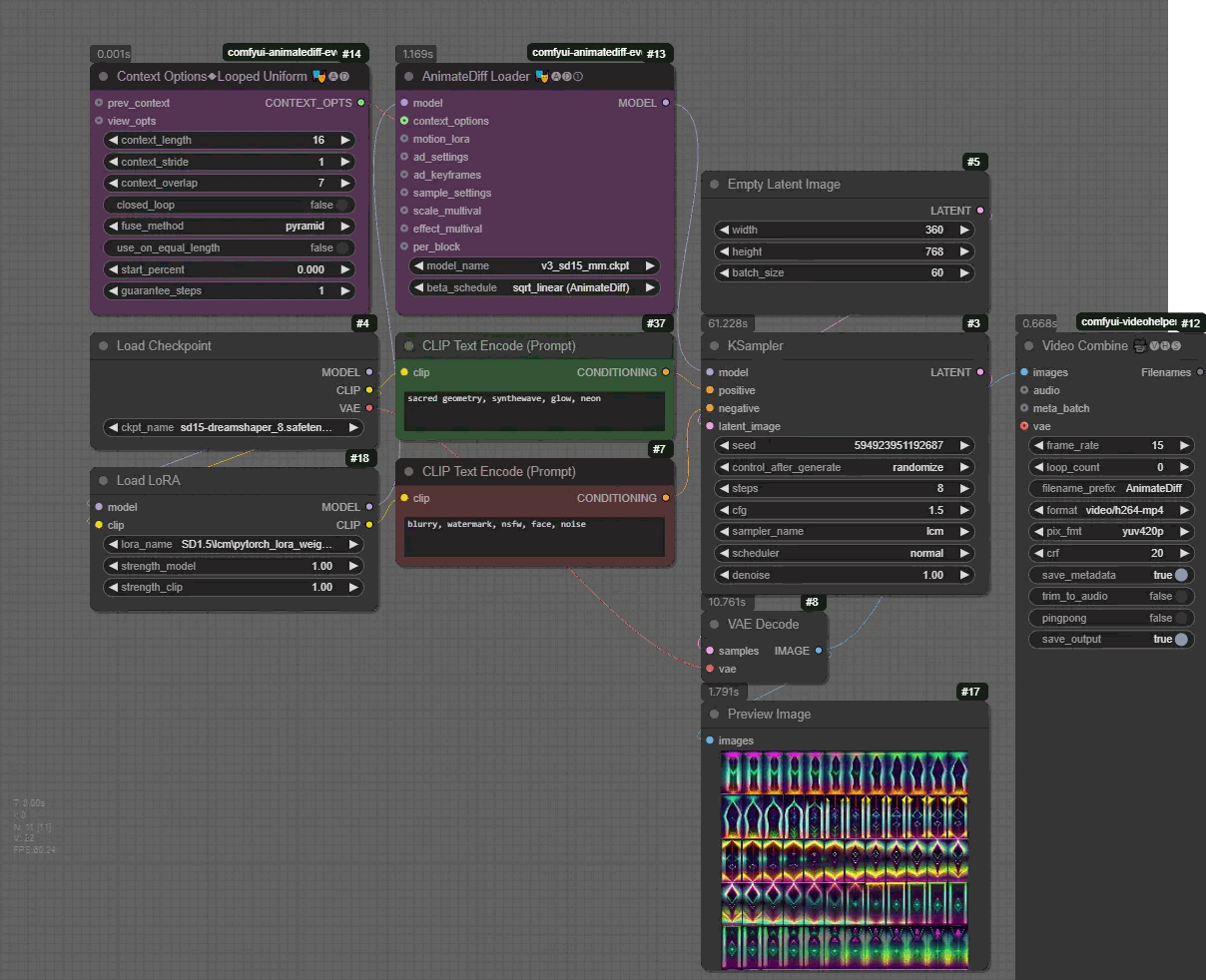
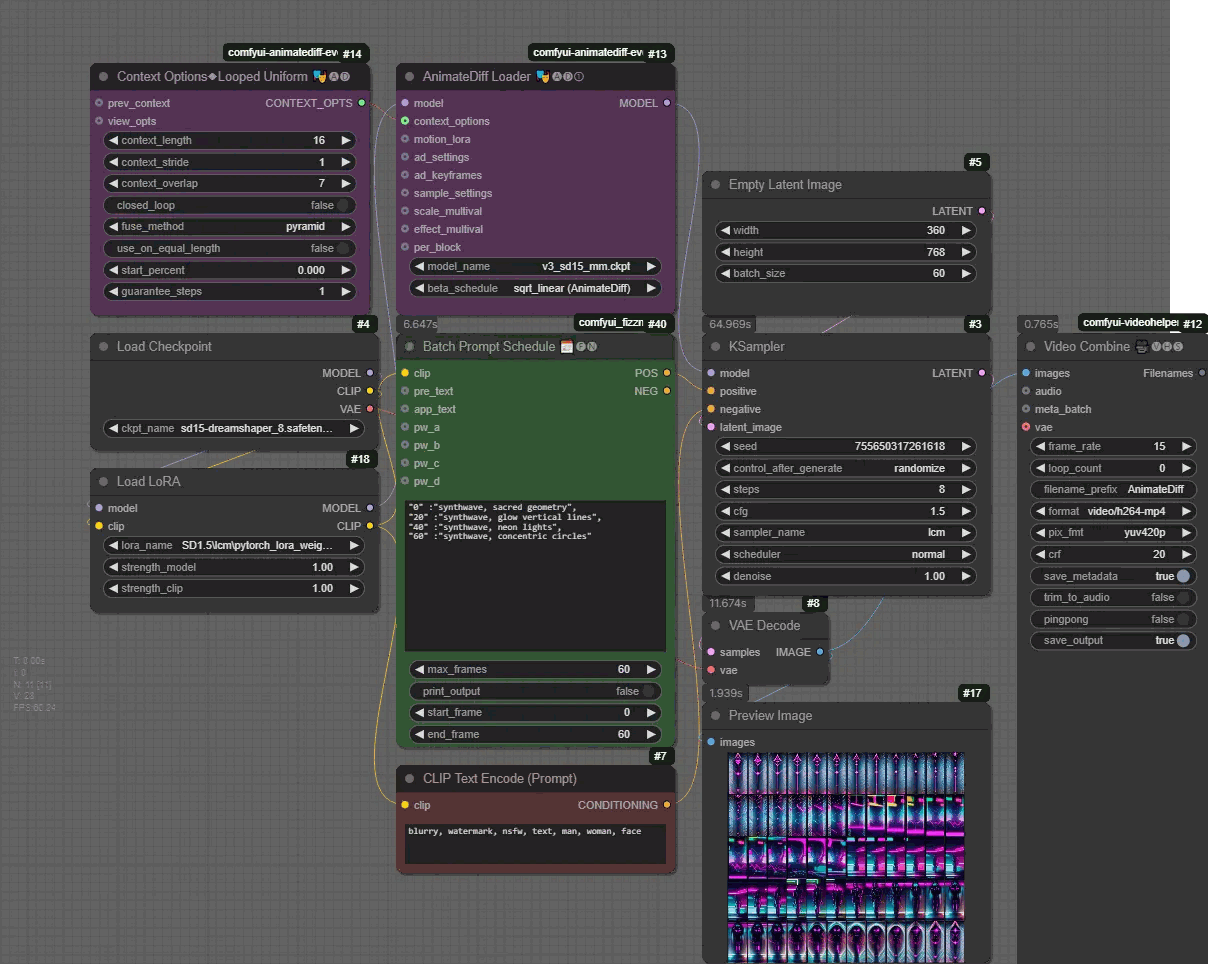
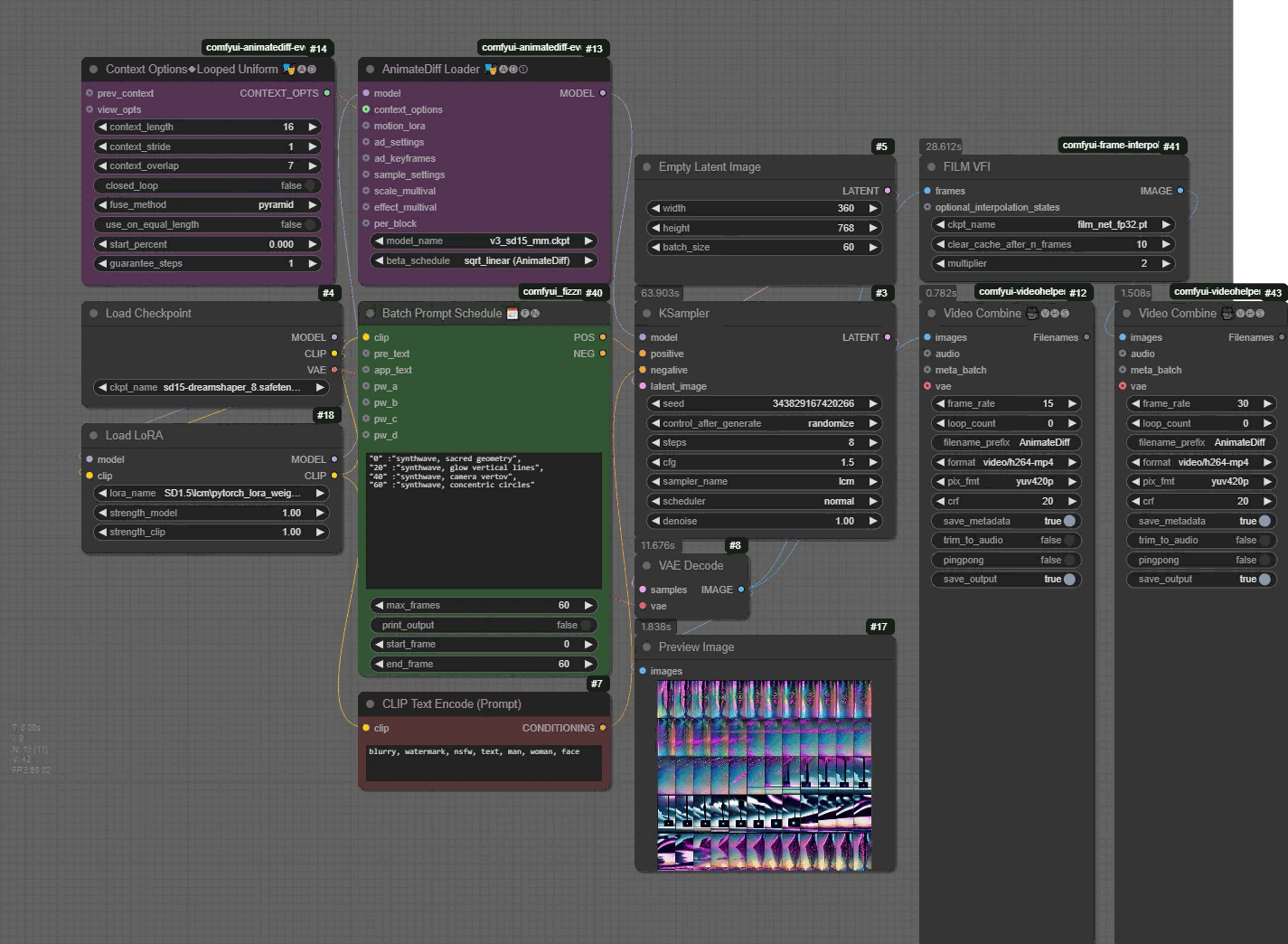
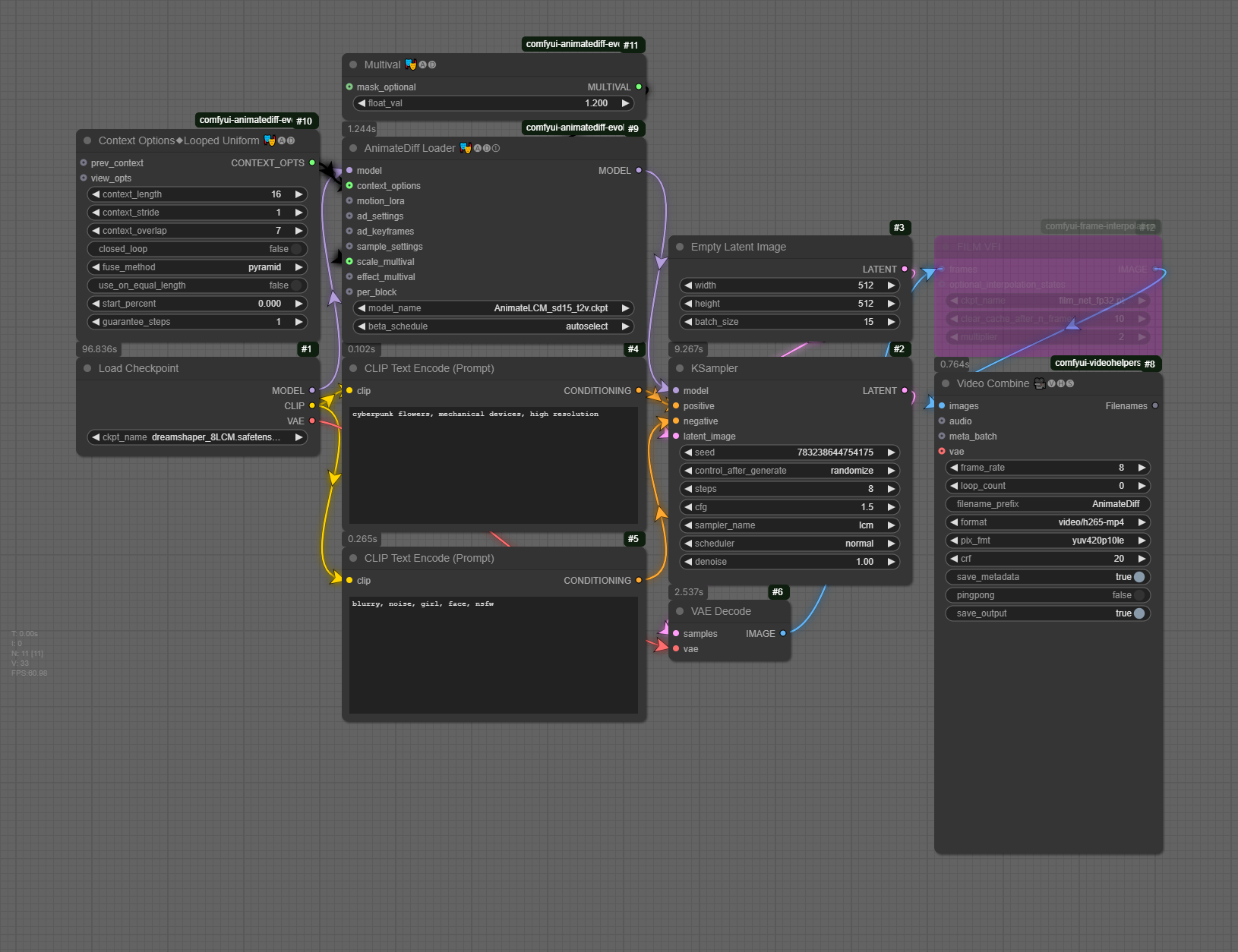
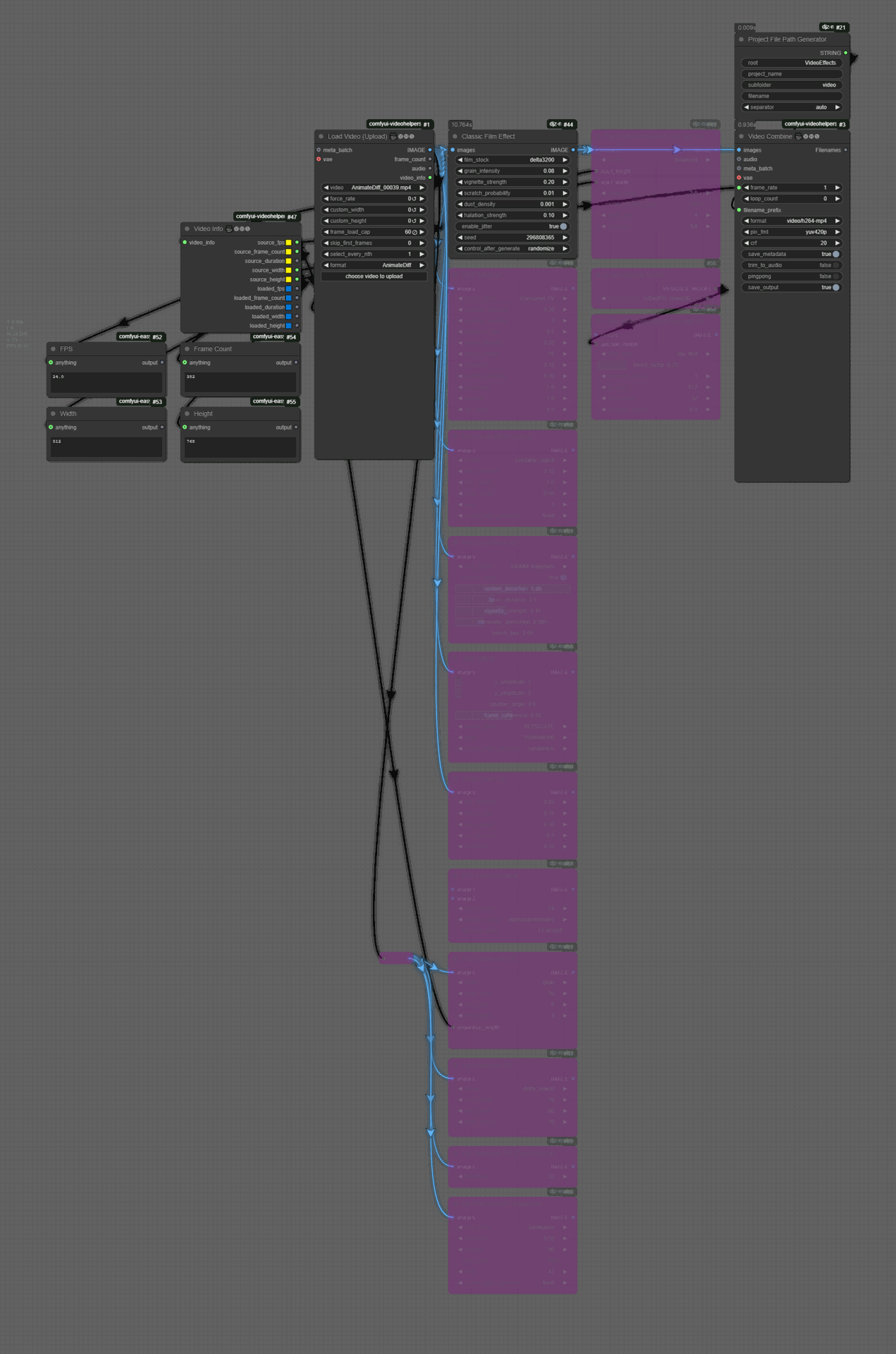
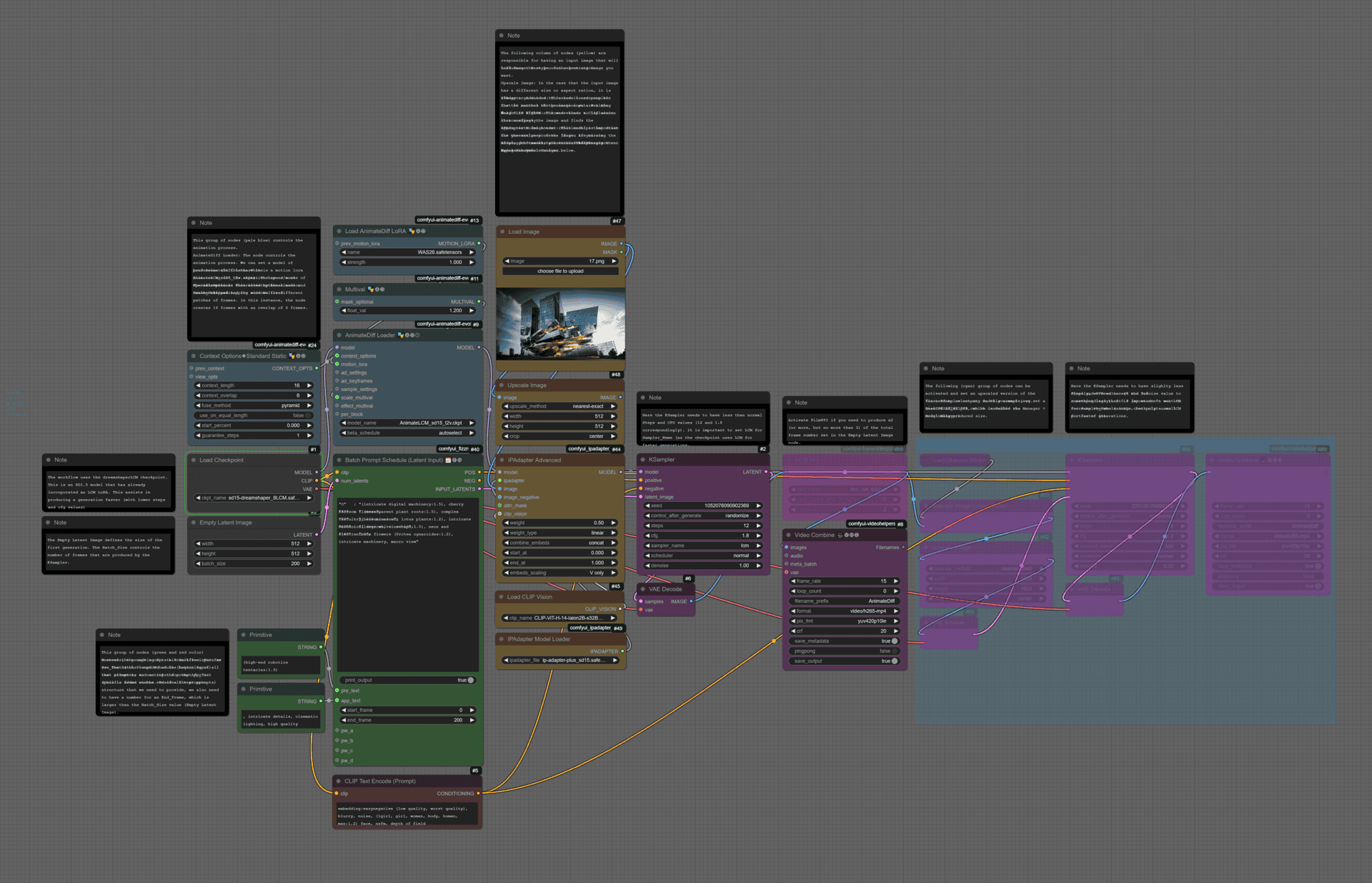
 📁📁RunPod Serverless Tutorial (run Generative AI models on the cloud)
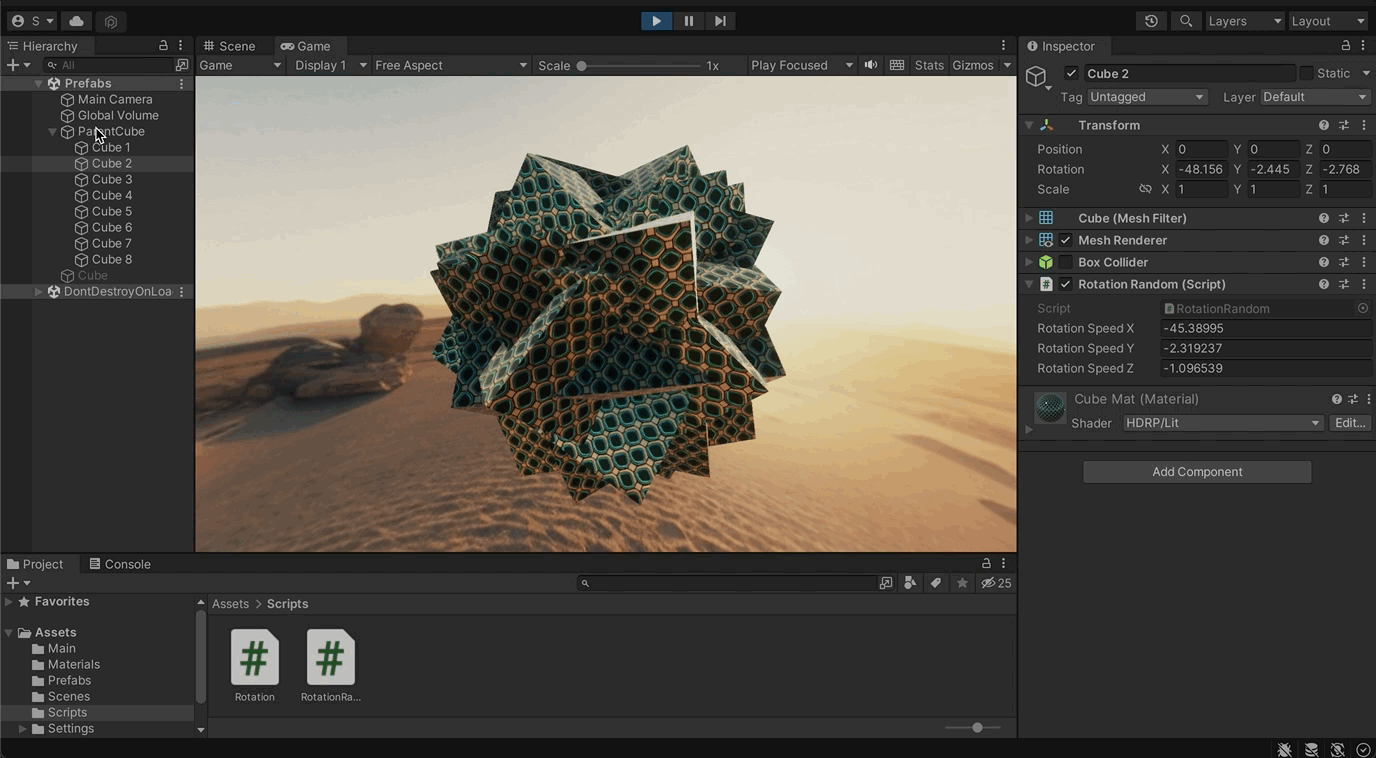
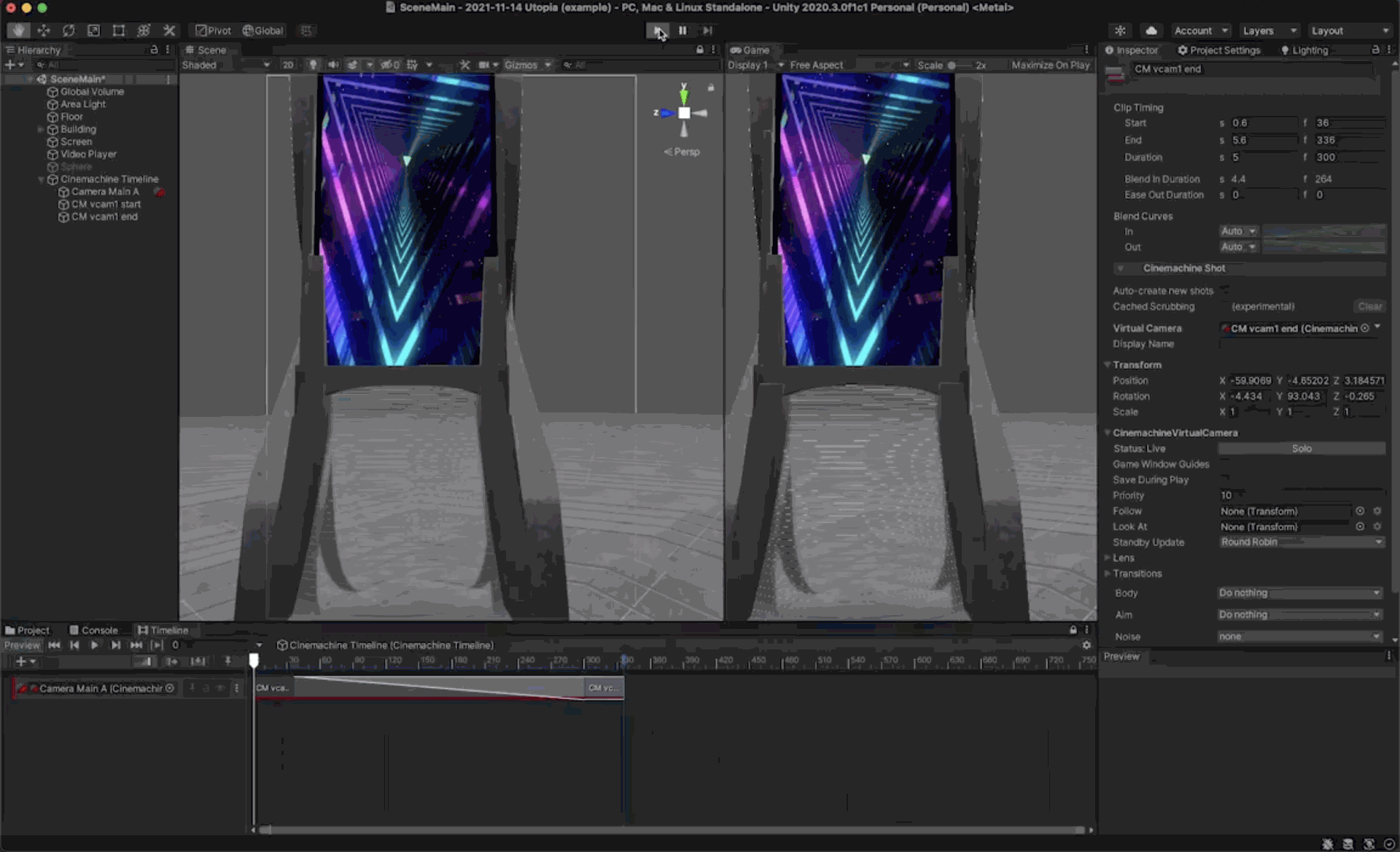
 📁Unity Workshop: HDRP & Lighting
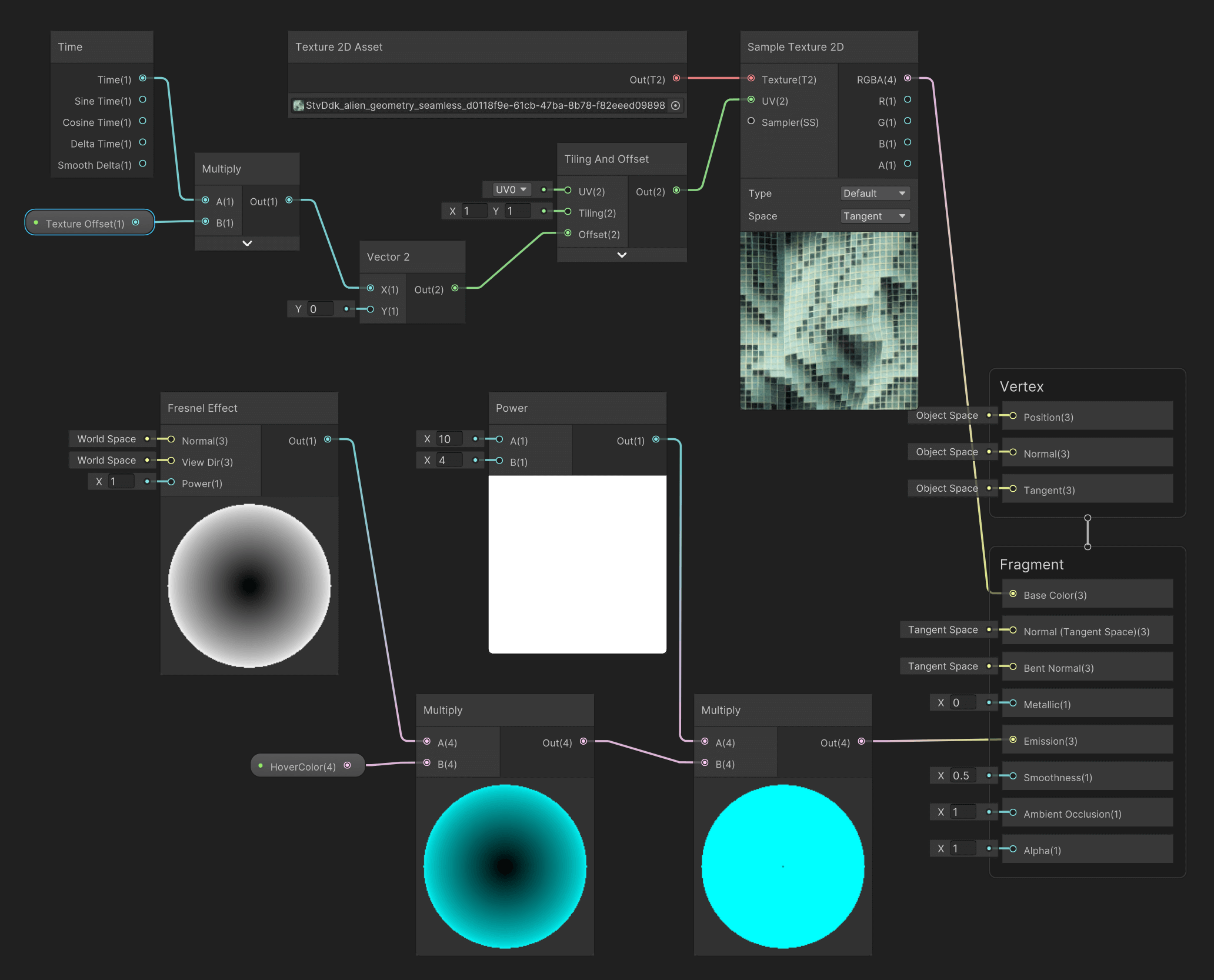
 📁Unity Workshop: Textures, Shaders, Video, Recorder
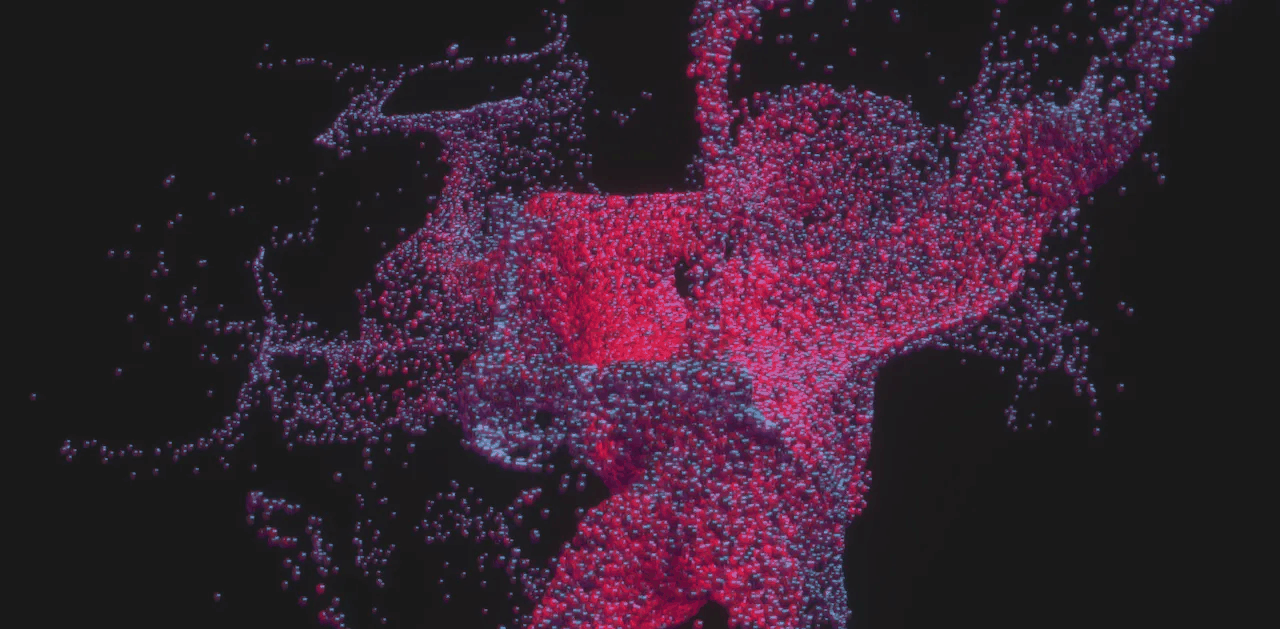
 📁Unity Workshop: Visual Effect Graph
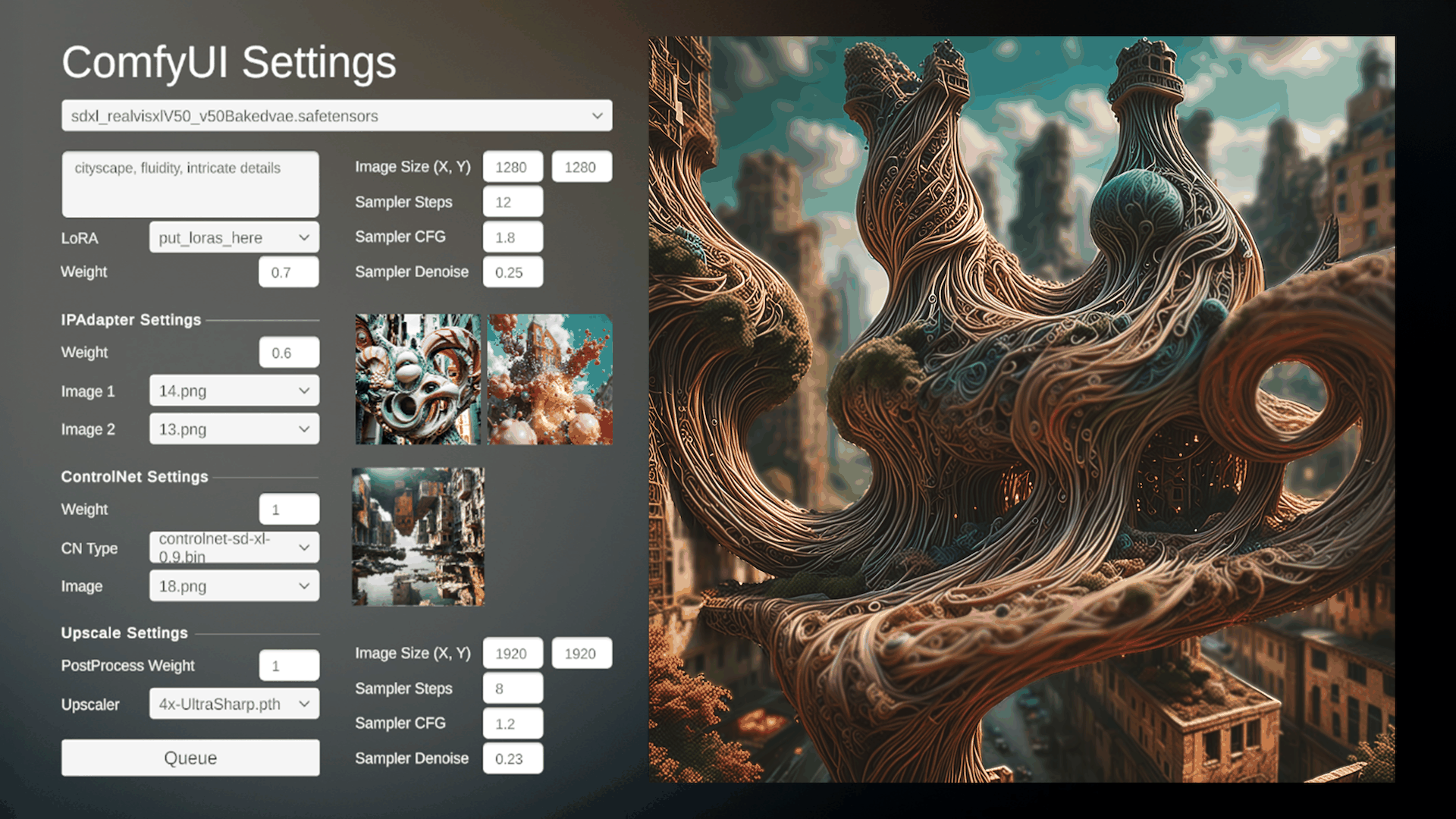
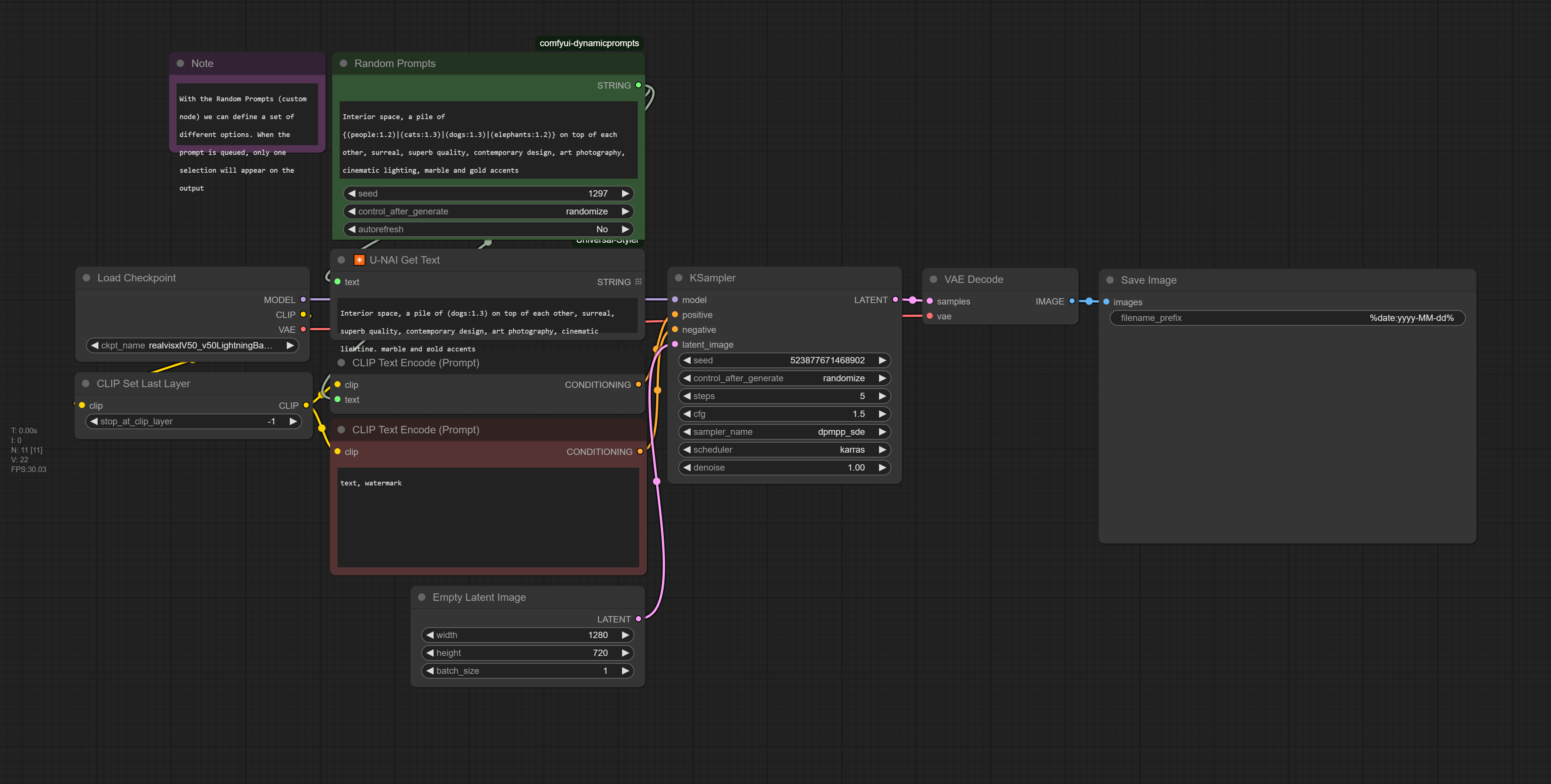
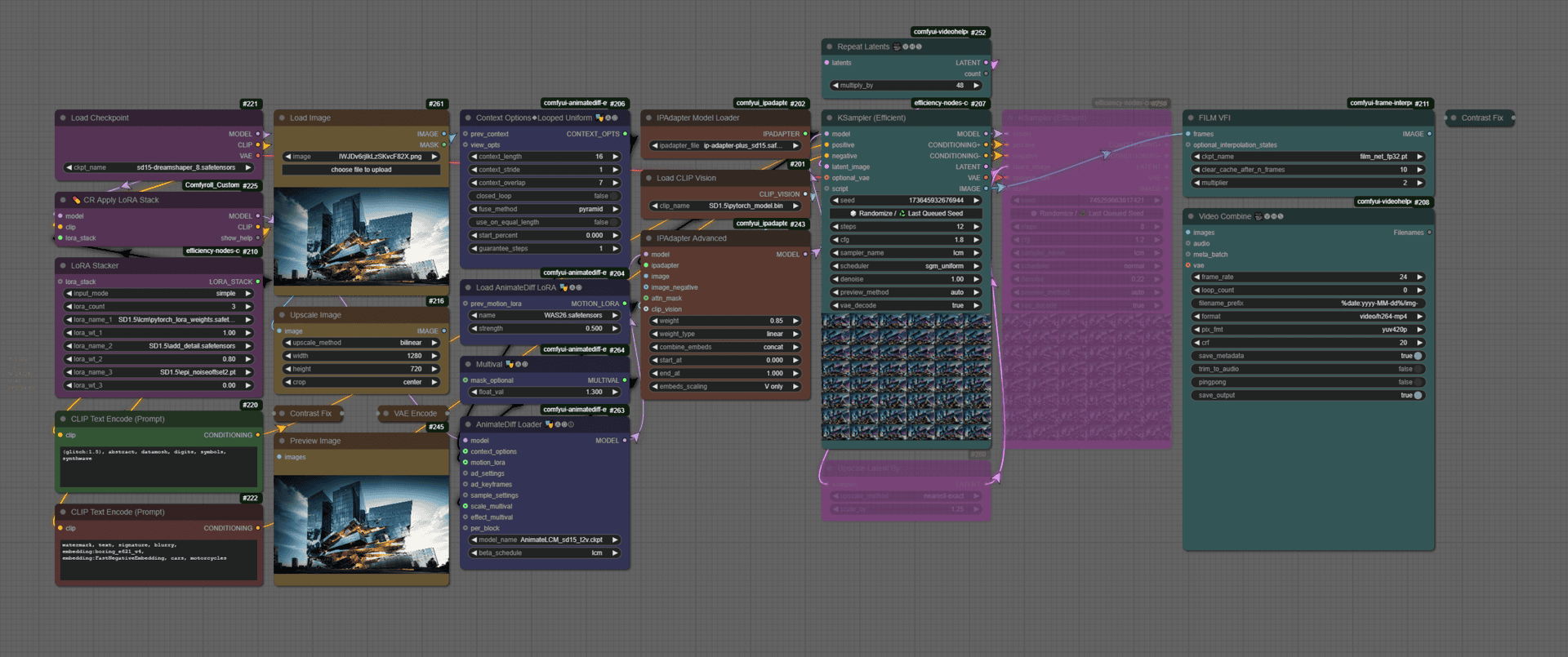
 📁📁Unity Workshop: AI Art Integrations, Creative Coding
 📁
📁


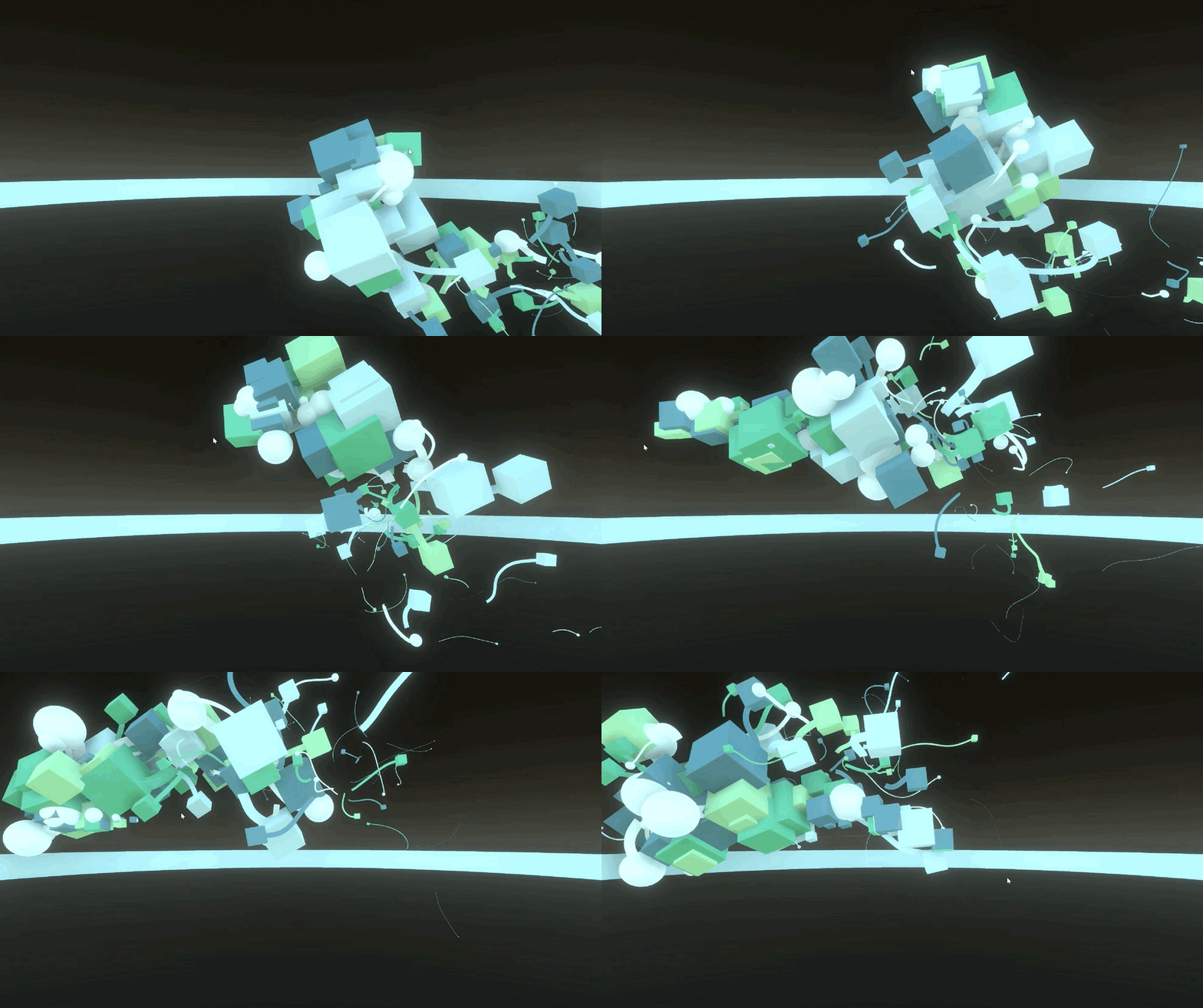
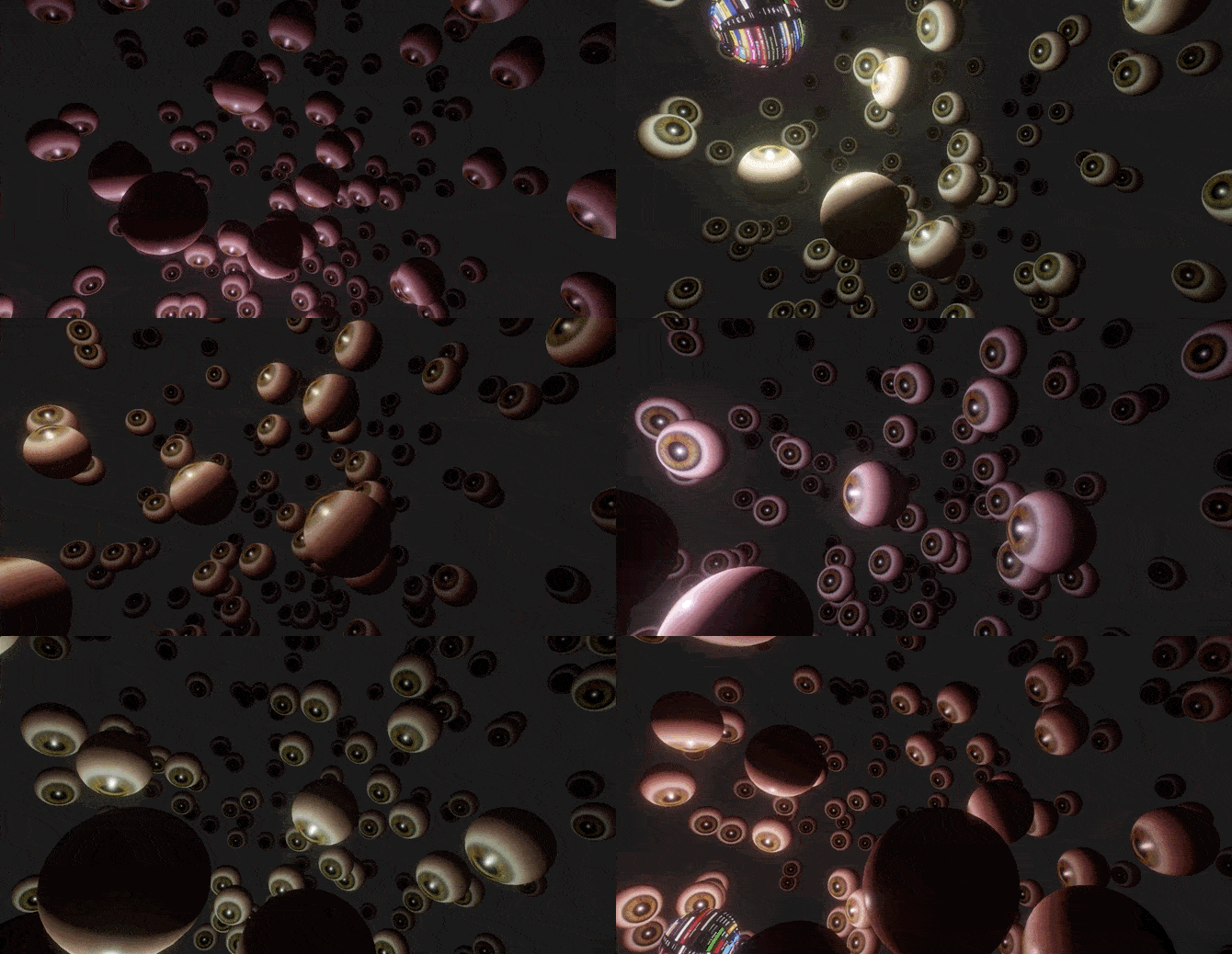



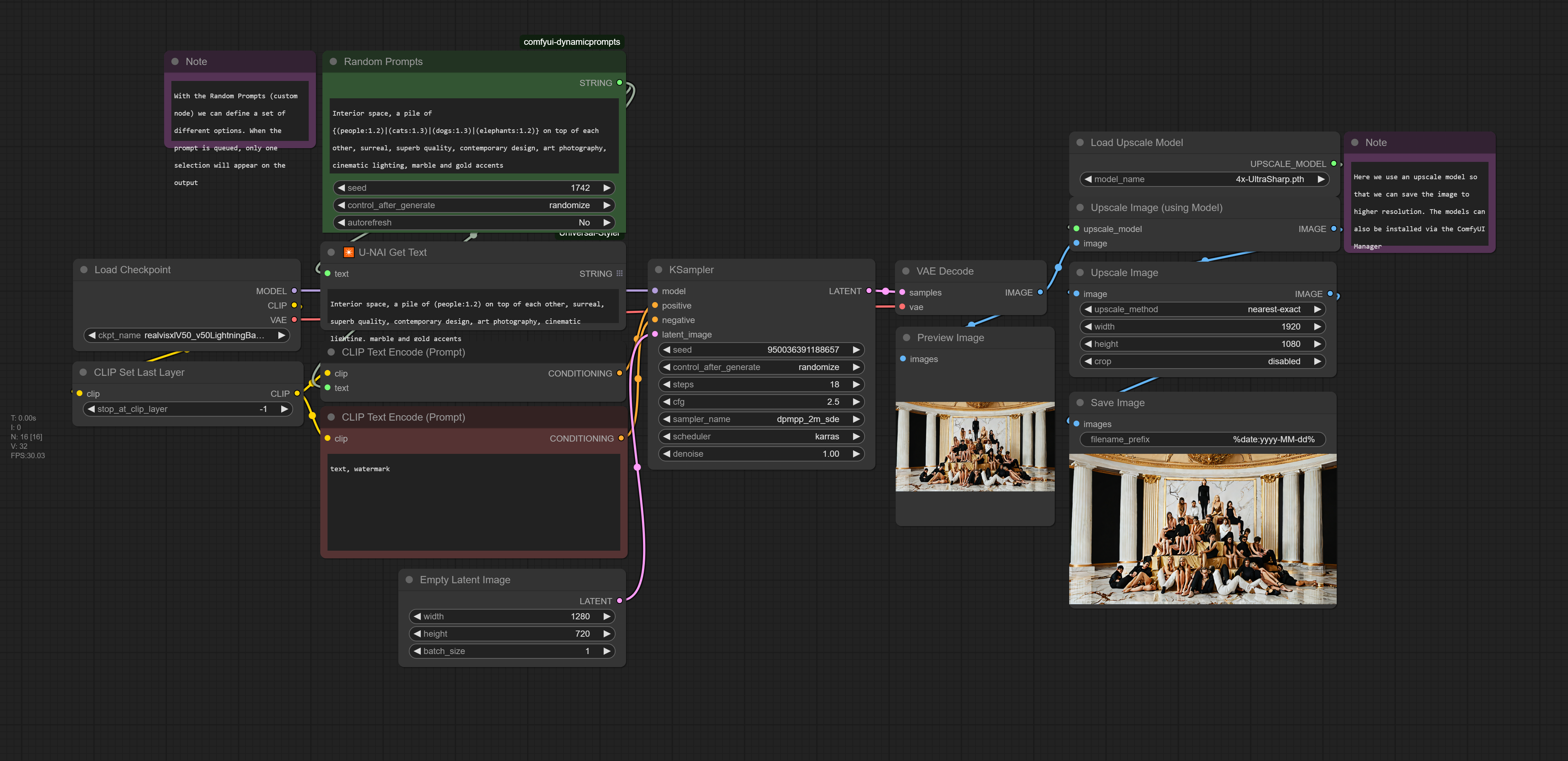
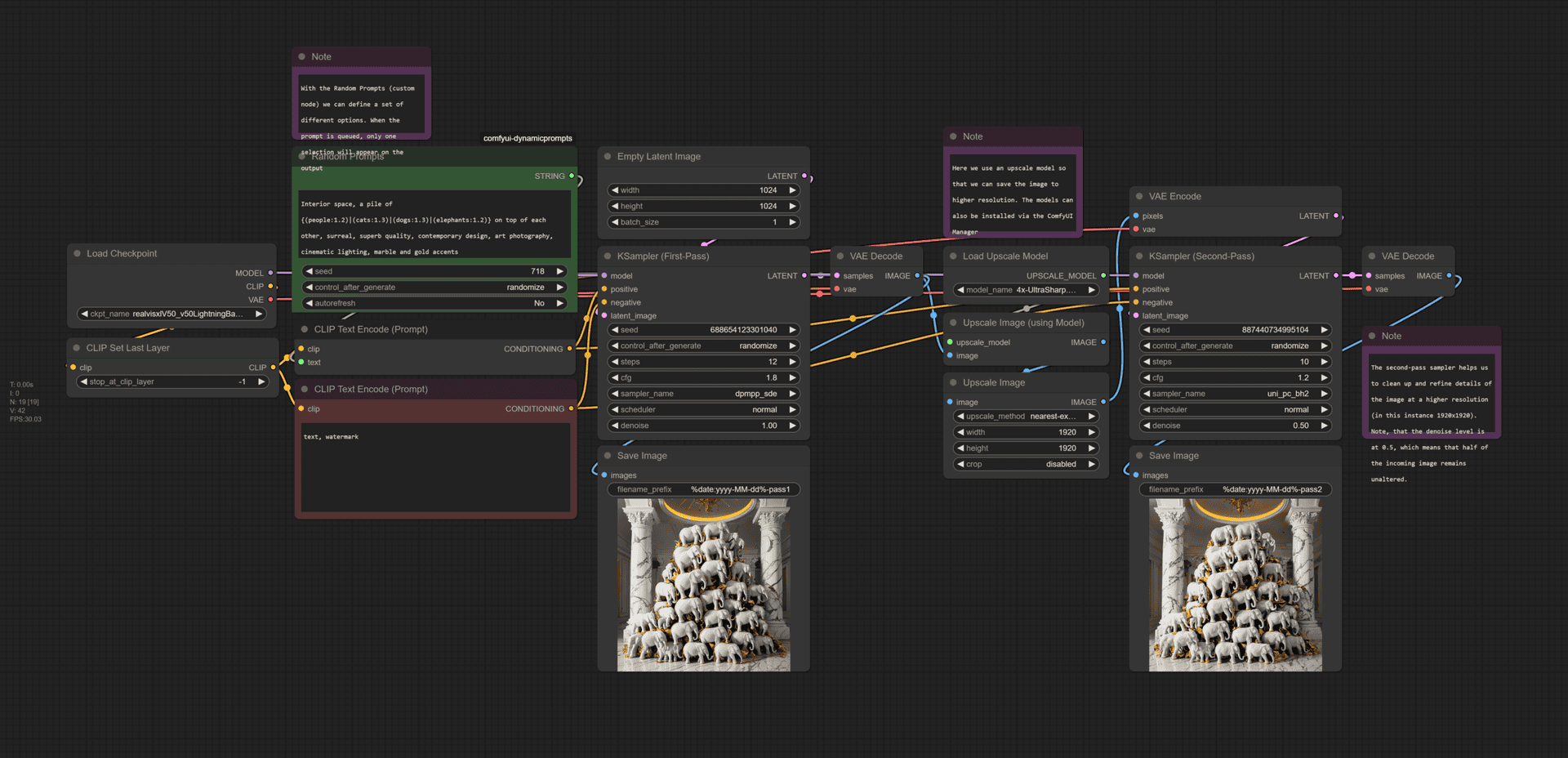
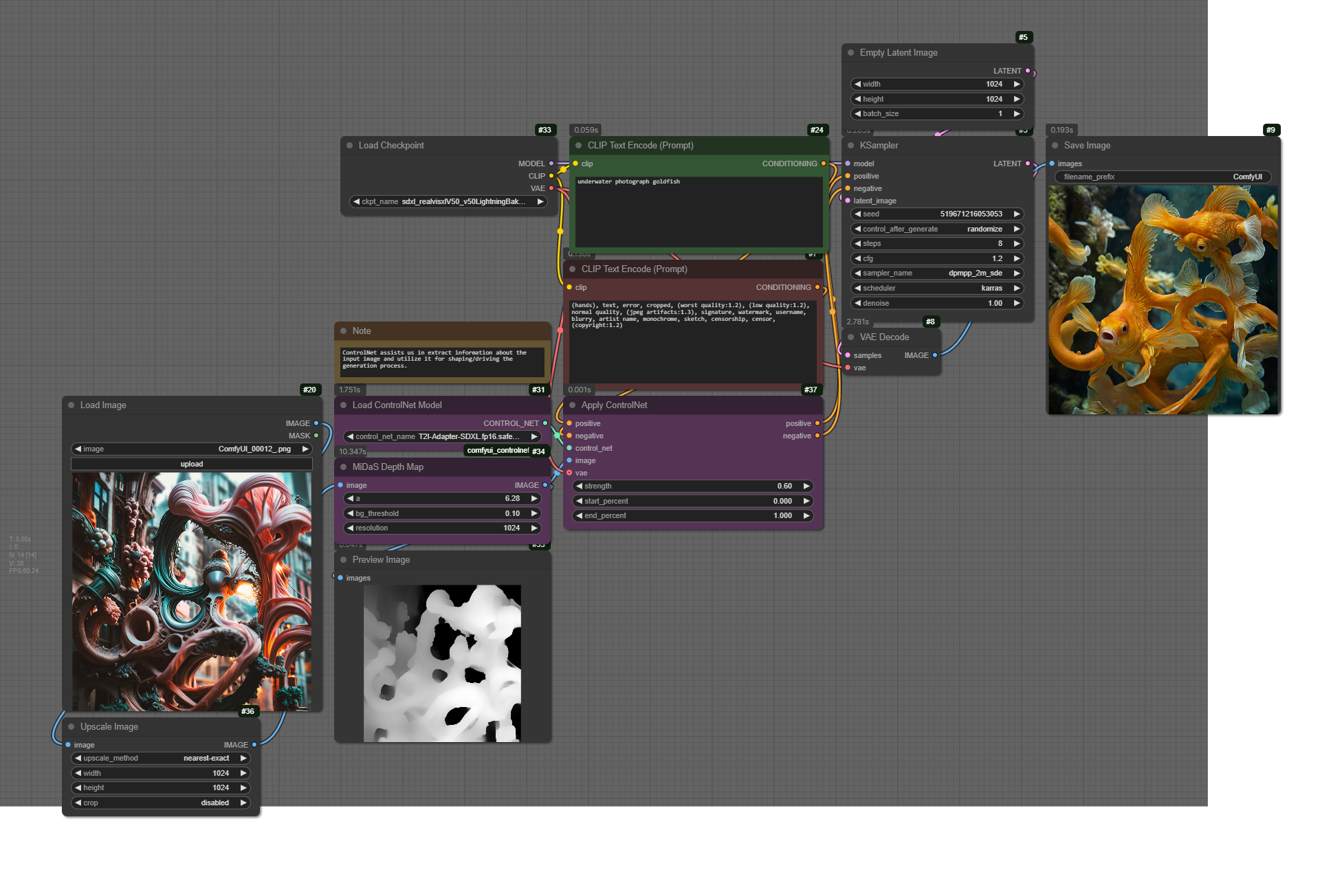
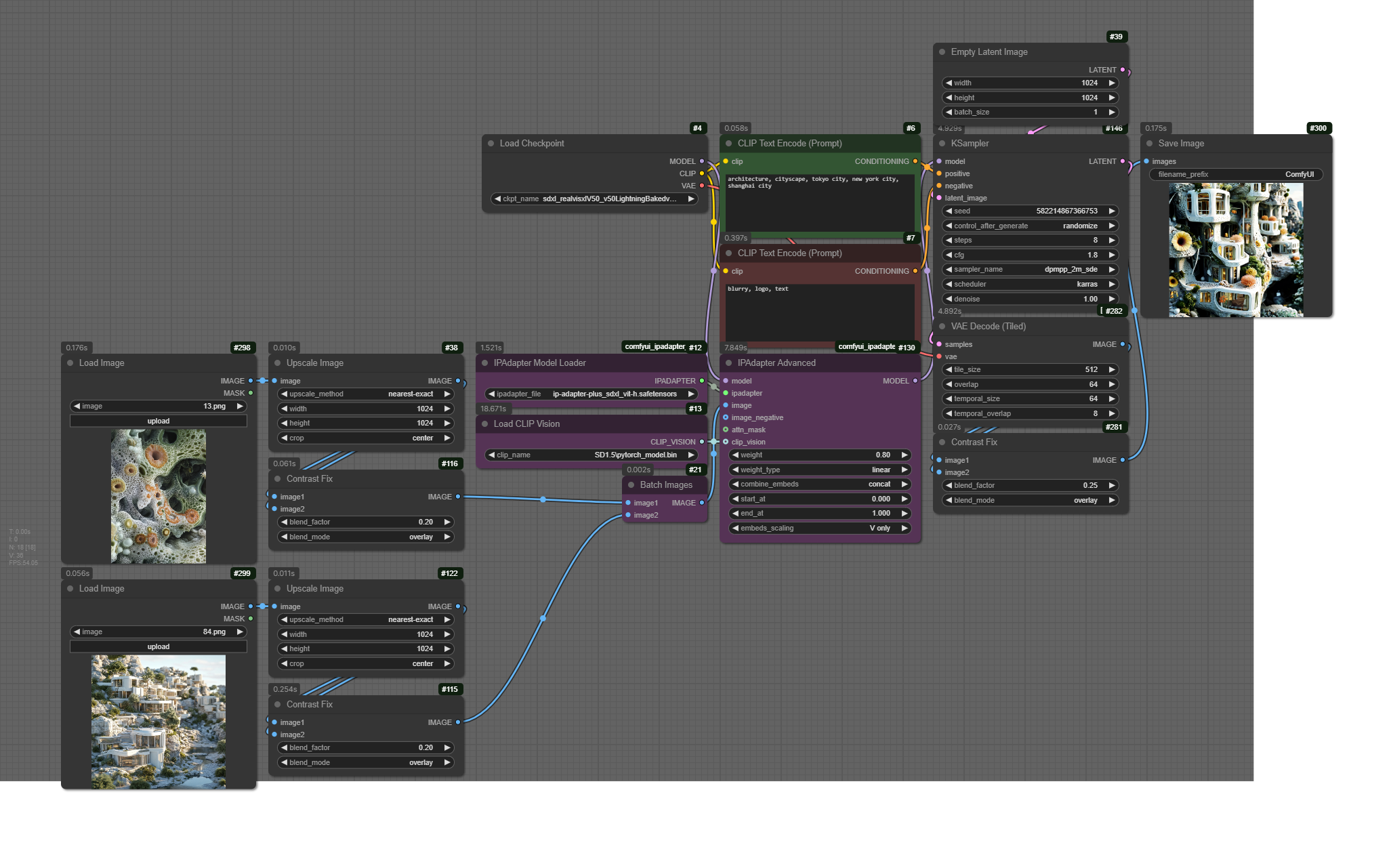









 📁https://github.com/stavrosdidakis/P5-Socketshttps://github.com/stavrosdidakis/Node-MQTT-Tutorial📁📁
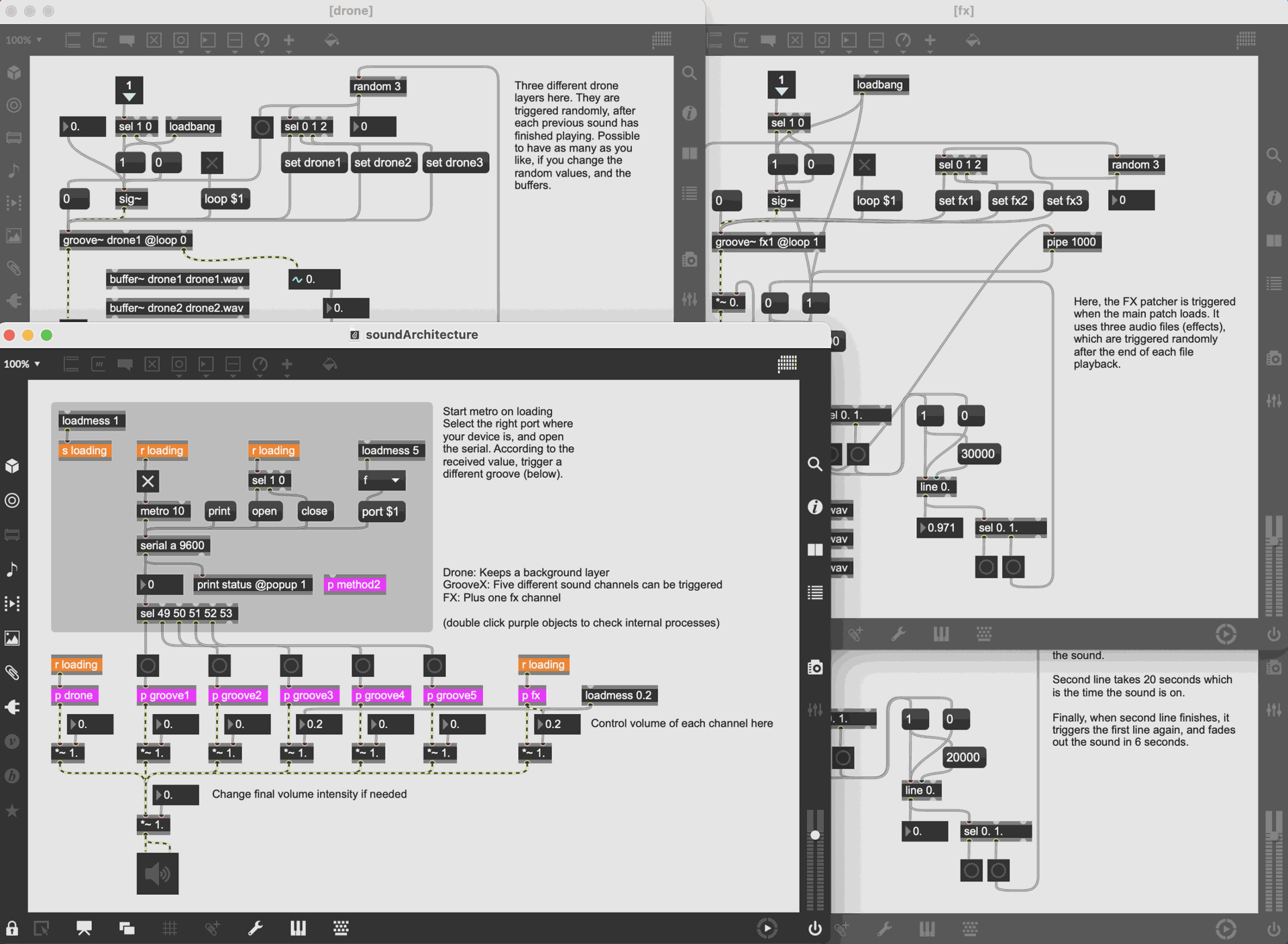
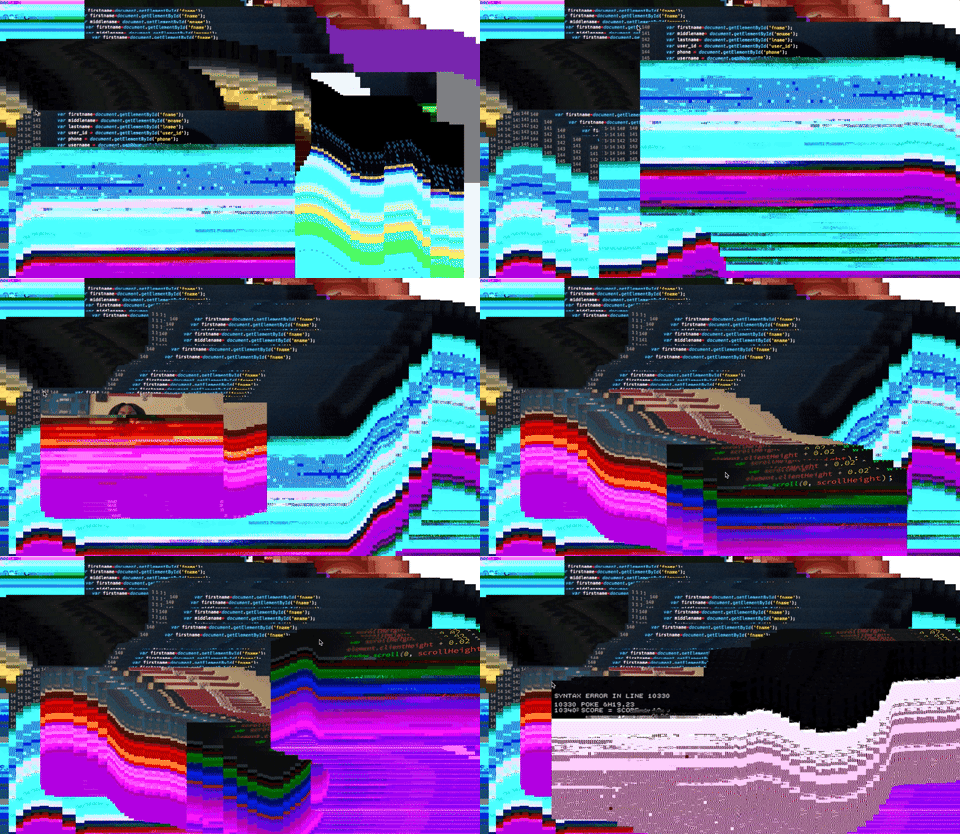
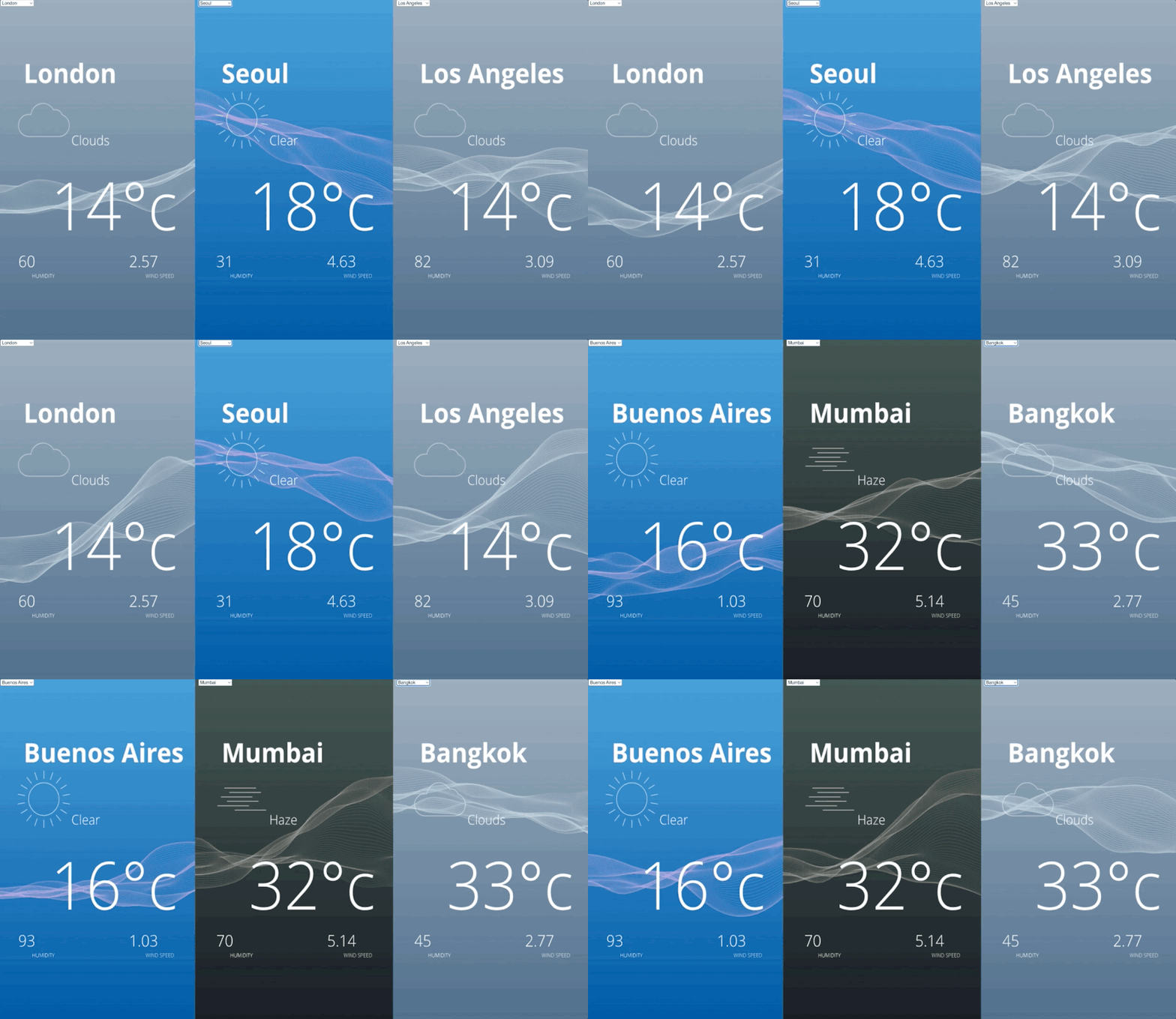
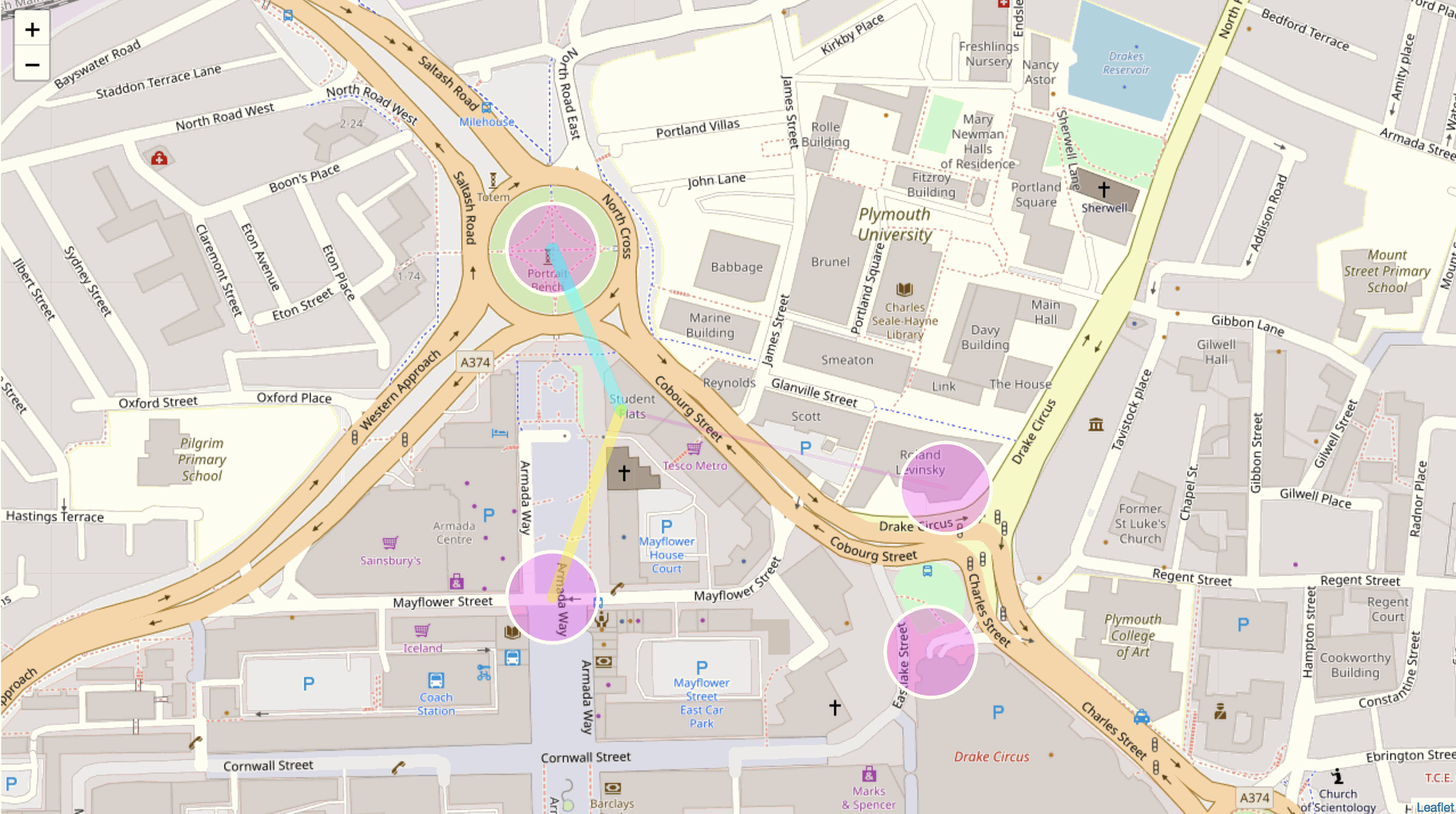
 https://www.youtube.com/watch?app=desktop&v=WKIgXjXFC5w
 Software
 Category
 https://www.photopea.com/
 https://www.gimp.org/downloads/

 https://inkscape.org/
 https://krita.org/en/

 https://mubert.com/


 https://christianjmills.com/posts/deep-learning-unity-intro/index.html
 https://rubenfro.com/
 https://benjaminbardou.com/
 https://unity.com/
 https://www.unrealengine.com/en-US

 https://www.khroma.co/generator
 http://colormind.io/
 https://www.sketchbook.com/


 https://runwayml.com/
 https://fontjoy.com/
 https://www.capcut.com/
 https://www.openshot.org/
 https://lwks.com/
 https://runwayml.com/
 https://lmms.io/
 https://www.audacityteam.org/
 https://ardour.org/
 https://www.blender.org/
 https://meshmixer.com/

 https://www.maxon.net/en/zbrushcoremini
 https://assetstore.unity.com/

 https://www.turbosquid.com/?&utm_source=google&utm_medium=cpc&utm_campaign=HK-en-TS-Brand&utm_content=Brand-TurboSquid&utm_term=turbosquid&mt=e&dev=c&itemid=&targid=kwd-297496938642&loc=2344&ntwk=g&dmod=&adp=&gclid=EAIaIQobChMIwLXK4dOD_QIVV3mLCh3VDgNgEAAYASAAEgLiSvD_BwE&gclsrc=aw.ds
 https://sketchfab.com/features/free-3d-models
 https://quixel.com/megascans/
 https://ambientcg.com/
 https://www.sharetextures.com/
 https://www.shadertoy.com/
 https://shaderfrog.com/app



 https://www.figma.com/
 https://uizard.io/design-assistant/

 https://www.kicad.org/

 https://miro.com/
 https://giphy.com/apps/giphycapture
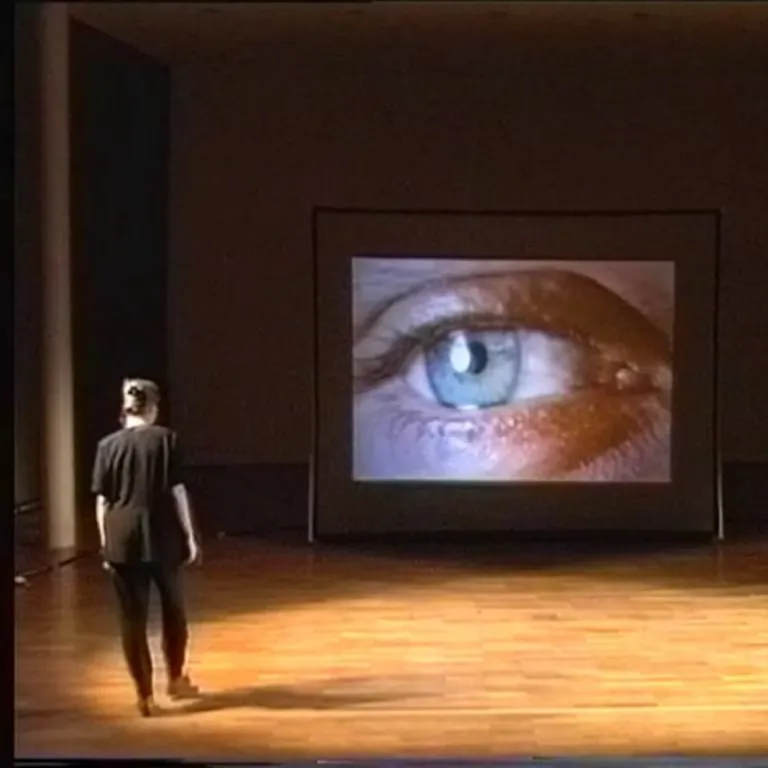
 https://www.blasttheory.co.uk/projects/can-you-see-me-now/
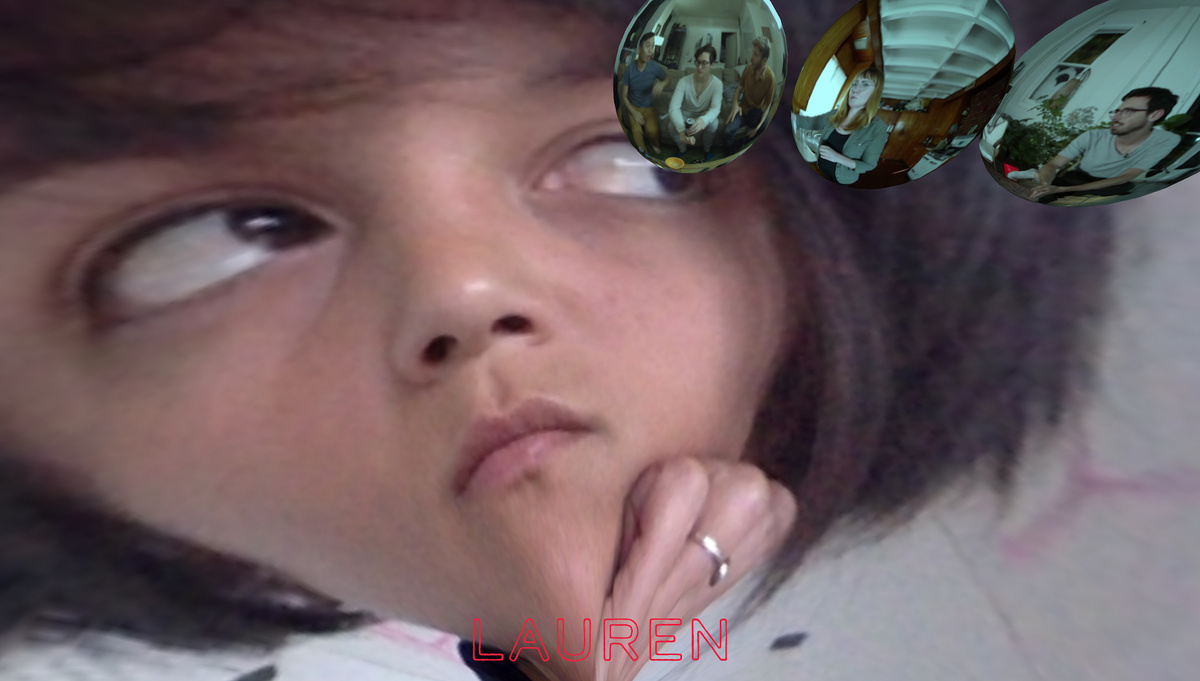



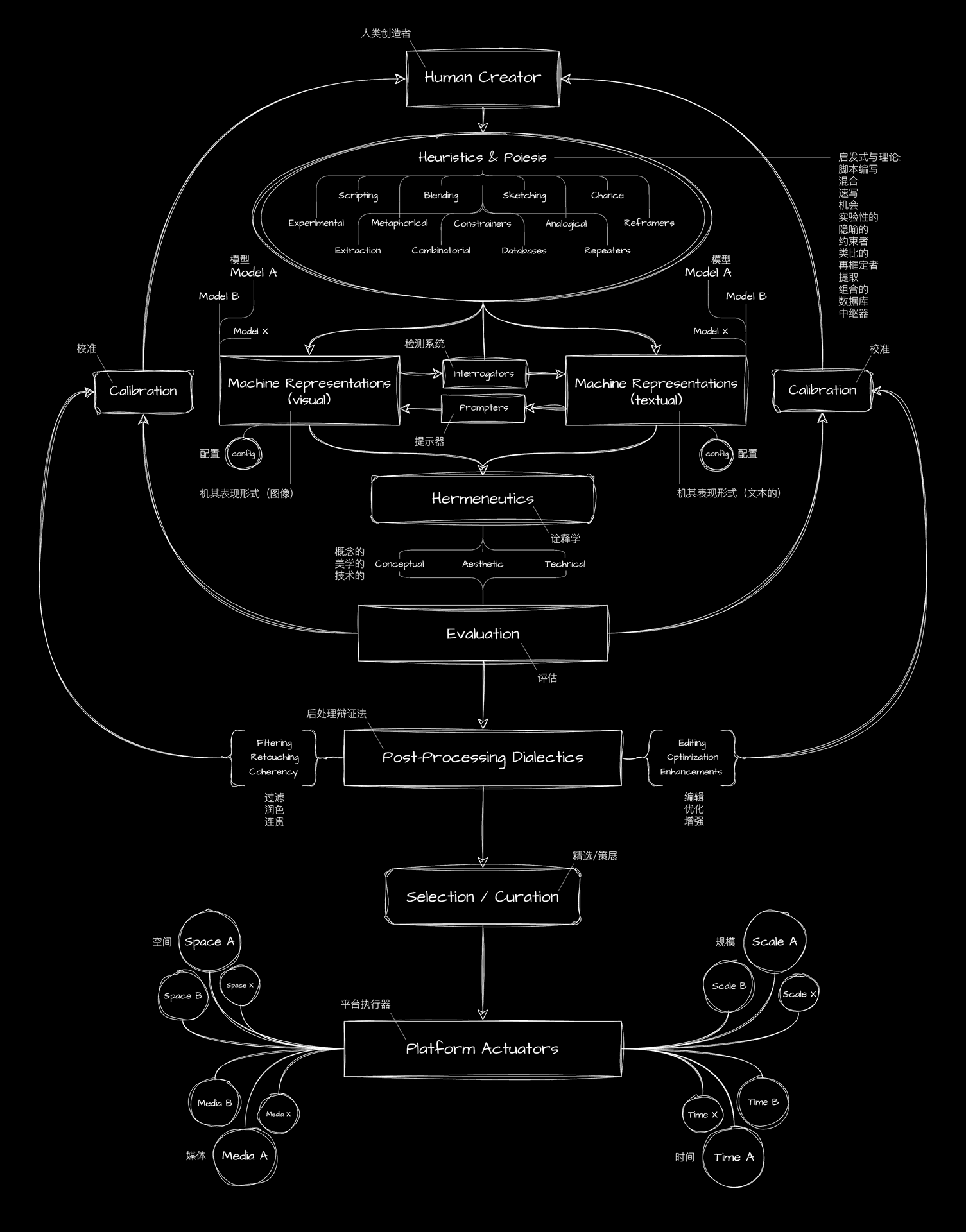
 https://www.youtube.com/watch?v=VMn8Xy3_85U
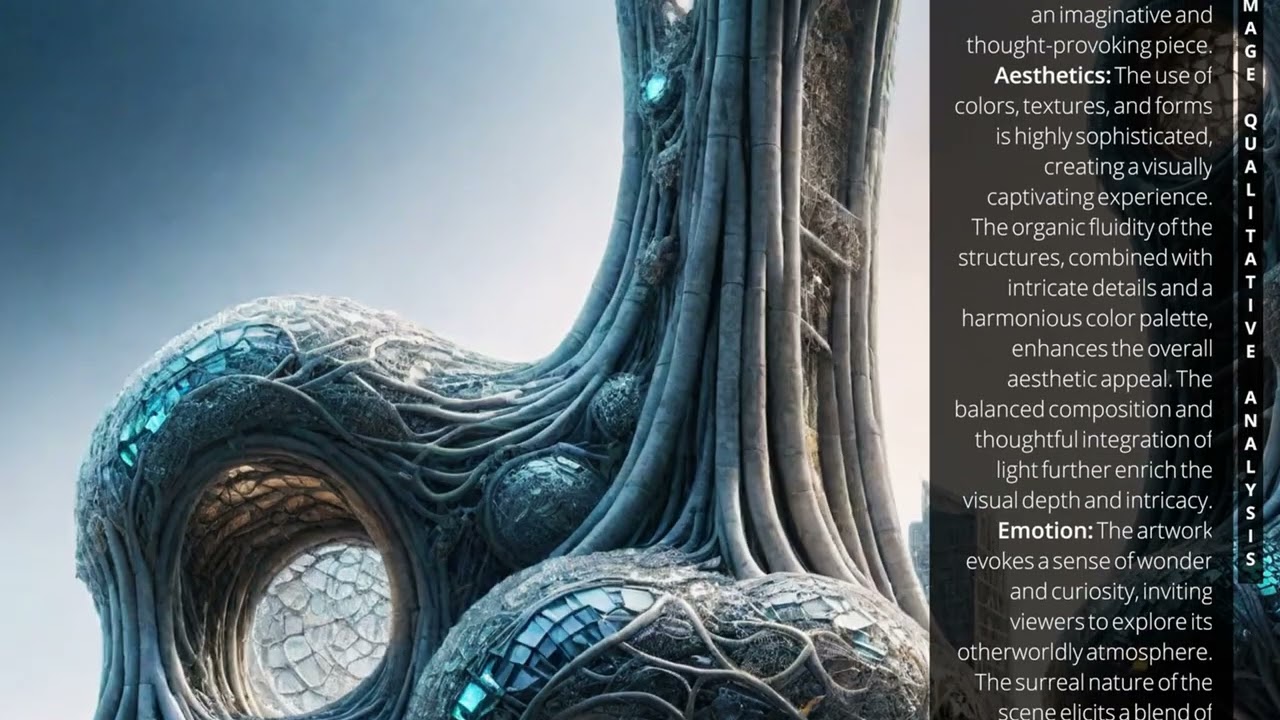

 https://digitalartarchive.at/archive/artist-index
 https://aiartists.org/generative-art-design
 https://en.wikipedia.org/wiki/Category%3ANew_media_artists?utm_source=chatgpt.com